Short stories
A painted short film from a paragraph
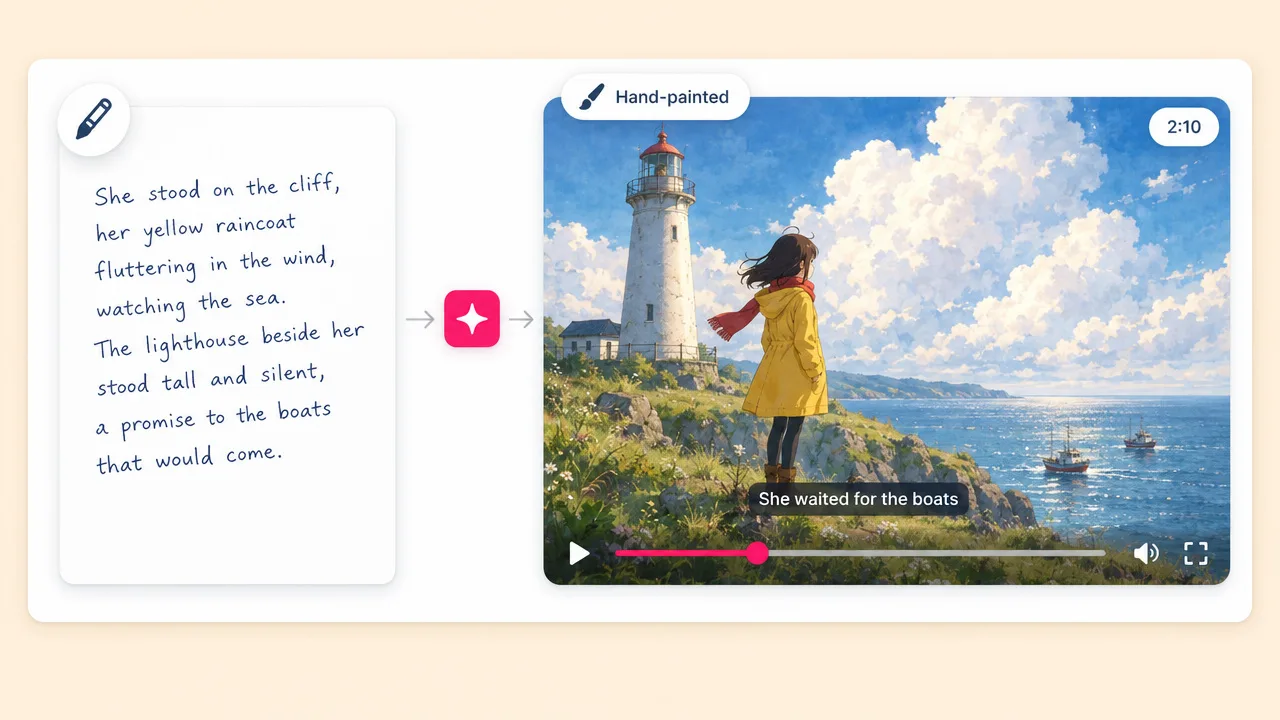
Write a small story about a place and a person, and get a narrated video that looks hand-painted from start to finish.
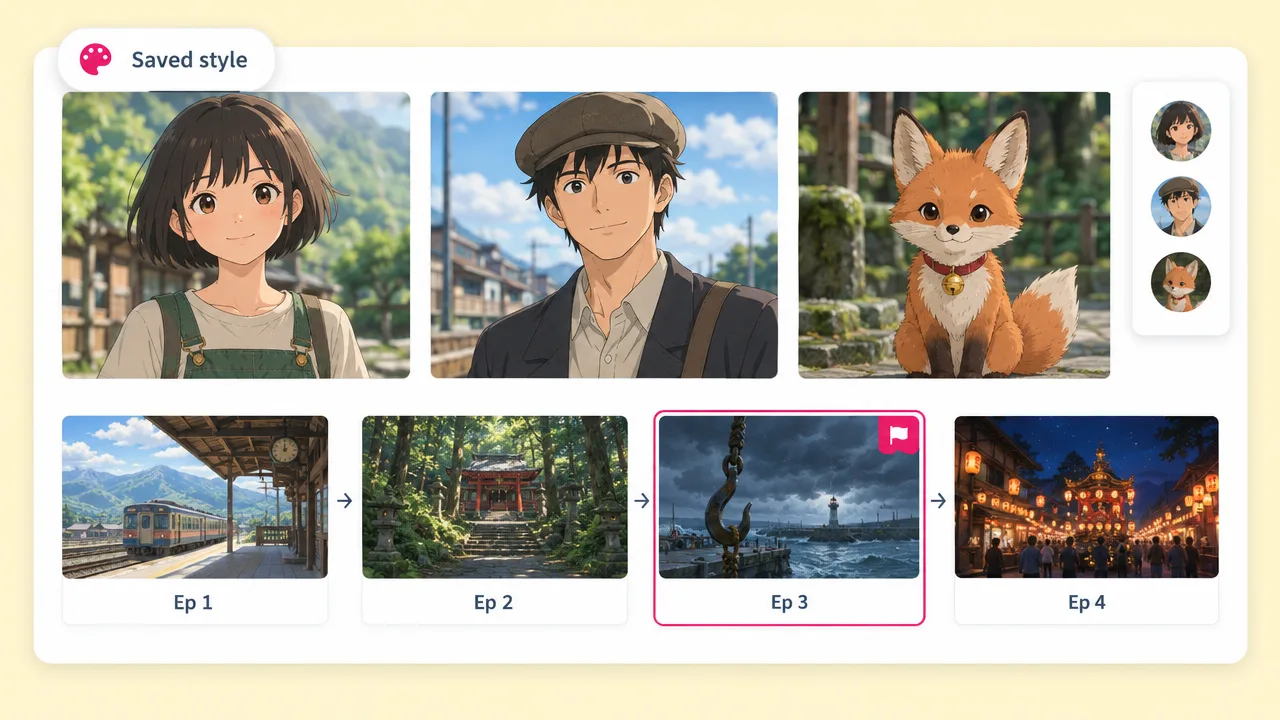
Give Fliki one frame in the soft, hand-painted anime look you want, and it becomes the style of the whole video. Describe the story and get narrated scenes with original characters who look the same in every shot.
Your style from one frame · Original characters · 30 seconds to 4 minutes
Why storytellers pick Fliki for Ghibli-style video
Most Ghibli AI tools restyle a photo or a single clip. Fliki locks your style and your cast for every scene of a narrated story.
Upload a single image in the hand-painted anime look you want. Fliki reads it, writes the style description, and uses the frame as the style guide on every render.
Each character is drawn once as a reference sheet in your style, and every clip carries those sheets, so faces and clothes do not change between scenes.
A planning model writes the story in scenes and shots first. Then every shot is rendered in the same painted look, from the opening vista to the last frame.
Keep up to five custom styles as tiles beside the presets and reuse your painted look on the next video without uploading again.
Add up to 600 characters of direction to a saved style: slow drifting camera, wind in the grass, quiet held moments. It rides every clip prompt.
No reference yet? Quill gives picture-book washes, 2D Illustrator gives lineless gouache with paper grain, and Anime gives clean ink lines.
The voiceover is recorded first and each scene is cut to its read, in any of Fliki's narration voices.
Clips render on H3 Max at 720p by default, with up to nine reference images per clip. H3 Fast and the Seedance 2.0 tiers are alternatives.
Render 16:9 for YouTube, 9:16 for Reels and Shorts, or 1:1 for the feed from the same project.
How it works
From a story idea to a narrated, hand-painted anime video with a consistent cast.
A few sentences about the place, the characters and what happens. Or paste a full script.
Upload a reference image in the painted anime look you want, one you made or have the right to use. It is saved as your own style tile.
Fliki breaks the story into scenes and draws each character once in your style. Adjust anything before the clips render.
Narration is recorded, clips render with the style frame and cast sheets attached, and the video exports in the aspect ratio you picked.
Use cases for a Ghibli-style AI video generator
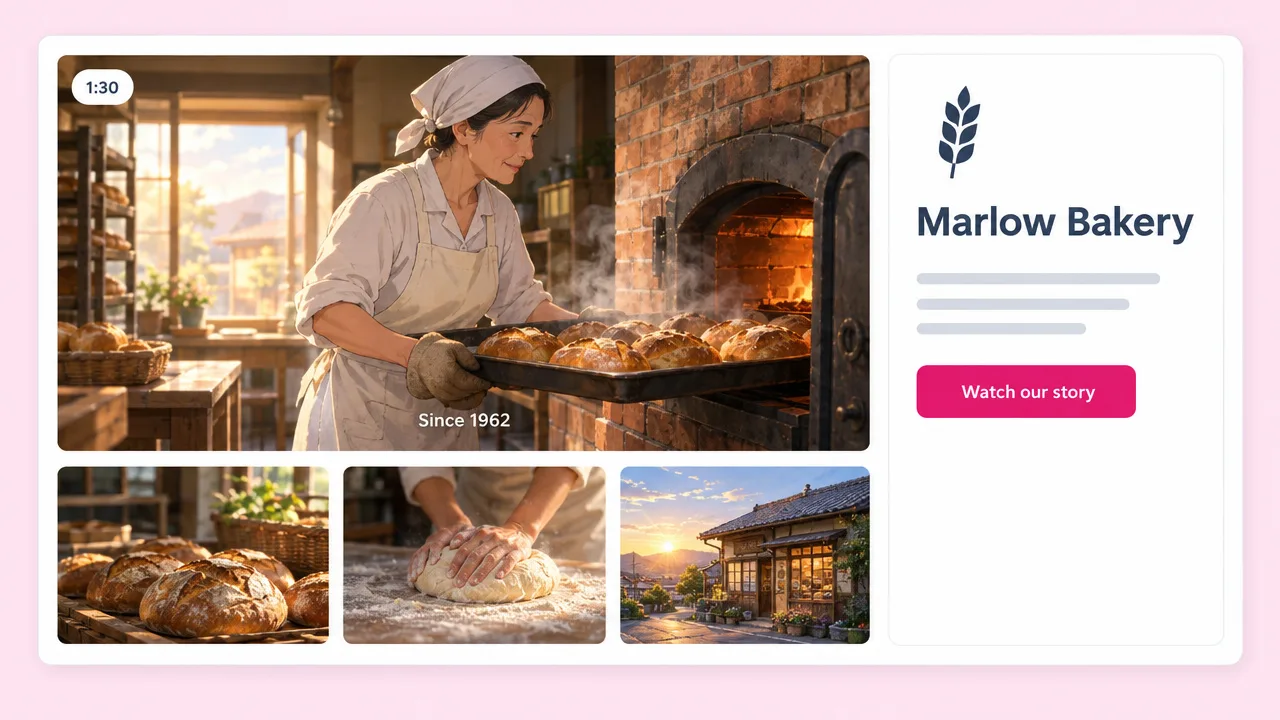
Bedtime tales, travel memories, lo-fi loops and brand stories in a hand-painted anime look.
Write a small story about a place and a person, and get a narrated video that looks hand-painted from start to finish.
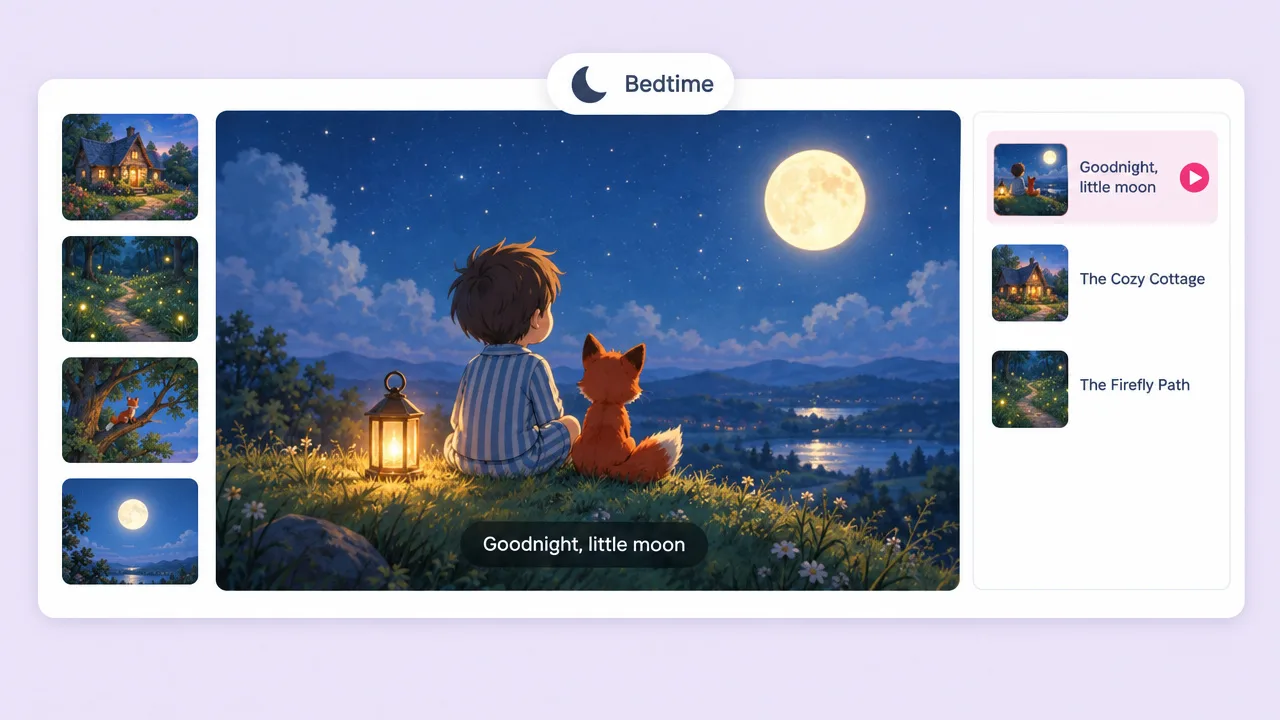
A quiet, warm painted style suits bedtime tales and picture-book stories read aloud by a calm narrator.
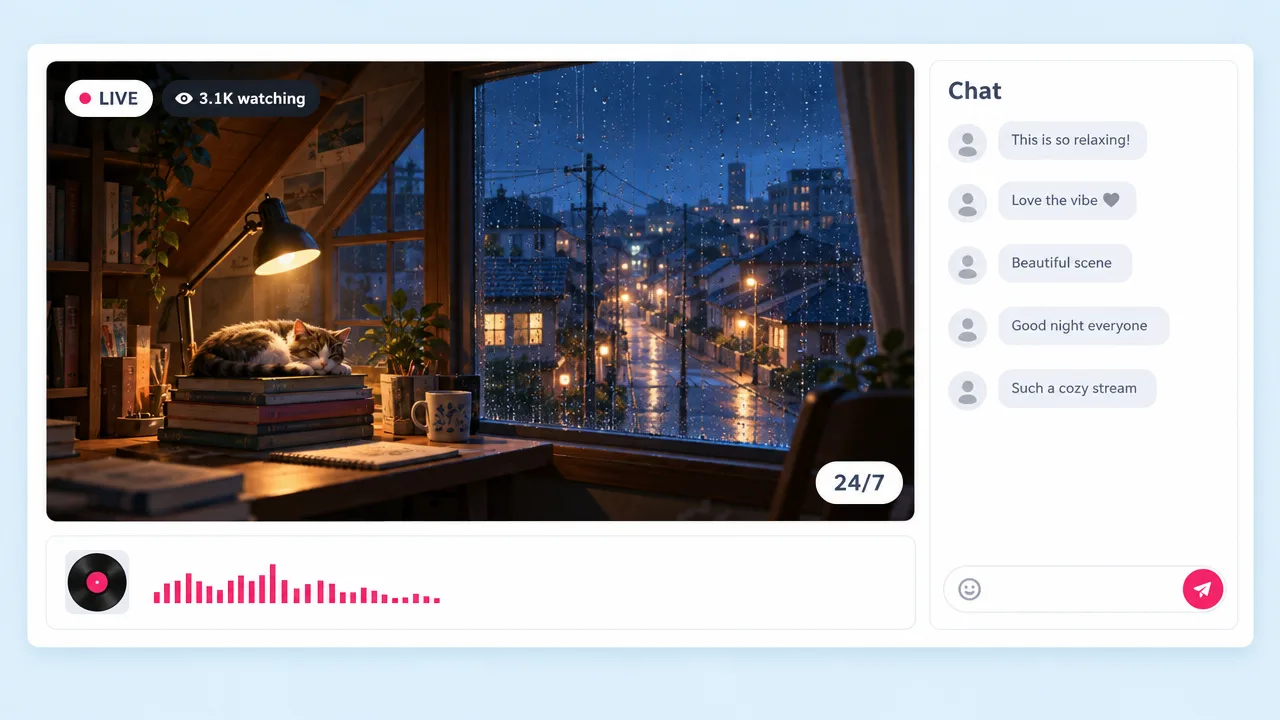
Drifting clouds, a lit window, rain on a quiet street. Painted scenes pair well with a lo-fi loop.
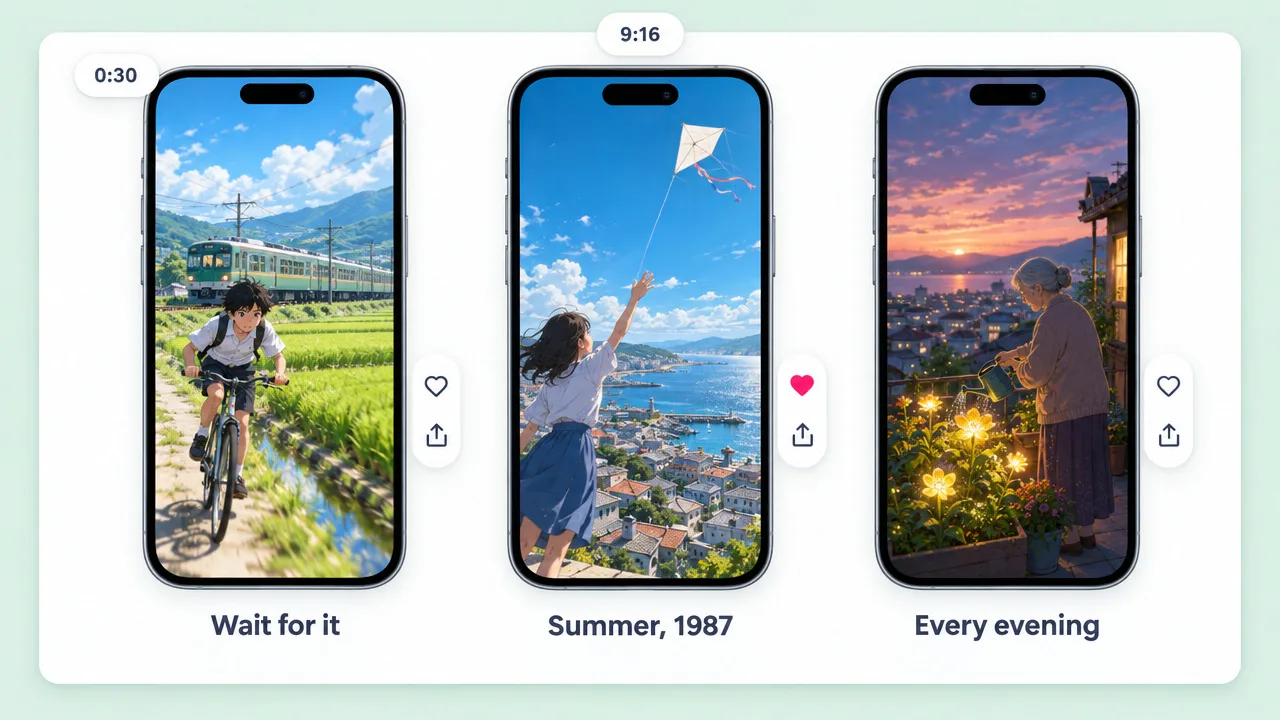
Render at 9:16 and post a thirty-second painted story to Reels, TikTok or Shorts.
Ghibli-style AI video generator FAQ
How the style is set, what Fliki creates, how it compares to Revid, Fotor, Pollo and Vidnoz, and what it costs.
Tools
Upload your style reference, describe the story, and Fliki renders it with a cast that stays itself.
Make a Ghibli-style videoFree forever plan · No credit card required · Cancel anytime