video model · by Kuaishou
Kling 3.0 Standard AI Video Generator
Turn prompts and reference images into cinematic 1080p HD videos with Kling 3.0 Standard - Kuaishou's flagship AI video model. Generate multi-shot narratives with directional physics, locked-in characters, and synchronized sound. Built for creators who want film-grade output without the film crew. Try it alongside every other leading model in our free AI video generator.
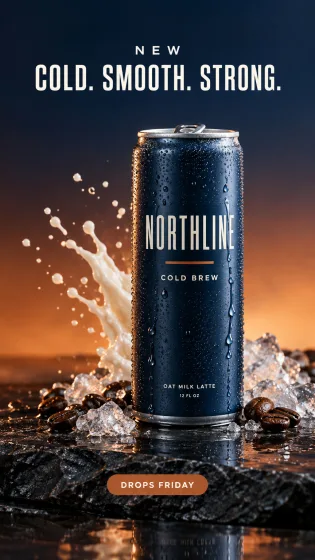
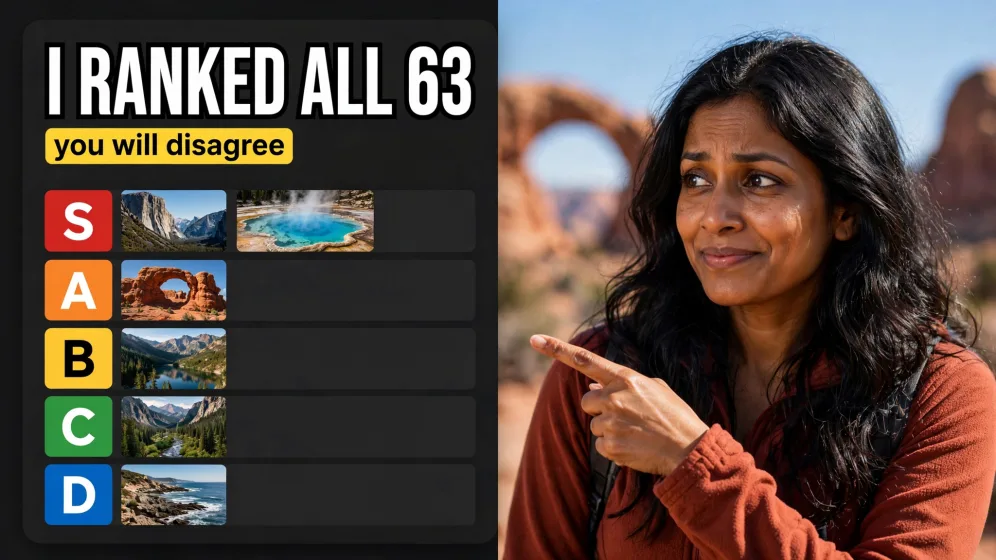
Generated with Kling 3.0 Standard
A handful of Kling 3.0 Standard clips generated inside Fliki, including multi-shot narratives. No edits, no post.
Prompt
Prompt
Prompt
Prompt
Prompt
Prompt
Prompt
What makes Kling 3.0 Standard different
Multi-shot cinematic narratives
Kling 3.0 generates sequences that cut between angles, subjects, and beats while maintaining scene coherence. Instead of isolated clips, you get short-film-grade storytelling - perfect for trailers, ads, and serialized social content.
Directional physics engine
Hair falls, cloth moves, water splashes, and vehicles decelerate in ways that match real-world physics. Kling 3.0's motion model handles inertia and momentum better than most competitors, which reduces the uncanny look common to AI video.
Native audio generation
Kling 3.0 generates synchronized sound with every clip - footsteps, wind, crowd noise, and dialogue cues - so each output ships with a working scratch audio bed, not silence.
Locked-in character consistency
Use a reference image to anchor a character's face, hair, and wardrobe, and Kling 3.0 keeps them consistent across shots and durations. Essential for brand spokespeople, recurring creators, and fictional protagonists.
Image-to-video and text-to-video
Start from either a written prompt or an uploaded image. Text-to-video is best for conceptual work; image-to-video is best when you already have the look and want motion, camera moves, or continuation.
1080p HD output
Every Kling 3.0 generation on Fliki is delivered at 1080p, no upscaling required. The model renders detail, lighting, and color at full resolution so clips hold up on large screens and retina displays.
15-second cinematic sequences
Kling 3.0 handles longer-form generations than most competing models, with stable quality across extended sequences. You can use that runway for full shot beats instead of jump-cutting between 3-second loops.
Reference-driven creative control
Feed in reference frames, style images, or previous generations to guide new shots. This "locked reference" approach is what makes Kling 3.0 reliable for campaigns that need visual continuity across dozens of outputs.
How it works
How to generate a video with Kling 3.0 Standard
Kling 3.0 Standard runs inside Fliki alongside the rest of your video stack. Here's how to go from idea to generated clip in six steps.
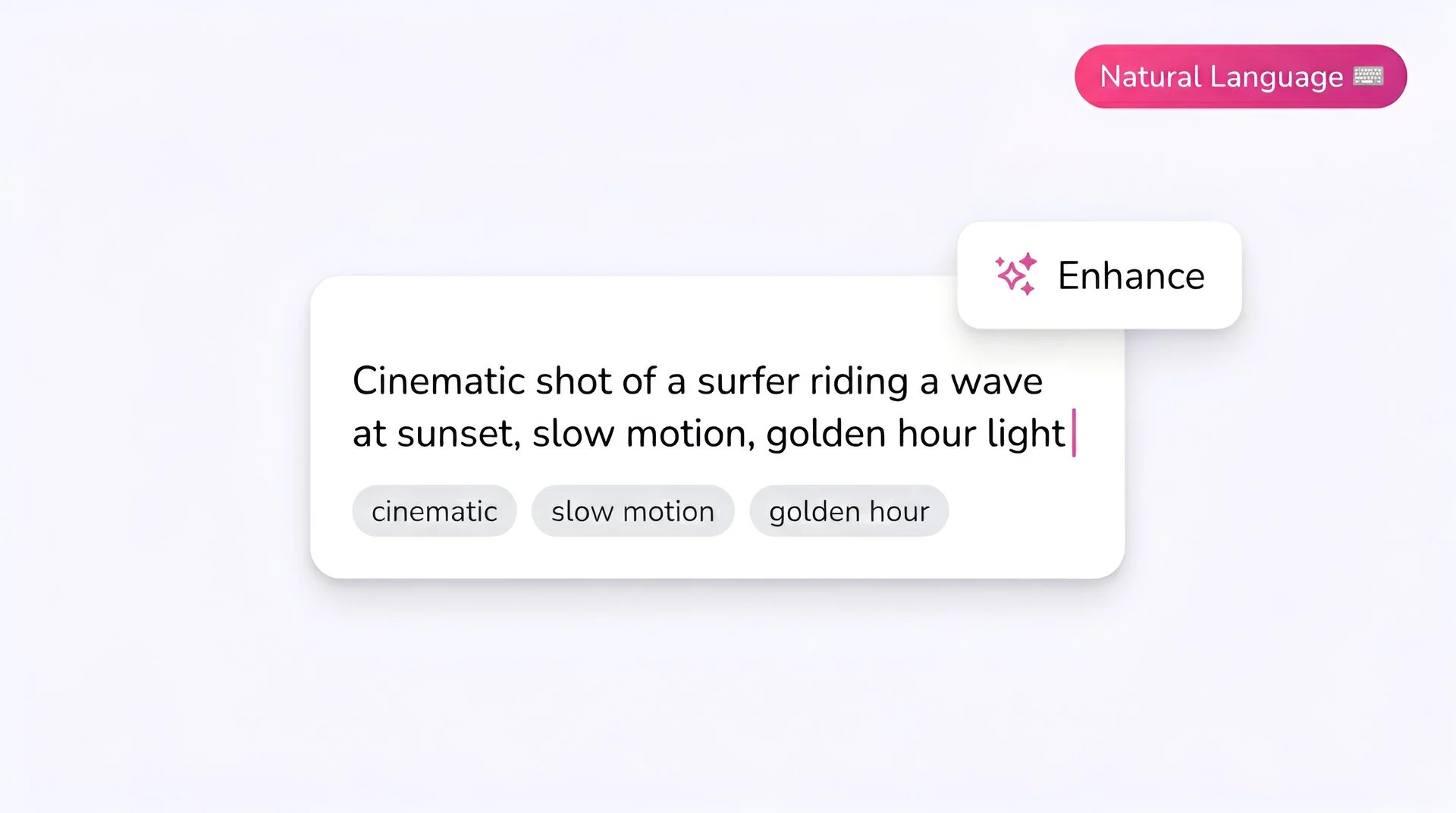
Write your prompt
Describe the scene - subject, action, environment, camera behavior, and mood. Kling 3.0 rewards specific, directorial prompts: mention angles, lens feel, and pacing when you want cinematic output.
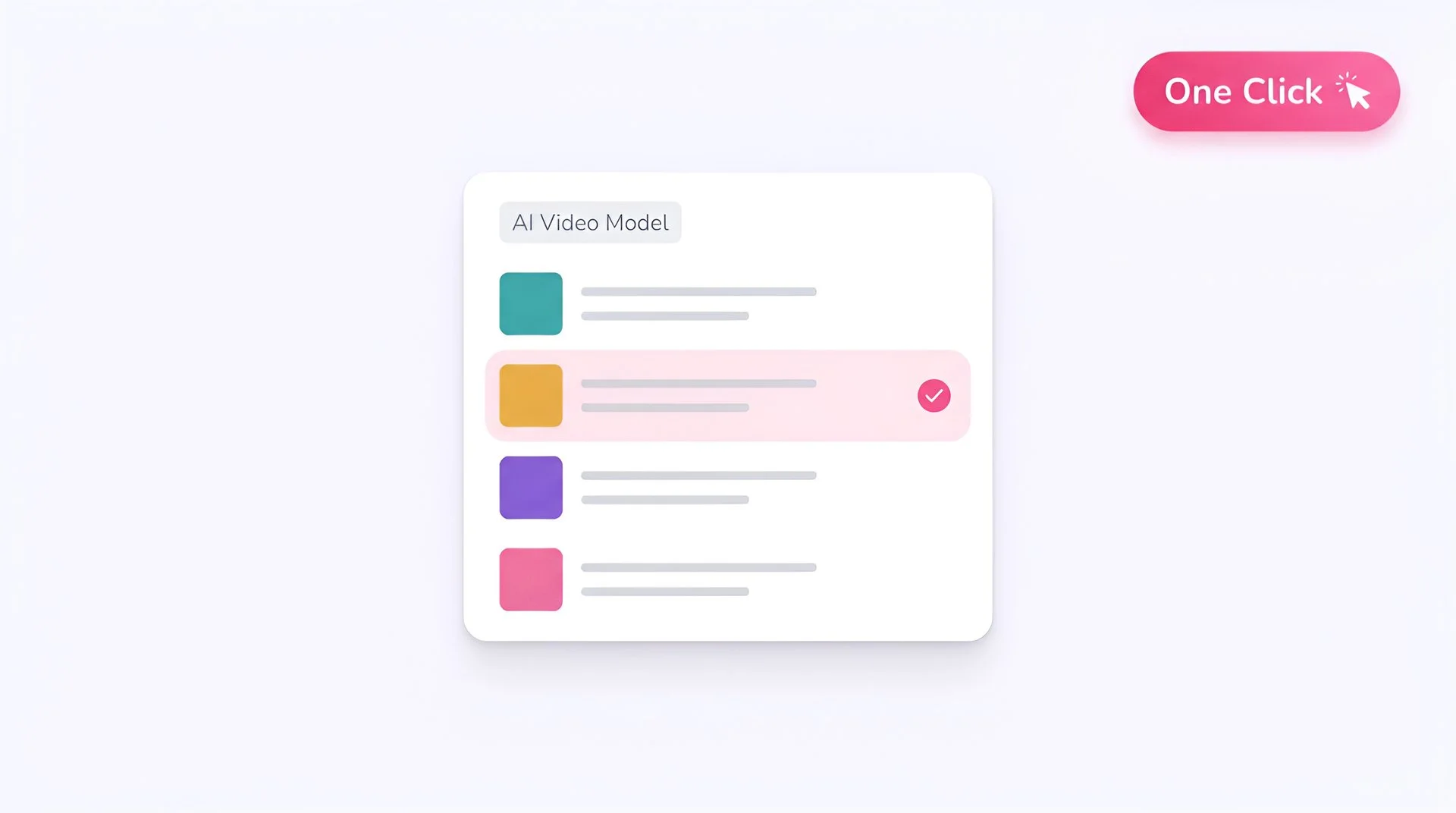
Select Kling 3.0 Standard as your model
Open the model selector in Fliki and choose Kling 3.0 Standard. Your prompt is routed to Kuaishou's model for generation.
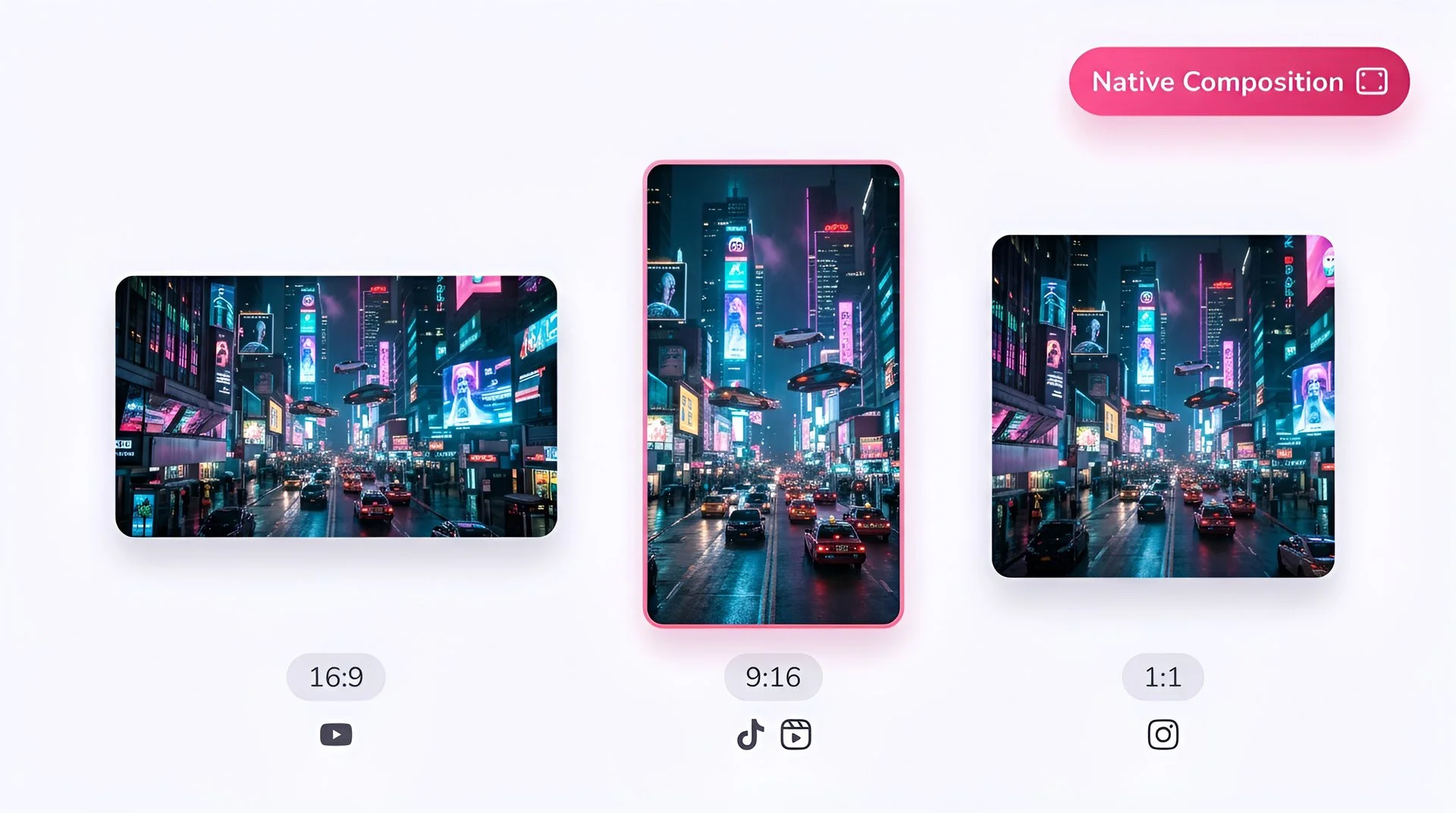
Choose your aspect ratio
Pick 16:9 for YouTube and cinematic horizontal, 9:16 for TikTok, Reels, and Shorts, or 1:1 for Instagram feed. Kling 3.0 composes each ratio natively, not by cropping.
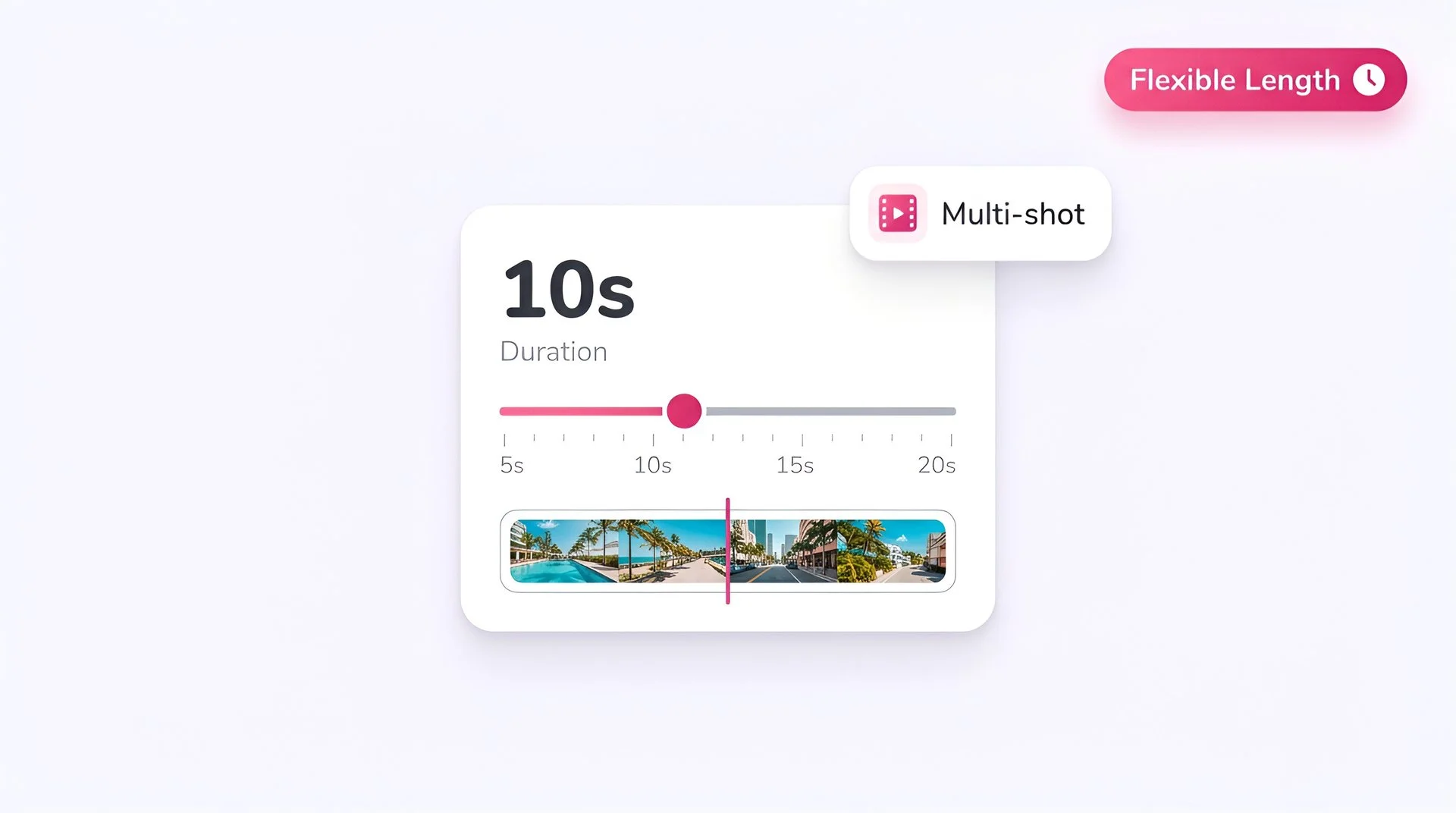
Set the duration
Choose your clip length. Kling 3.0 handles up to 15-second sequences with stable consistency - use the longer durations for narrative beats, shorter for product shots and transitions.
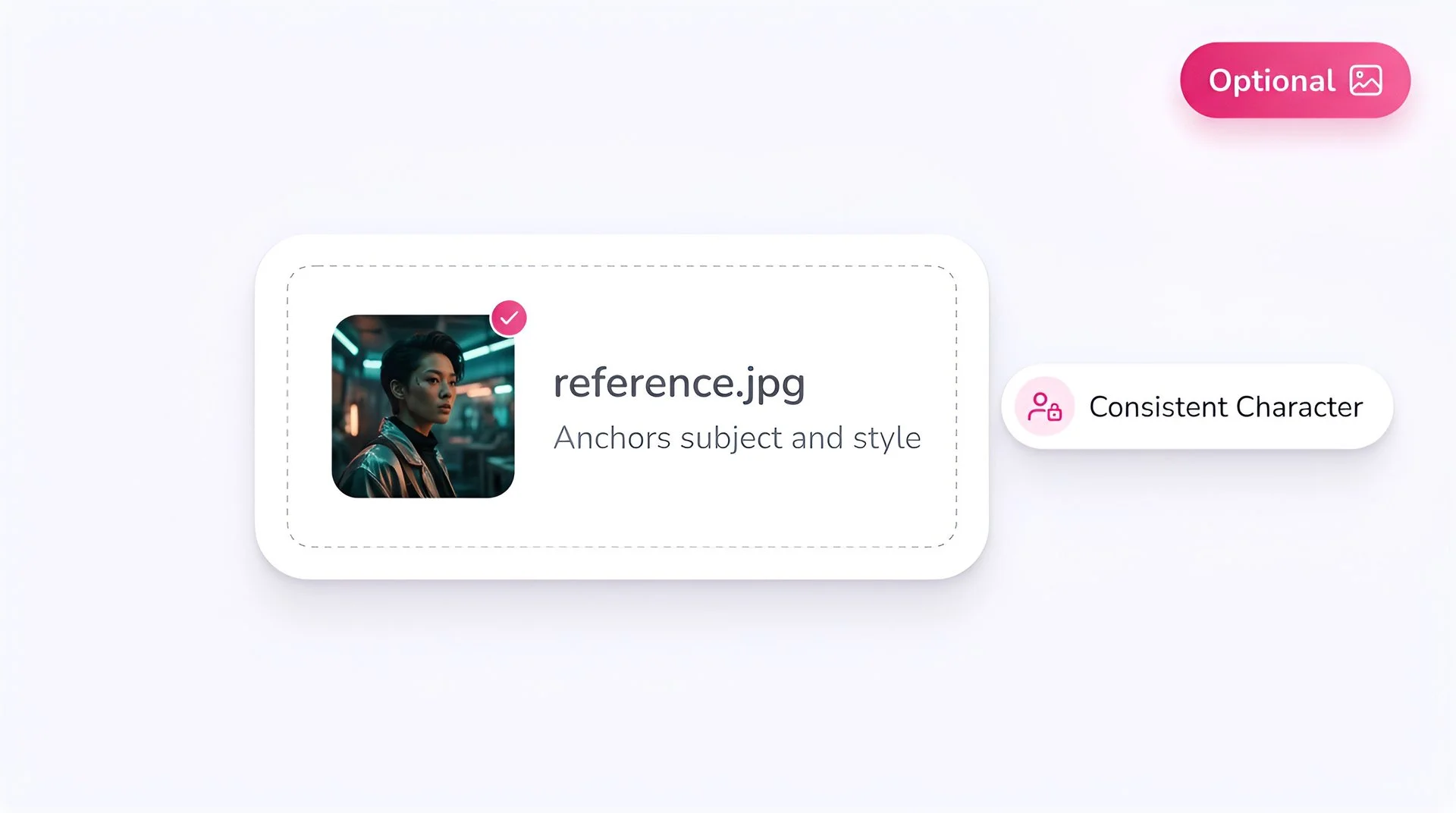
Add a reference image (optional)
Upload a photo to lock character, style, or composition. Reference images dramatically improve consistency and are the recommended starting point for brand-driven work.
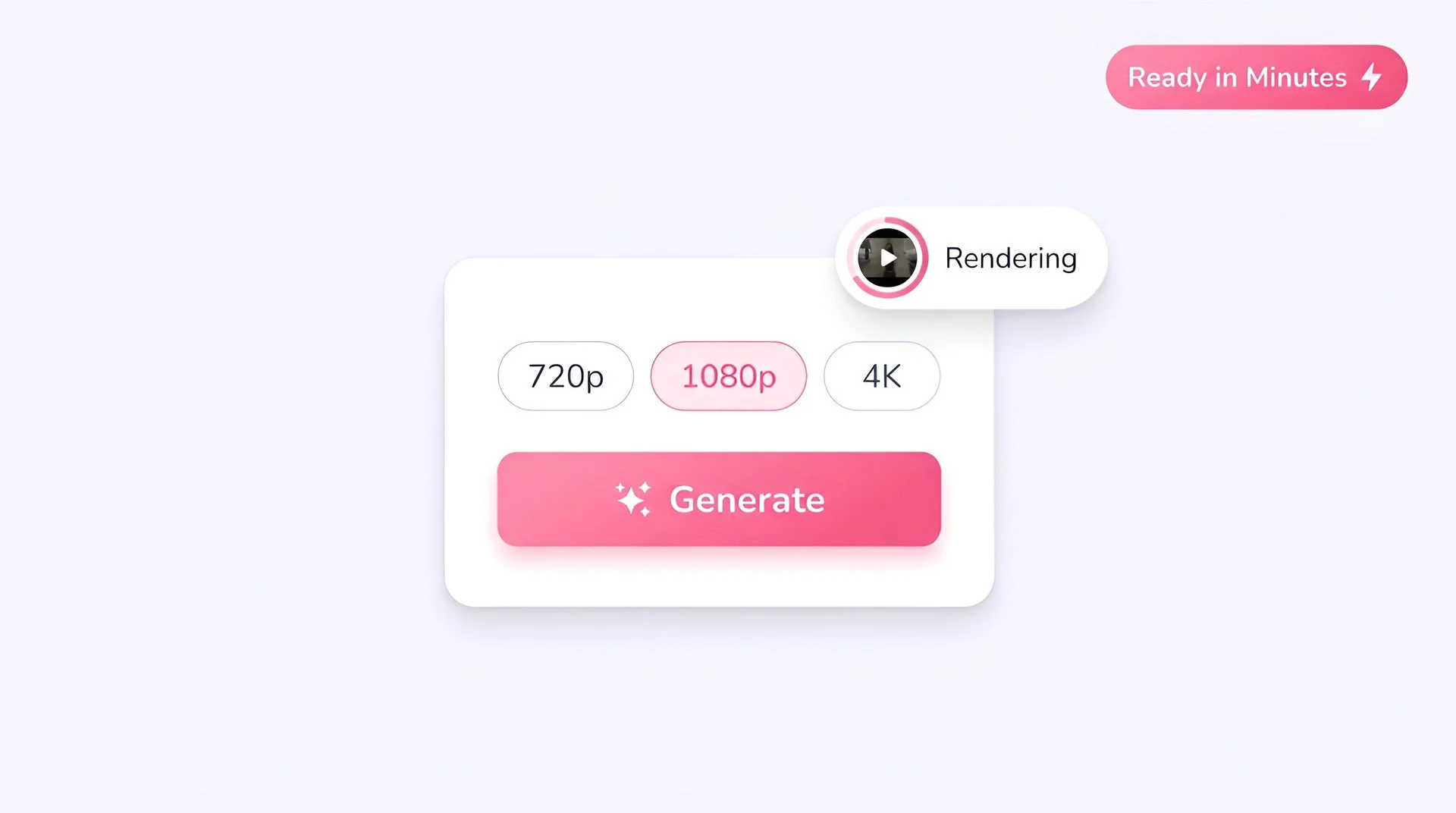
Pick resolution and generate
Select 720p and hit Generate. Your clip is delivered in Fliki ready to preview, download, or assemble into a larger timeline.
AI MODEL GALLERY
Built on the best AI models - ready inside Fliki
Every leading video, voice, and image model - integrated, unified, and tuned for creators. Generate with the latest AI video, AI voice, and AI image models from OpenAI, Google, Kling, Bytedance, ElevenLabs, and more - all from one place.




Kling 3.0 FAQ
Frequently asked questions
Everything you need to know about generating with Kling 3.0 Standard inside Fliki.


AI video models
Discover more
Tools
Discover features
Generate your next video with Kling 3.0.
Cinematic 1080p clips with multi-shot narratives, directional physics, and native audio. Start creating on Fliki today.
Generate with Kling 3.0Free forever plan · No credit card required · Cancel anytime