video model · by Alibaba

HappyHorse 1.0 AI Video Generator

Generate reference-driven AI videos with up to 9 reference images using HappyHorse 1.0 - Alibaba's multi-reference video model. Strong visual guidance, text-to-video, image-to-video, and video editing in a single model, now inside Fliki.

Generated with HappyHorse 1.0

A handful of HappyHorse 1.0 clips generated inside Fliki. No edits, no post.

Prompt

A creator (lock from reference) sits at her desk in a soft pink sweater, looks at the lens and says in clear Mandarin, "今天我想跟大家分享一个秘密," then smiles. Handheld selfie-phone framing, warm window light, plants and books behind her. SFX: a gentle laugh, soft typing in the background, ambient room tone. Maintain exact appearance from references, no facial drift.

Prompt

A model (lock from reference) holds a new pair of round tortoiseshell glasses, slowly puts them on, tilts her head to camera, smiles, then says in Korean, "어때? 잘 어울려?" Bright clean bedroom mirror lighting, phone-tripod framing, casual unboxing energy. Maintain consistent face, hair, and styling from references.

Prompt

Three friends (lock from references) crowd into a kitchen and break into laughter, one holds up a phone for a selfie video, sunlight pouring through the window behind them, raw home-video feel, handheld phone framing. SFX: laughter, a phone shutter sound, kitchen ambience. Maintain all three character identities throughout, no drift.

Prompt

A model (lock from reference) walks slowly toward camera through a sunlit linen-draped studio, wearing a flowing cream silk gown, a soft breeze catching the hem, slow dolly-in, editorial fashion film aesthetic, 35mm grain, deep shadow detail. Maintain exact appearance, hair, and skin tone from references throughout.

Prompt

A spokesperson (lock from reference) stands in a clean modern office with a city skyline blurred behind through floor-to-ceiling windows, looks into camera, and says in confident German, "Wir verändern die Art, wie Teams arbeiten." Soft three-point studio lighting, premium corporate ad look, sharp focus. Native lip-sync, maintain exact identity.

Prompt

A founder (lock from reference) sits on a stool against a clean off-white branded backdrop, leans forward with hands clasped, and says calmly in French, "Nous croyons en une chose simple — la qualité." Locked square framing, soft three-point studio lighting, premium founder-led brand film aesthetic. Native lip-sync, maintain exact reference identity.

Prompt

A couple (lock from references) walks hand in hand along a cliffside path overlooking the Mediterranean at sunset, slow aerial side-tracking shot following them, golden hour palette, cinematic travel-film grade, soft haze, 2.39:1 framing. SFX: distant waves, light wind, a single ambient acoustic guitar. Maintain both character identities throughout.

100M+VIDEOS CREATED
12M+USERS WORLDWIDE
80+LANGUAGES SUPPORTED

Trusted by 50,000+ companies worldwide

Why HappyHorse 1.0 stands apart

Up to 9 reference images

HappyHorse 1.0 accepts up to 9 visual reference images. Use them to lock characters, objects, styling, and scene elements at the same time — far beyond single-reference models.

Reference-to-video workflow

HappyHorse is built around reference guidance — give it the visuals you want preserved, and the prompt does the rest. It's the right model when consistency across assets matters.

Text-to-video and image-to-video

Run from a pure text prompt for conceptual work, or anchor with a first-frame image for locked visuals. Both modes inherit reference-image guidance.

Video editing input

HappyHorse accepts a single video input for editing workflows — modify, restyle, or extend an existing clip rather than generate from scratch.

Up to 15-second clips

Generate clips from 3 to 15 seconds. Long enough for full narrative beats, short enough to keep iteration fast on volume work.

Multi-aspect support

Compose natively at 16:9, 9:16, or 1:1. The model lays the frame for the chosen ratio rather than cropping a master.

Strong identity retention

Multi-reference design lets HappyHorse hold character, product, and styling identities across the full clip — useful when an asset needs to look unmistakably 'on brand'.

Run inside Fliki

No separate Alibaba account, no Runware setup. HappyHorse runs through the standard Fliki prompt interface — upload references, write a prompt, generate.

Native lip-sync in seven languages

HappyHorse 1.0 supports native lip-sync across Mandarin, Cantonese, English, Japanese, Korean, German, and French — useful for multilingual presenter content and localized brand work.

How it works

How to generate a video with HappyHorse 1.0

HappyHorse runs inside Fliki's playground. Six steps.
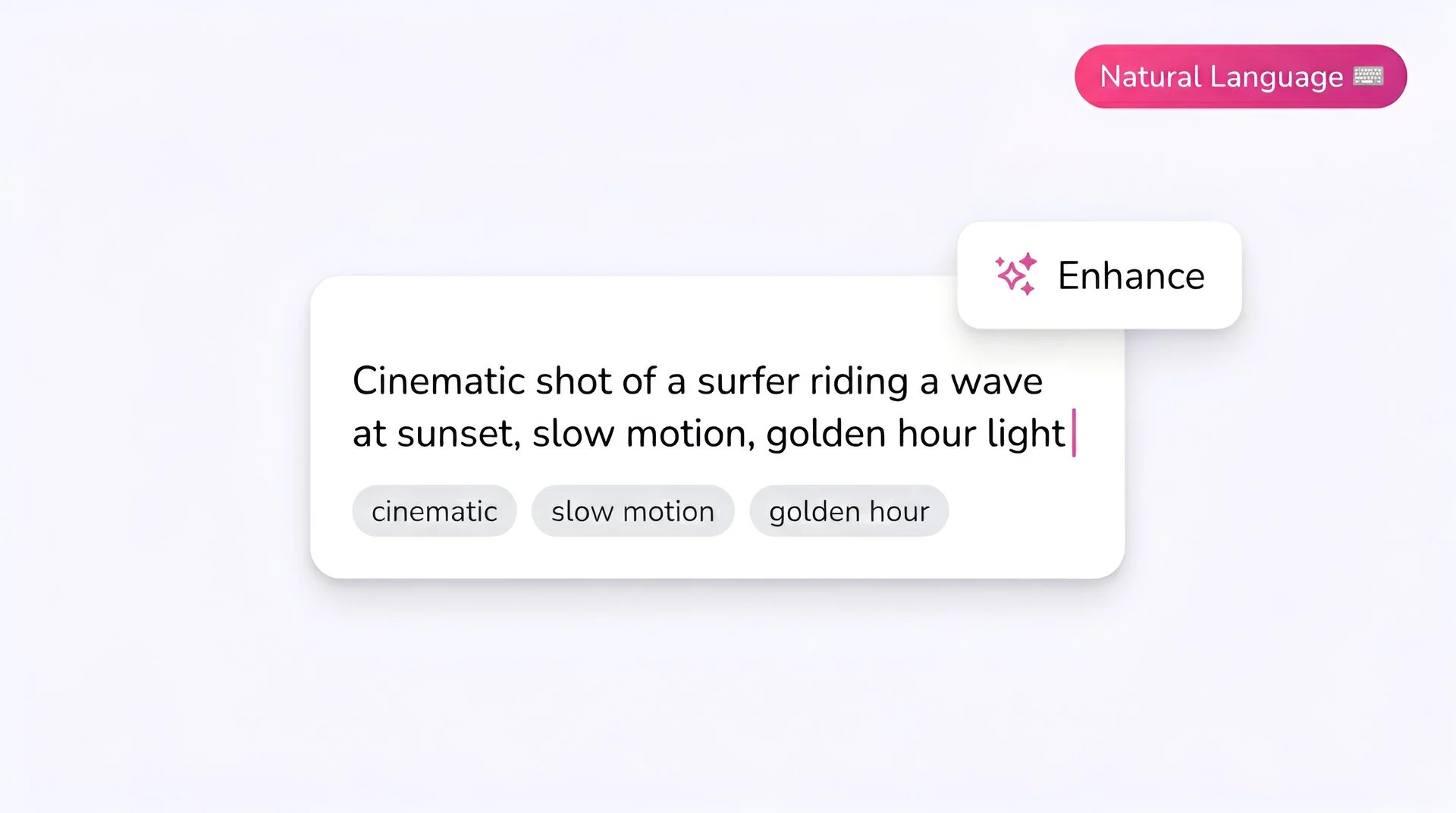
Fliki prompt input showing a cinematic text-to-video description for HappyHorse 1.0 AI video generator
Step 1

Write your prompt

HappyHorse responds well to descriptive prompts. Describe the subject, action, and the style cue you want the model to lean into.
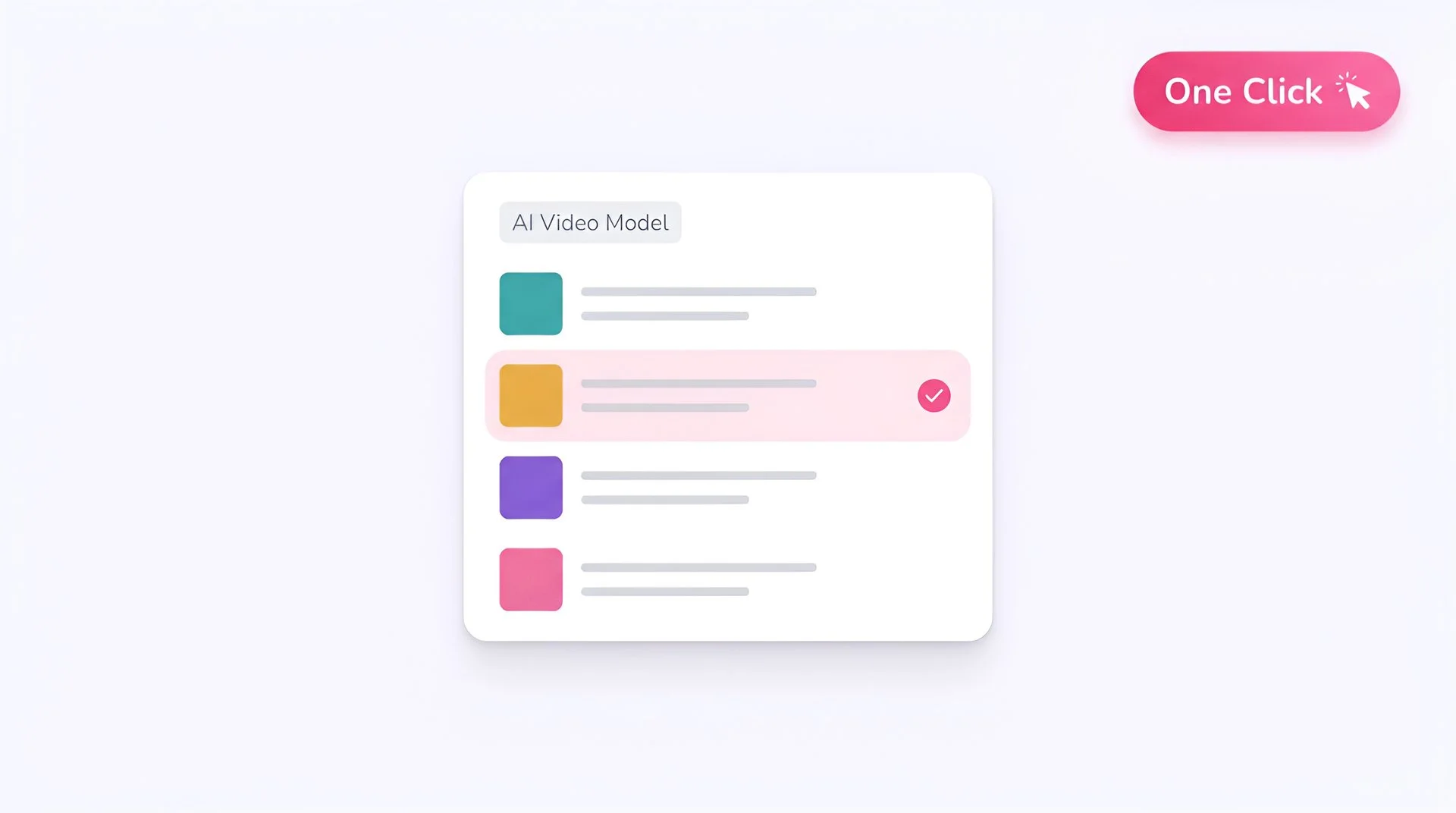
Fliki model selector dropdown with HappyHorse 1.0 chosen for AI video generation
Step 2

Select HappyHorse 1.0 as your model

Pick HappyHorse 1.0 from Fliki's playground model selector. Your prompt routes to the Alibaba model via Runware.
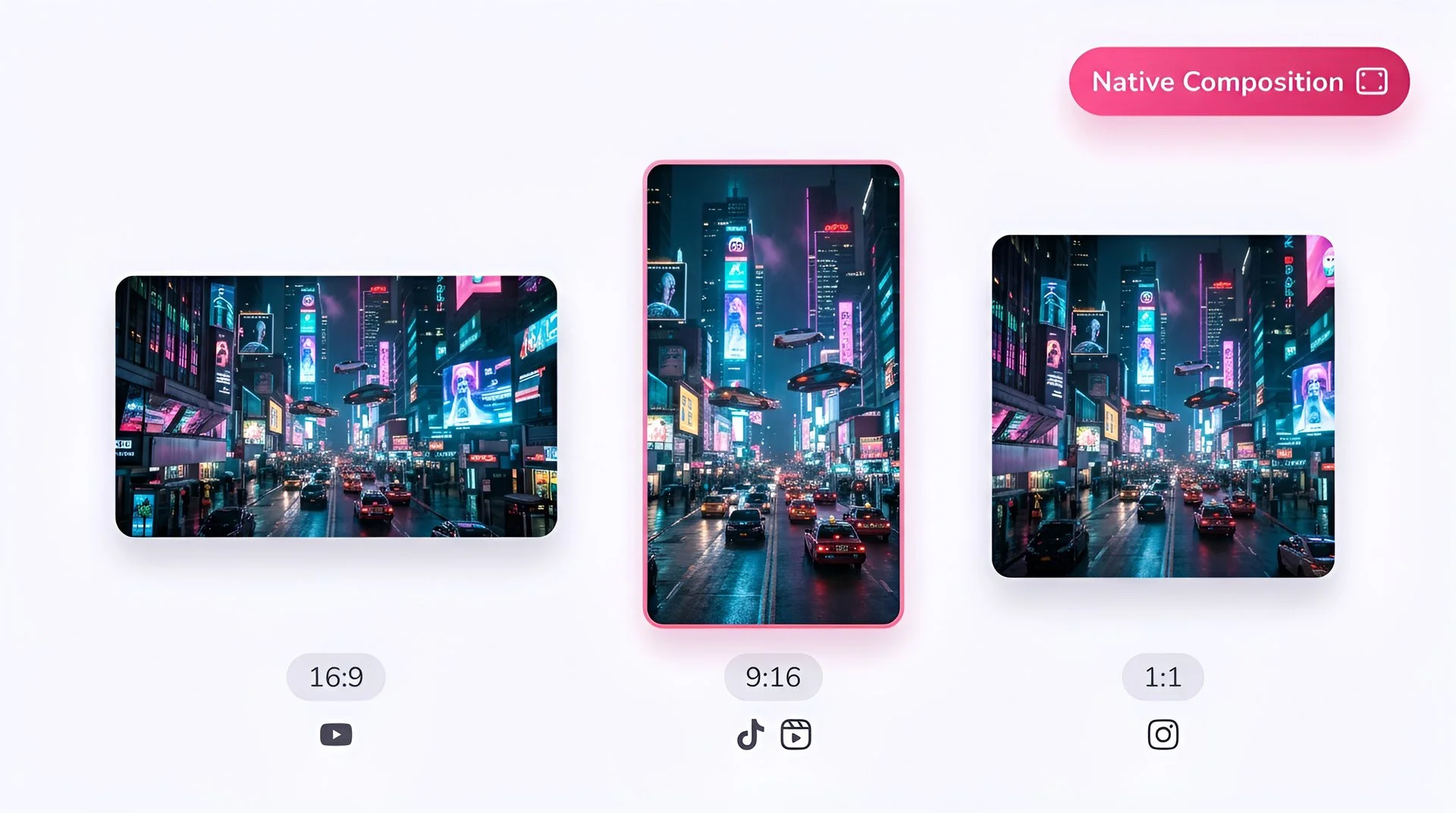
Choose 16:9, 9:16, or 1:1 aspect ratio for HappyHorse 1.0 video generation on Fliki
Step 3

Add reference images

Upload up to 9 reference images. HappyHorse uses them as visual guidance — character, style, object, and scene anchors. The more references, the stronger the guidance.
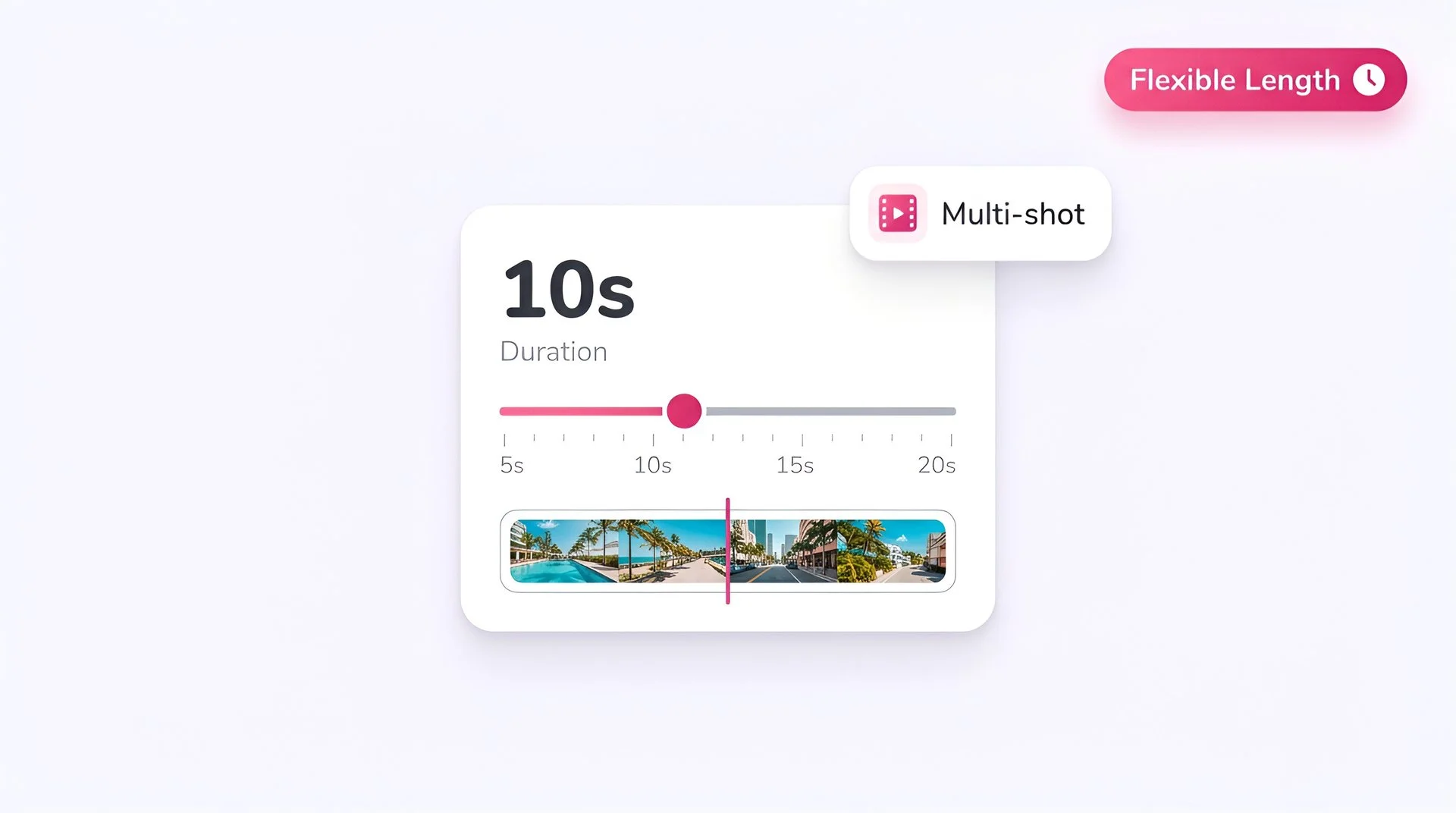
Set video duration on the Fliki slider for HappyHorse 1.0 multi-shot AI video generation
Step 4

Pick aspect ratio and duration

Choose 16:9, 9:16, or 1:1. Set duration anywhere from 3 to 15 seconds — useful for short hooks all the way to full beats.
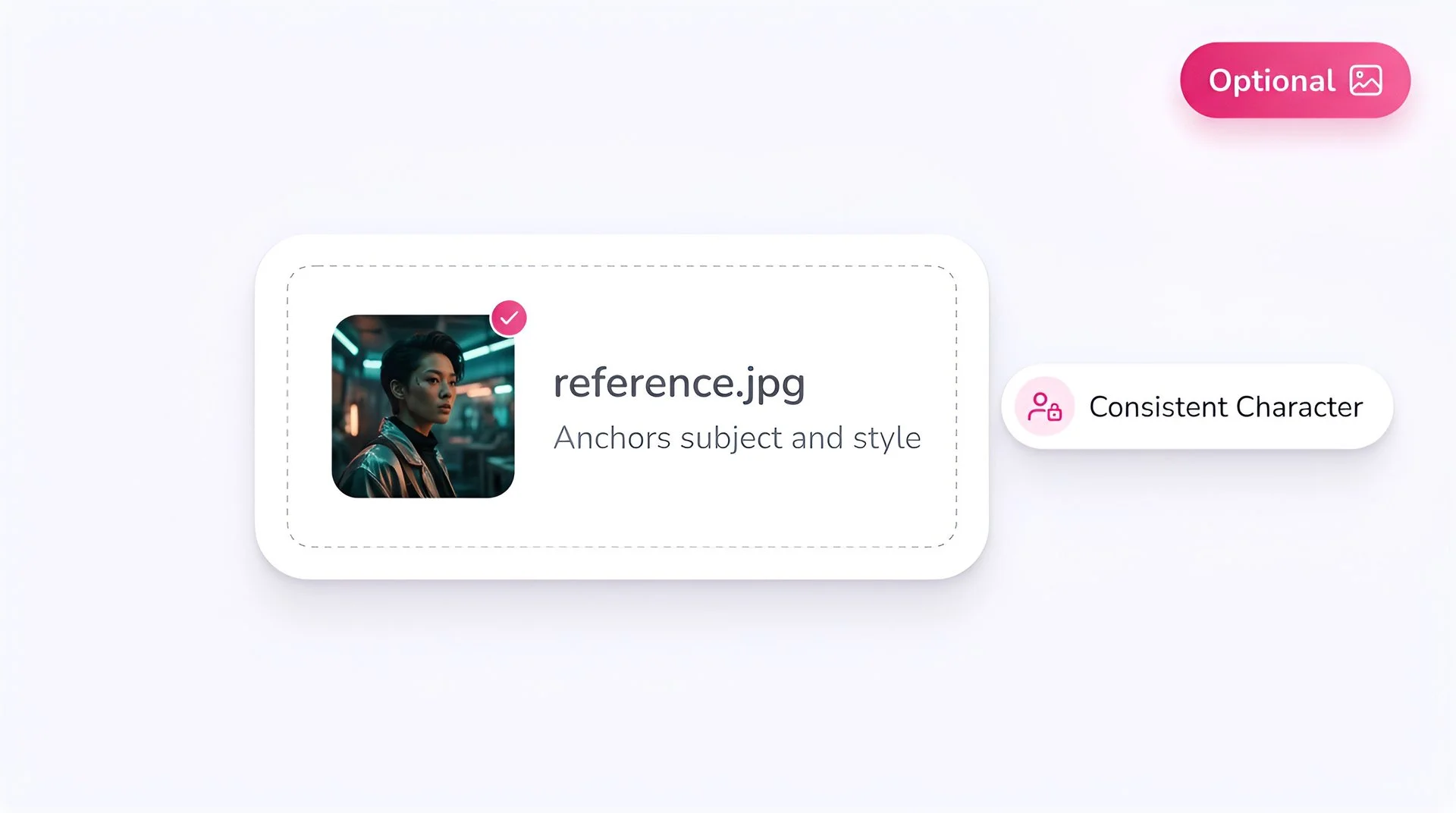
Upload an optional reference image to anchor subject and style with HappyHorse 1.0 on Fliki
Step 5

Optionally add a video for editing

HappyHorse supports a single video input for editing workflows. Use it when you want the model to modify an existing clip rather than generate from scratch.

Pick output resolution and hit generate to create AI video with HappyHorse 1.0 on Fliki
Step 6

Generate at 720p

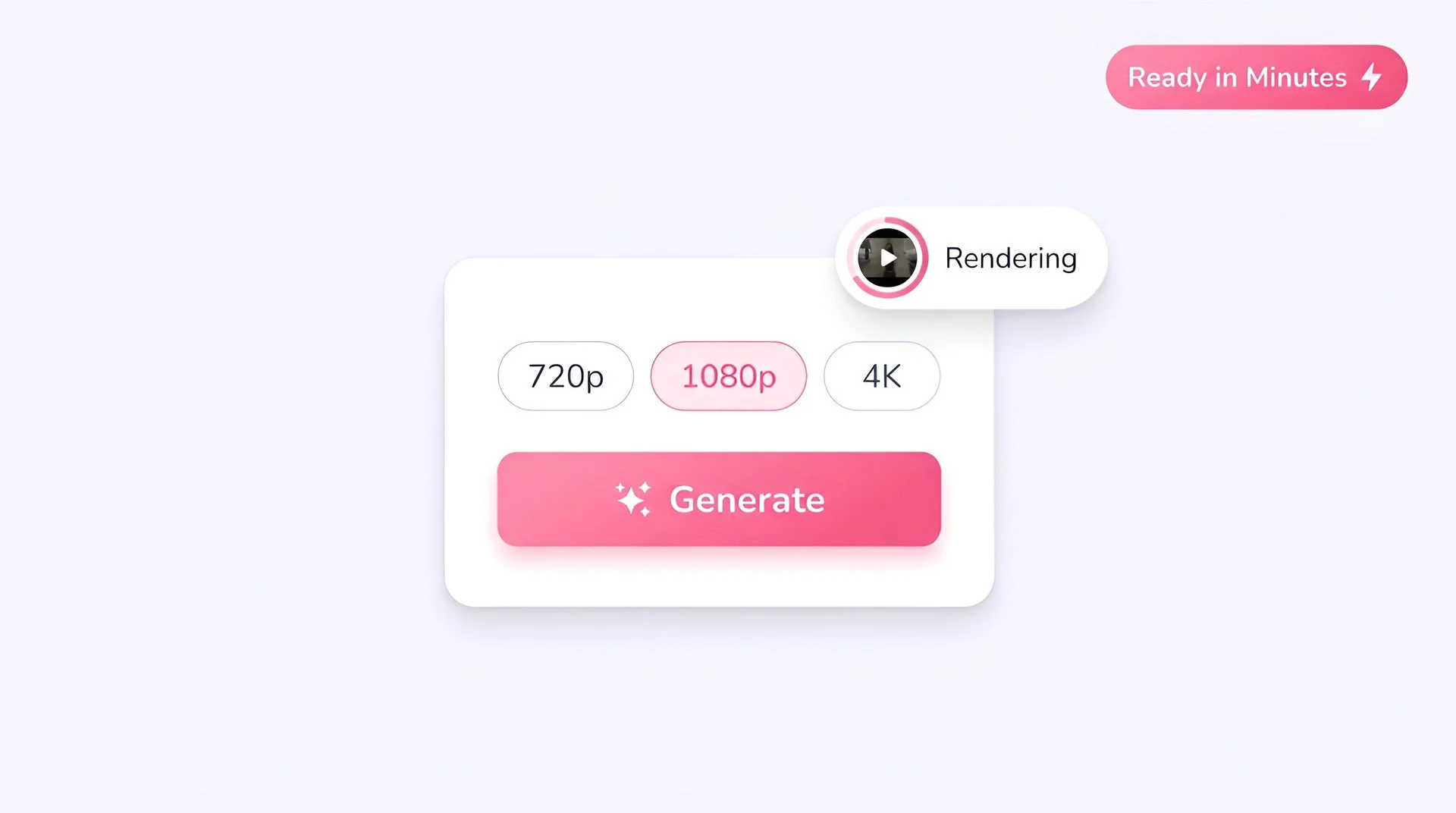
Hit Generate. HappyHorse outputs a 720p clip with multi-reference guidance baked in.

HappyHorse FAQ

Frequently asked questions

Everything you need to know about generating with HappyHorse 1.0 inside Fliki.

What is HappyHorse 1.0?

HappyHorse 1.0 is Alibaba's reference-to-video model, accessible on Fliki via Runware. It supports text-to-video, image-to-video, and multi-reference workflows — accepting up to 9 visual reference images for guidance.

How many reference images can HappyHorse use?

Up to 9 visual reference images, plus a separate first-frame image for image-to-video. The multi-reference design is the model’s biggest differentiator.

What inputs does HappyHorse accept?

Text prompts, a first-frame image (image-to-video), up to 9 visual reference images for style and identity guidance, and a single video input for editing workflows.

What resolution does HappyHorse output?

HappyHorse 1.0 generates at 720p across 16:9, 9:16, and 1:1 aspect ratios.

How long can HappyHorse videos be?

Clips can run from 3 to 15 seconds. The longer durations carry full narrative beats; shorter durations are best for volume iteration.

Does HappyHorse generate audio?

HappyHorse focuses on video and reference fidelity. For audio-first workflows, Veo 3.1 Fast, Seedance 2.0, or Kling 3.0 Pro are stronger picks — all available on Fliki.

Still curious?

Try Fliki free in your browser, no credit card required.

Start free

Can HappyHorse edit existing video?

Yes. HappyHorse supports a single video input for editing workflows — restyle, modify, or extend an existing clip with prompt and reference guidance.

When should I pick HappyHorse over other models?

When you need consistent identity across multiple visual elements — characters, products, styling — and a single reference image isn’t enough. The 9-reference ceiling is what makes HappyHorse distinct.

HappyHorse 1.0 · Free forever plan

Generate reference-driven video with HappyHorse.

Up to 9 reference images for character, style, and scene guidance. Free to start, no credit card required.

Generate your first video free

Free forever plan · No credit card required · Cancel anytime