Video background remover: No green screen, no manual masking

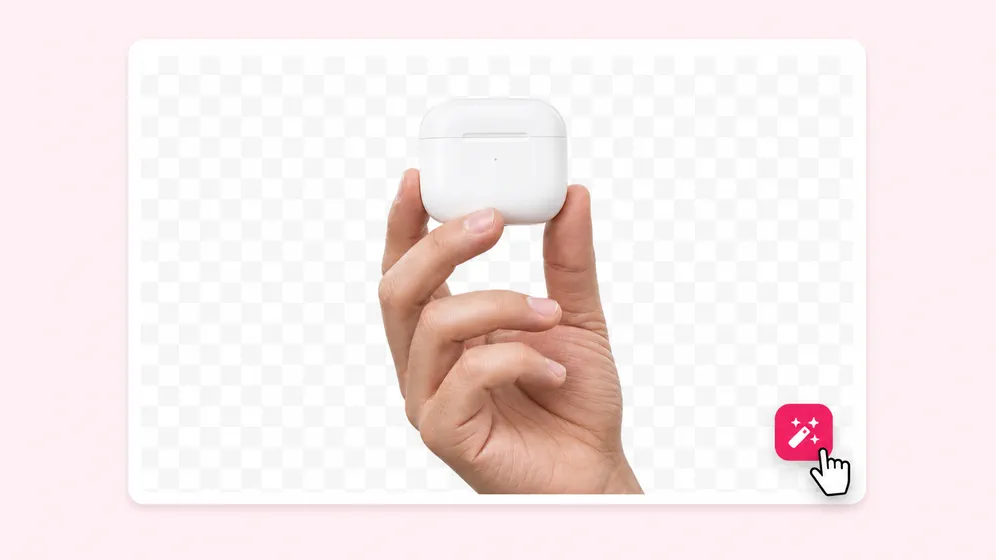
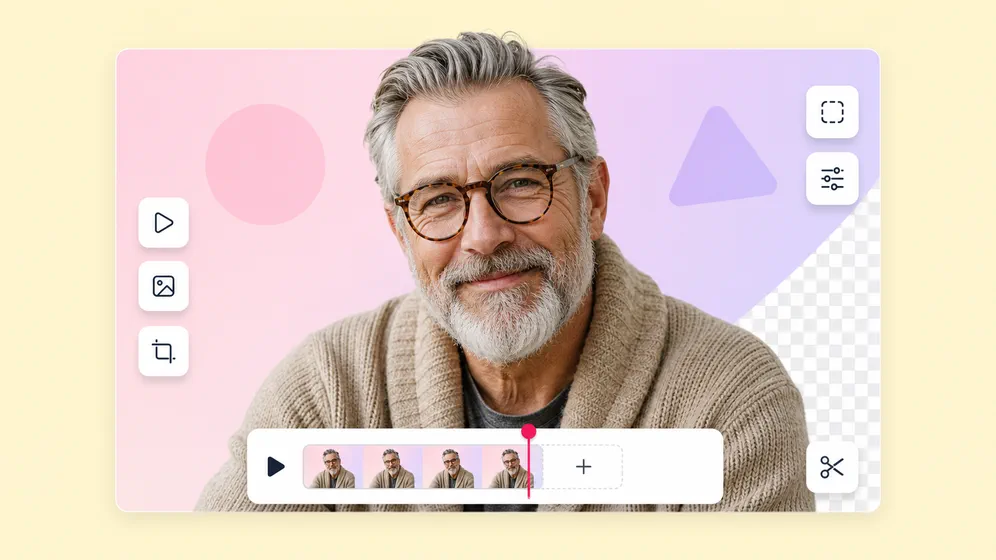
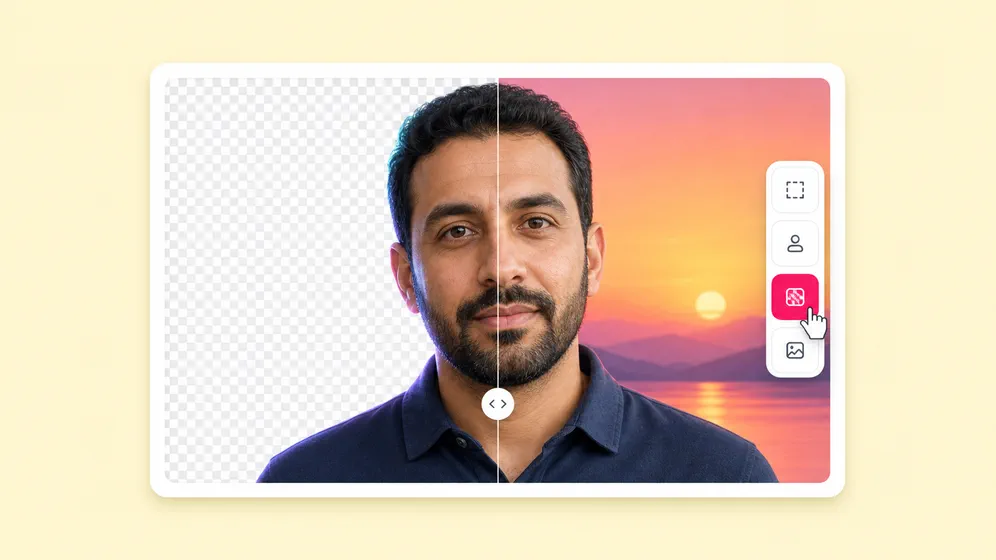
Upload any video and Fliki removes the background in one click. Replace with AI-generated scenes, brand colors, or transparent PNG-alpha output - then keep editing with voiceover, captions, and music in the same project.

Free forever plan · No credit card required · Up to 4K output

100M+VIDEOS CREATED
12M+USERS WORLDWIDE
80+LANGUAGES SUPPORTED

Trusted by 50,000+ companies worldwide

Created with Fliki

See what creators make with Fliki's AI video generator

Real videos made with our text-to-video tool in under 5 minutes.

Info
Info
Promo
Promo
Training
Training
Tutorial
Tutorial
Review
Review
TikTok
TikTok
Ad
Ad
Educational
Educational
Info
Info

Why creators pick Fliki

One-click background removal, built into your video editor

Standalone background removers hand back a transparent video and stop. Fliki removes the background, lets you replace it with AI-generated scenes or brand visuals, and keeps everything inside one project.

Free to start. No subscription trap.

Canva requires a $119/year subscription for video background removal. removebgvideo.com charges $1.50 per minute. Pixelcut requires a subscription for ProRes export. Fliki: 3 minutes/month free with ProRes 4444 and WebM alpha included, no credit card required.

No hard length limit - process full webinars and course modules

Remove backgrounds from 30-minute spokesperson clips, full course recordings, and webinar segments. Unscreen capped at 5 minutes. removebgvideo.com capped at 60 minutes. Pixelcut and Canva both impose per-clip limits.

No green screen required

AI segmentation runs on any footage - phone shots, webcam recordings, stock clips. No green screen, no rotoscoping, no manual masking on every frame.

AI-generated background replacement

Replace the removed background with an AI-generated scene from a prompt using our AI image generator. Beach, office, brand-color gradient, or fully custom - all in the same composer.

Professional alpha export: ProRes 4444, WebM, PNG sequence

Export ProRes 4444 with alpha for DaVinci Resolve, Premiere Pro, Final Cut, and After Effects. WebM with alpha for web overlays. PNG sequence for frame-by-frame compositing. No other free-plan background remover includes ProRes alpha.

Brand-color and gradient backgrounds

Drop a brand color, a custom gradient, or a static image as the new background. Save the look as a brand preset that applies across every future export.

Works on portrait, square, and landscape

Process 9:16 (Reels, TikTok, Shorts), 1:1 (LinkedIn, Instagram), or 16:9 (YouTube, web). Same upload, every aspect ratio - no re-process.

Up to 4K resolution

Process up to 4K output without downscale tricks. Edge detail stays crisp on hair, fur, motion blur, and translucent objects.

Pair with AI voiceover and captions

After background removal, layer 2,000+ AI voiceovers in 80+ languages, animated captions, and music. The full social-ready pipeline lives in one project.

Animate generated backgrounds

Use photo to video AI to animate the new background into a cinematic scene with our AI animation generator. Dynamic backgrounds without filming locations.

Watermark-free, commercial-ready

Paid plans ship watermark-free output with full commercial usage rights covering background-removed clips and replaced backgrounds.

How it works

How to remove a video background with AI in 4 steps

Upload, AI removes, you choose what comes next. From green-screen-quality output to publish-ready video in under five minutes.

Step 1

Upload your video

Drop in MP4, MOV, WebM, or any common format up to 20 MB. Portrait, square, and landscape are all supported.

Step 2

AI removes the background

Fliki runs AI segmentation across every frame. Edge detail stays crisp on hair, fabric, motion blur, and translucent objects - no manual cleanup.

Step 3

Pick a replacement (or stay transparent)

Drop in a brand color, gradient, AI-generated scene, or keep the background transparent for export with alpha.

Step 4

Layer voice, captions, and export

Add AI voiceover, animated captions, and music in the same project. Export 1080p or 4K MP4, or alpha PNG sequence for compositing.

Use cases for Video Background Remover

One background remover. Every kind of video.

Spokesperson clips, product demos, talking heads, TikTok content, course modules. Remove the background once, replace dynamically per platform.

Talking head and spokesperson clips. Fliki Video background remover for Spokesperson.
Spokesperson

Talking head and spokesperson clips

Remove the messy bedroom or office behind your spokesperson. Replace with brand backdrop, AI-generated set, or transparent export for compositing later.
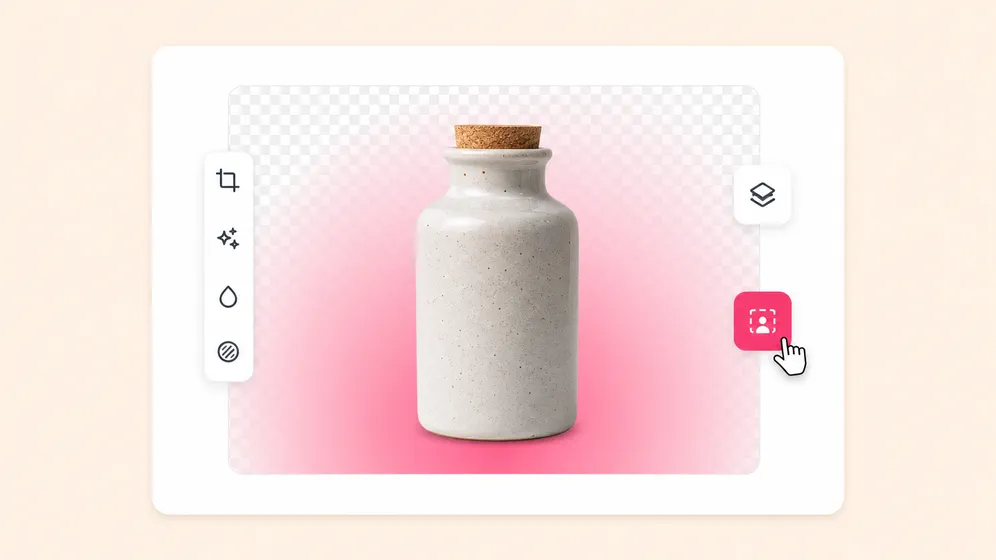
Product video ads with custom backgrounds. Fliki Video background remover for Ads.
Ads

Product video ads with custom backgrounds

Same product clip, fifteen background variants. Brand color for one campaign, AI-generated lifestyle scene for another, transparent for partner co-brand.
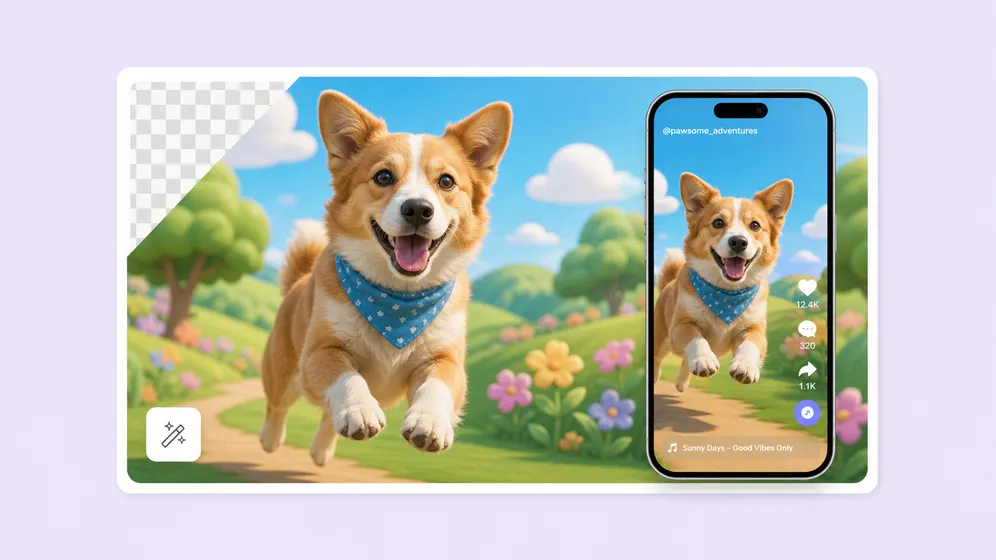
TikTok, Reels, and Shorts with clean backgrounds. Fliki Video background remover for Social shorts.
Social shorts

TikTok, Reels, and Shorts with clean backgrounds

Phone-shot videos look professional after AI background removal. Drop a viral background or animated scene for short-form social.
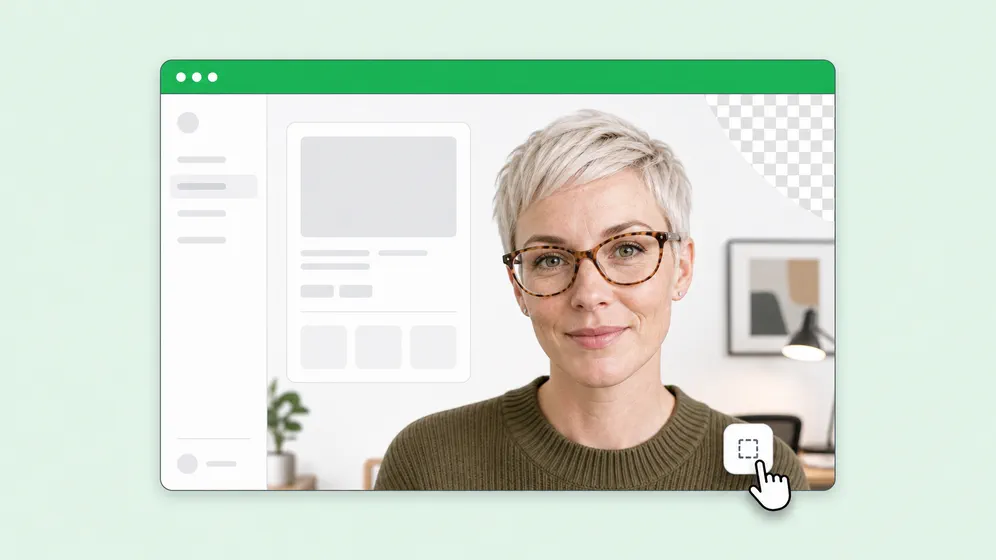
Course recordings and training videos. Fliki Video background remover for Course & training.
Course & training

Course recordings and training videos

Replace dorm-room backgrounds with branded study sets, classroom mockups, or clean color blocks. Same recording, polished output.

Onboarding and L&D videos. Fliki Video background remover for L&D.
L&D

Onboarding and L&D videos

Polish team-recorded onboarding videos with branded backdrops. Same presenter, every module, consistent set without re-shoot or studio.

Clean product video on white or branded backgrounds. Fliki Video background remover for E-commerce product video.
E-commerce product video

Clean product video on white or branded backgrounds

Strip cluttered backgrounds from product videos and drop in pure white or branded backdrops for Amazon, Shopify, and DTC listings. Same clip ready for marketplace upload, paid social, and your product page in one workflow.

Video Background Remover FAQ

Frequently asked questions about AI video background removal

How AI segmentation works, what languages and resolutions are supported, and how Fliki compares to Adobe Express, Canva, and Cutout.pro.

How does Fliki remove video backgrounds?

Fliki runs AI segmentation on every frame to separate subject from background. No green screen needed, no manual masking. The model handles hair, fabric, motion blur, and translucent edges with frame-level precision.

Is the video background remover free?

Yes. Background removal is included on the free plan with 3 minutes of monthly processing. Higher-volume use, longer clips, and 4K output come with paid plans.

Can I export with a transparent background?

Yes. Export with a transparent alpha channel for compositing in DaVinci Resolve, Premiere, After Effects, or any video editor that supports ProRes 4444 or WebM with alpha.

Can I replace the background with an AI-generated scene?

Yes. After removal, drop in an AI-generated scene from a prompt - beach, office, custom set - or use a brand color, gradient, or static image. All replacements live in the same composer.

Is Fliki an Unscreen alternative?

Yes. Unscreen shut down on December 1, 2025. Fliki Video Background Remover handles every Unscreen use case — talking heads, product demos, transparent alpha export — plus AI voiceover, animated captions, and AI-generated background replacement in the same project. Free plan covers monthly processing with no signup wall. Export ProRes 4444 with alpha, WebM with alpha, or 4K MP4.

How is Fliki different from Adobe Express, Canva, or Cutout.pro?

Adobe Express, Canva, and Cutout.pro are standalone background removers. Fliki integrates background removal into a full video pipeline - voiceover, captions, music, AI avatars, photo-to-video animation - in one project.

Still curious?

Try Fliki free in your browser, no credit card required.

Start free

What video formats does Fliki accept?

MP4, MOV, AVI, MKV, WebM, and most common video formats up to 20 MB on the free plan. Paid plans support larger files. Output as MP4, ProRes 4444 with alpha, or WebM with alpha.

What aspect ratios are supported?

9:16 (Reels, TikTok, Shorts), 1:1 (LinkedIn, Instagram), and 16:9 (YouTube, web). Same upload processed for every aspect ratio without re-render.

How long can the video be?

No hard limit. Process full-length spokesperson clips, course recordings, and webinar segments. Plan limits cover total monthly minutes - check your plan for details.

Does AI handle hair and fine edges?

Yes. The segmentation model is tuned for fine-edge cases including hair, fur, motion blur, and translucent objects. Output looks clean without manual rotoscoping.

Is the output watermark-free?

Watermark-free output is available on paid plans. The free plan adds a small Fliki watermark; upgrading removes it across all video output.

Can I use the background-removed video commercially?

Yes, on paid plans. The commercial license covers the original footage, the AI-generated background, and any animated overlays added inside Fliki.

Do I need to install anything?

No. Fliki runs entirely in the browser. No download, no plugin, no GPU. Works on Mac, Windows, Chromebook, and tablet.

Video Background Remover · Free forever plan

Remove your next video background with AI.

No green screen, no rotoscoping, no manual masking. Replace with AI-generated scenes or export with transparent alpha. Inside one editor with voiceover and captions.

Remove background free

Free forever plan · No credit card required · Cancel anytime