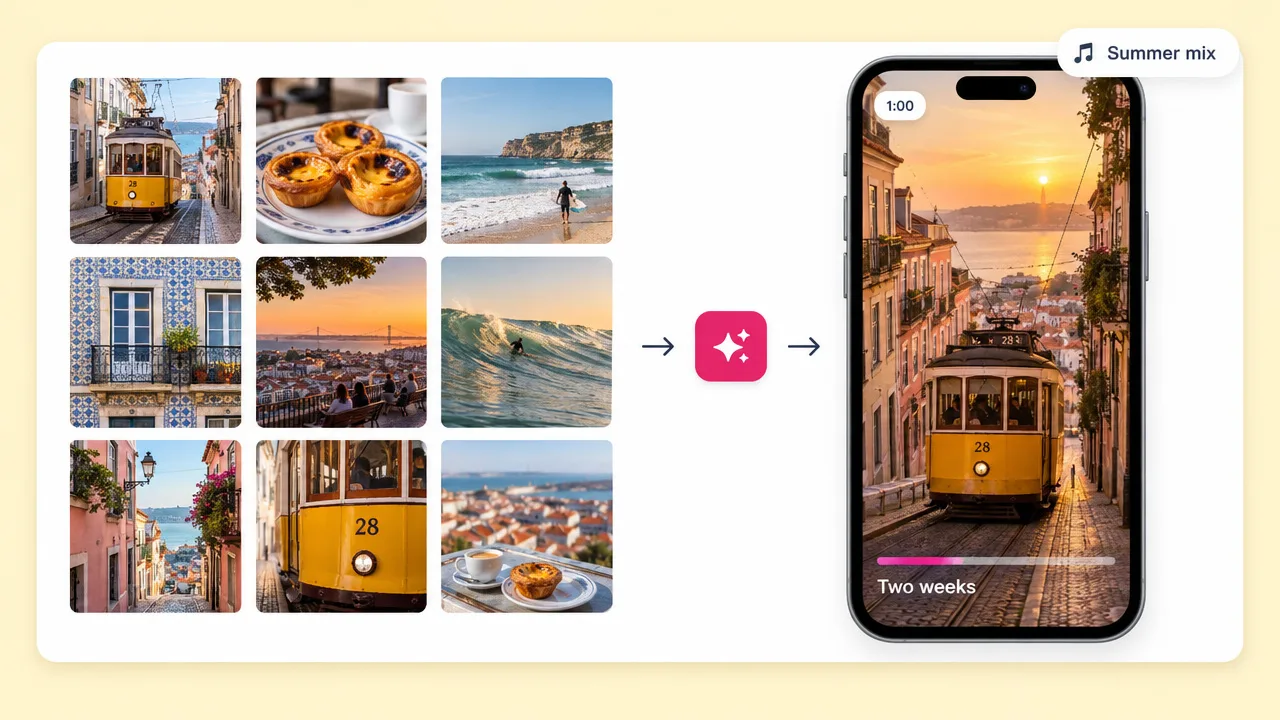
Trip recap
A minute that covers two weeks
The edit most people mean when they say they should do something with the footage. Short, cut to music, no narration needed.
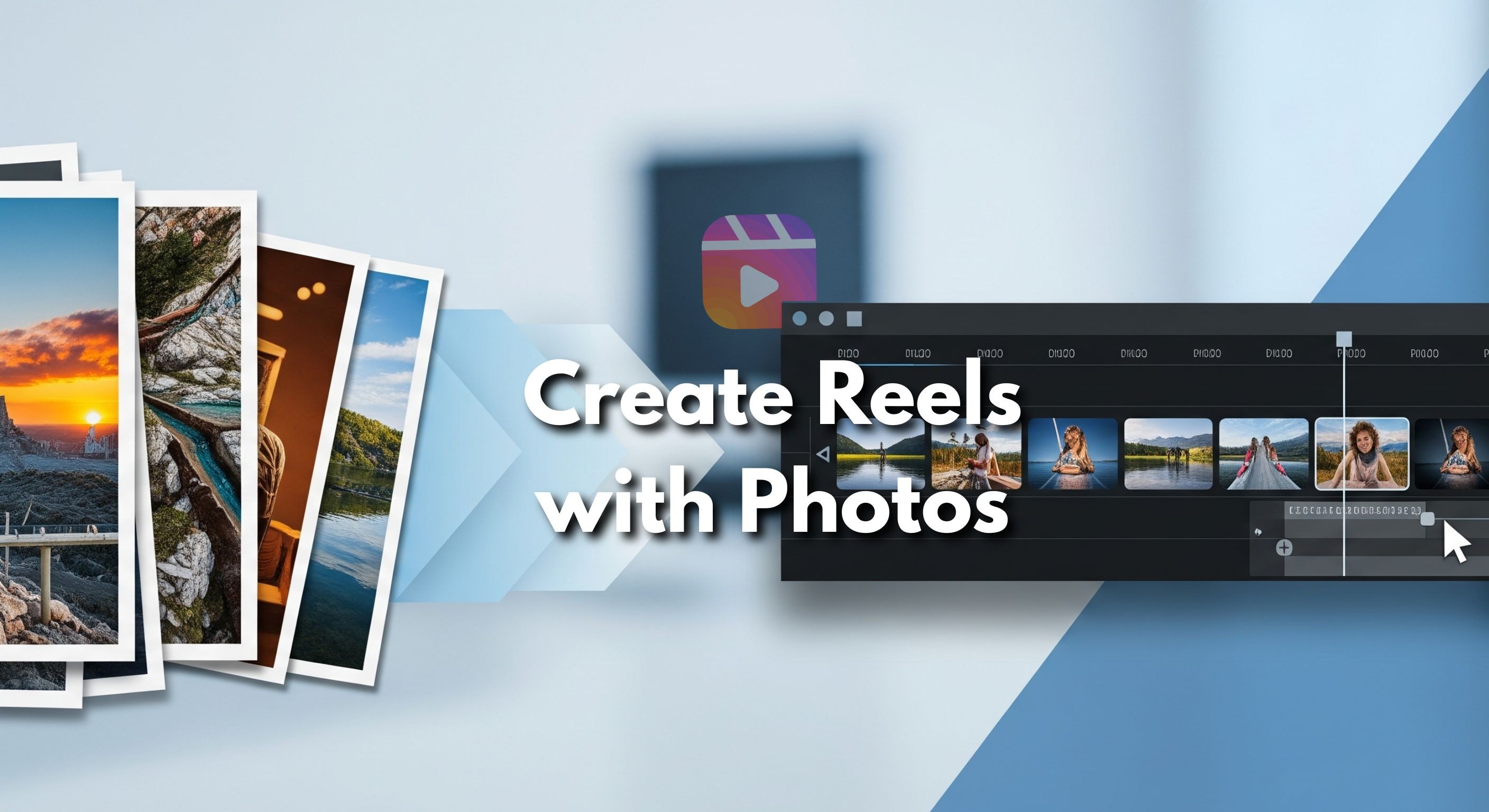
Upload the clips and photos from the trip. Fliki picks the usable moments, cuts them to a music bed, and exports the vertical and the wide version together. Add narration if you want one, or leave it as pictures and a track.
Free forever plan · No credit card required · Your own footage
Why travellers use Fliki
The footage is not the problem. Sitting down afterwards, watching all of it, and deciding what to keep is the problem, and it is why most trip footage stays on the phone.
Shaky, dark and duplicate clips are skipped rather than left for you to scrub past one at a time.
Shot changes land on the beat of the track instead of on a fixed interval, which is most of what separates a travel edit from a slideshow.
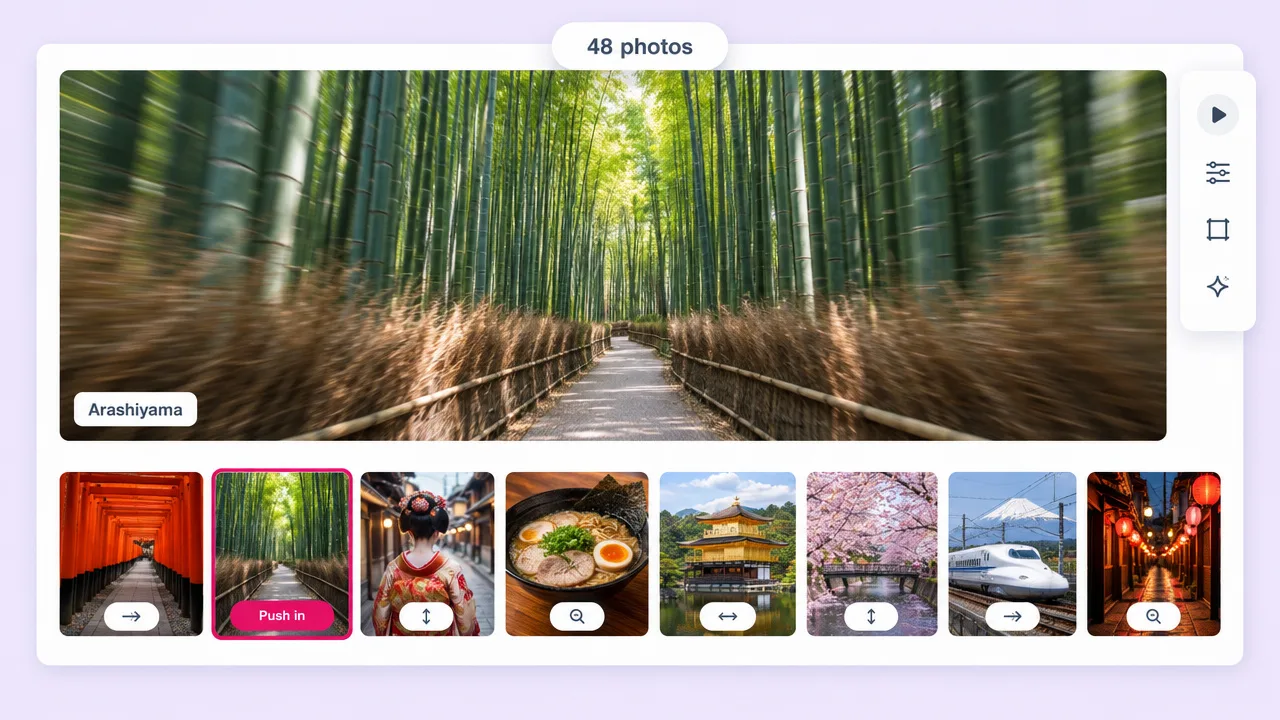
A real trip is both. Stills get motion so they sit in the cut rather than freezing it for three seconds each.
Add a voiceover in any of 2,000+ voices, or clone your own. Or leave it silent, which is the right call for most travel edits.
9:16 for the story and Reels, 16:9 for the version you show people on a laptop, exported from the same project.
Generate a track that fits the edit rather than using something that gets the upload muted on copyright grounds.
Place names and dates on screen, which is what makes a travel edit legible when it autoplays muted in someone’s feed.
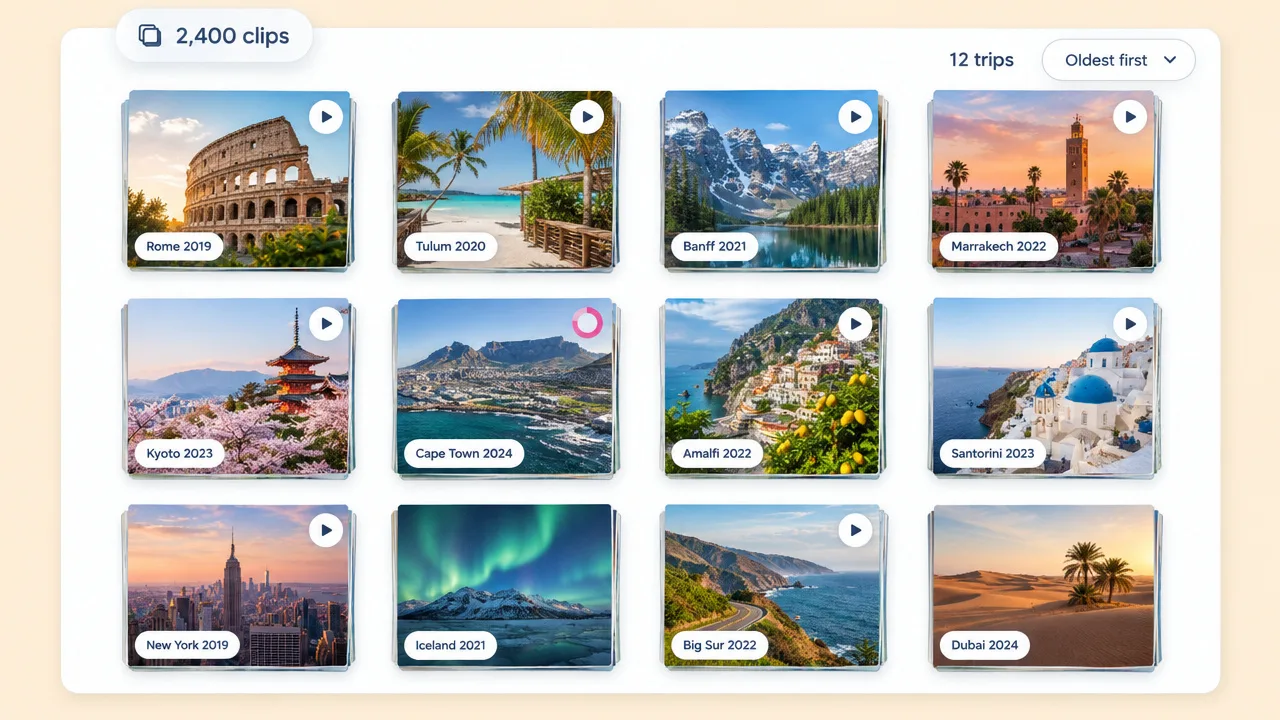
A long version for the family, a sixty-second version for the feed, a fifteen-second teaser. Same footage, three edits.
No timeline, no keyframes and no export settings. The reason the footage is still on the phone is that editing it is a project.
How it works
From a camera roll full of clips to an edit cut to music.
Clips and photos together. No need to pre-select: the point is not doing that pass yourself.
Upbeat, calm, cinematic. One line is enough, and it decides the music and the pace of the cutting.
Shot changes land on the beat, stills get motion, and the weak clips are left out rather than padded with.
Take the 9:16 for the feed and the 16:9 for everything else. Re-render at a different length for a teaser cut.
Use cases for a travel video maker
The footage is already shot. Everything here is about what happens after.
The edit most people mean when they say they should do something with the footage. Short, cut to music, no narration needed.
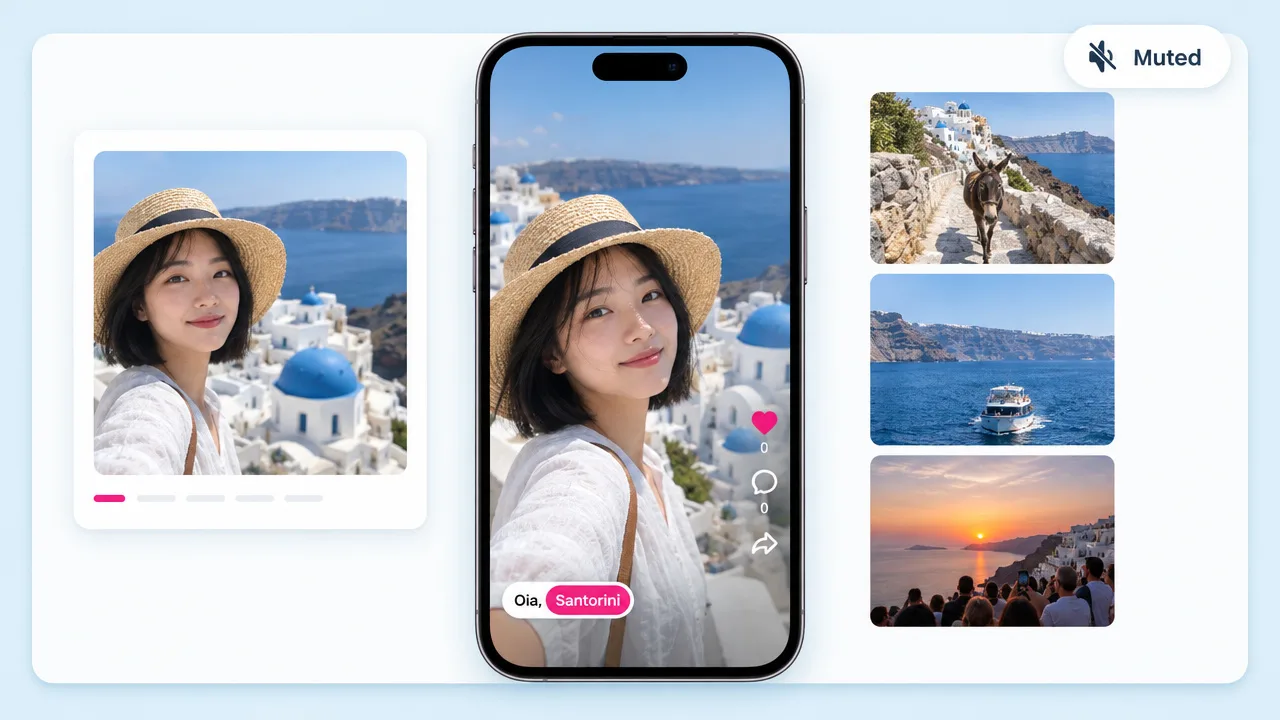
Captions with place names so it reads muted, and a hook in the first second so it is not scrolled past.
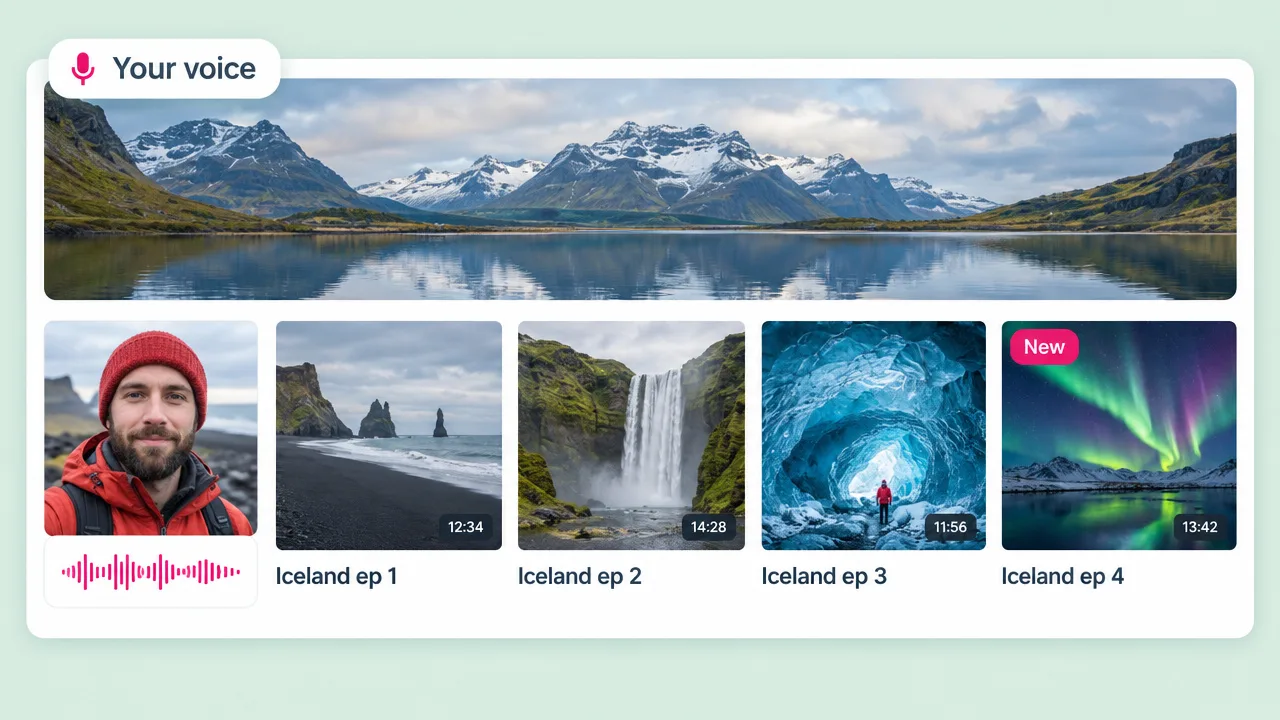
Add a voiceover, or clone your own so a series of destination videos sounds like one presenter.
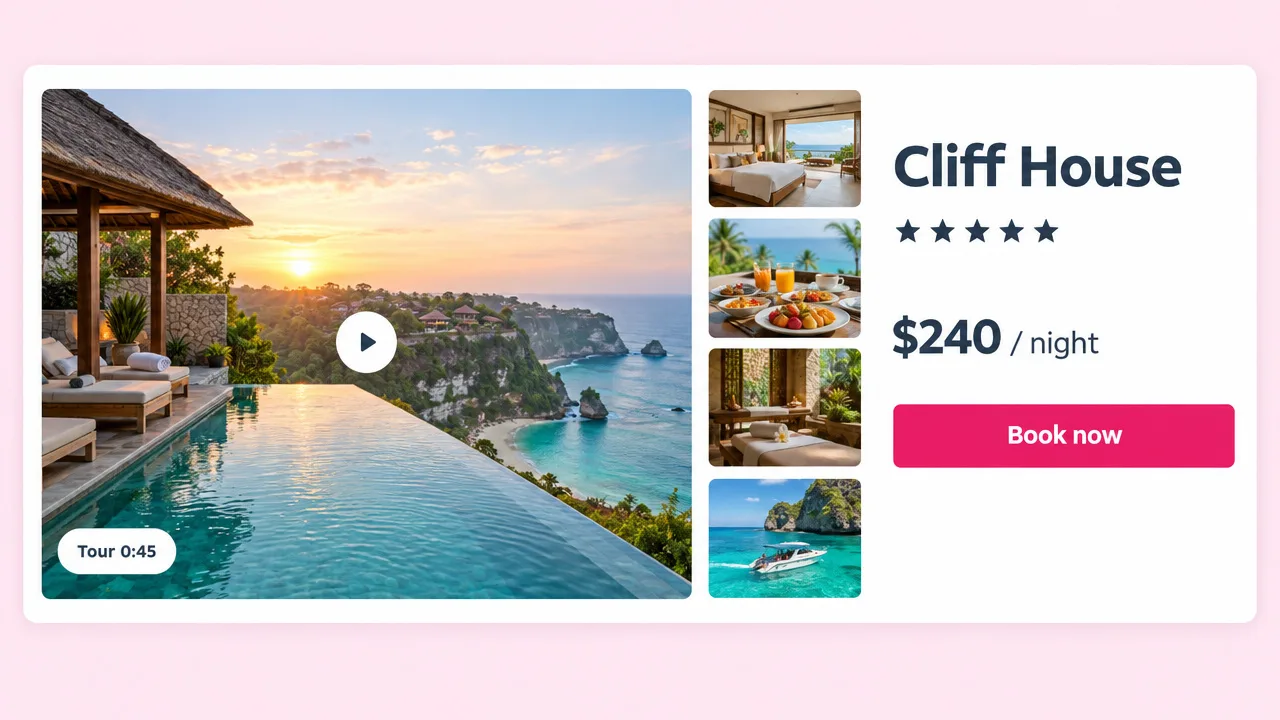
Property and tour operators sitting on location footage that has never been cut into anything postable.
Travel video FAQ
What to upload, how the edit is made, and what music you can use.
Tools
Upload it and Fliki picks the moments, cuts them to music and exports both versions.
Make a travel videoFree forever plan · No credit card required · Cancel anytime