video model · by Kuaishou

Kling 2.5 Turbo AI Video Generator

Generate cinematic 1080p videos at production speed with Kling 2.5 Turbo - Kuaishou's cost-efficient video model optimized for high-volume image-to-video and text-to-video work. Crisp motion, sharper details, and stable style at a fraction of the credits of premium tiers.

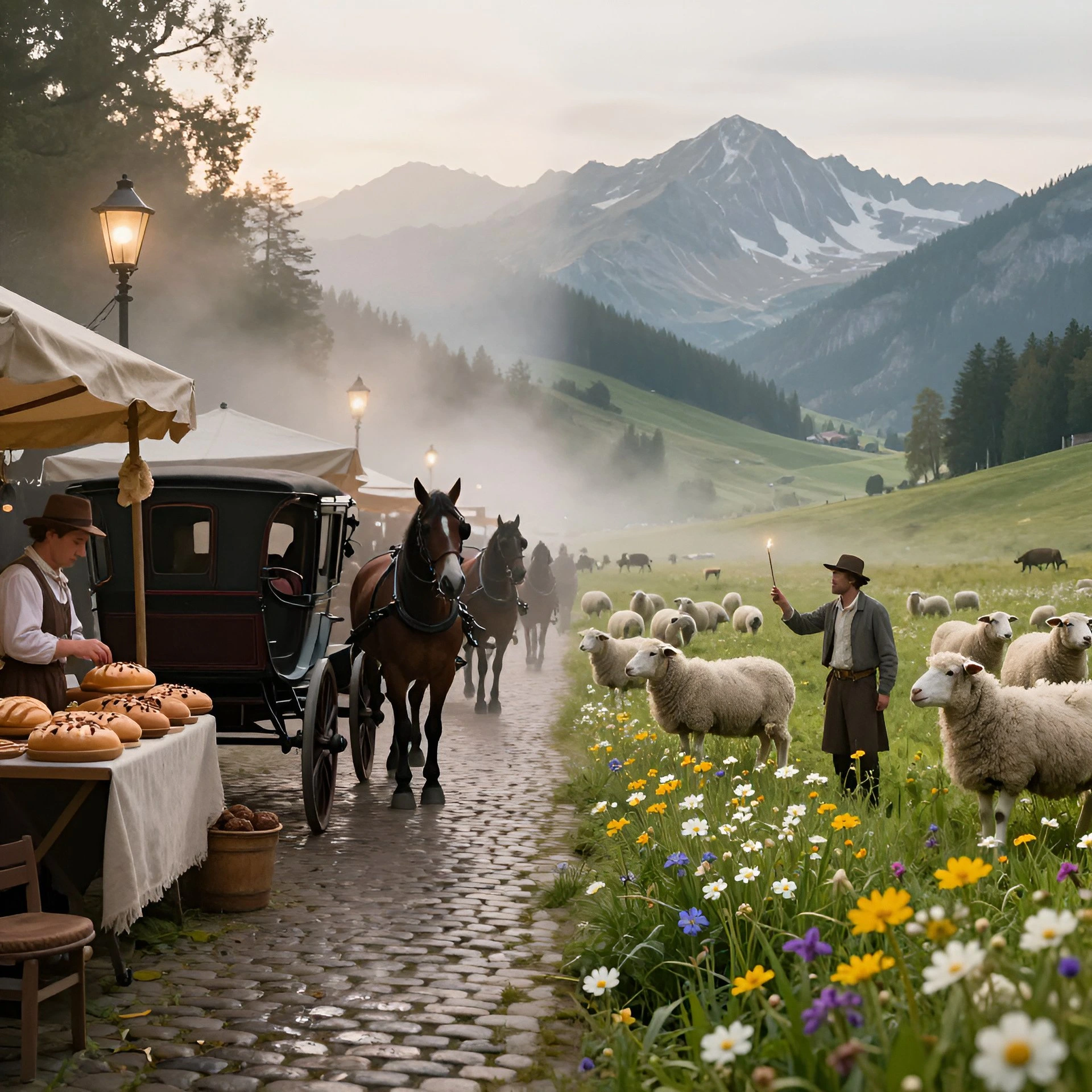
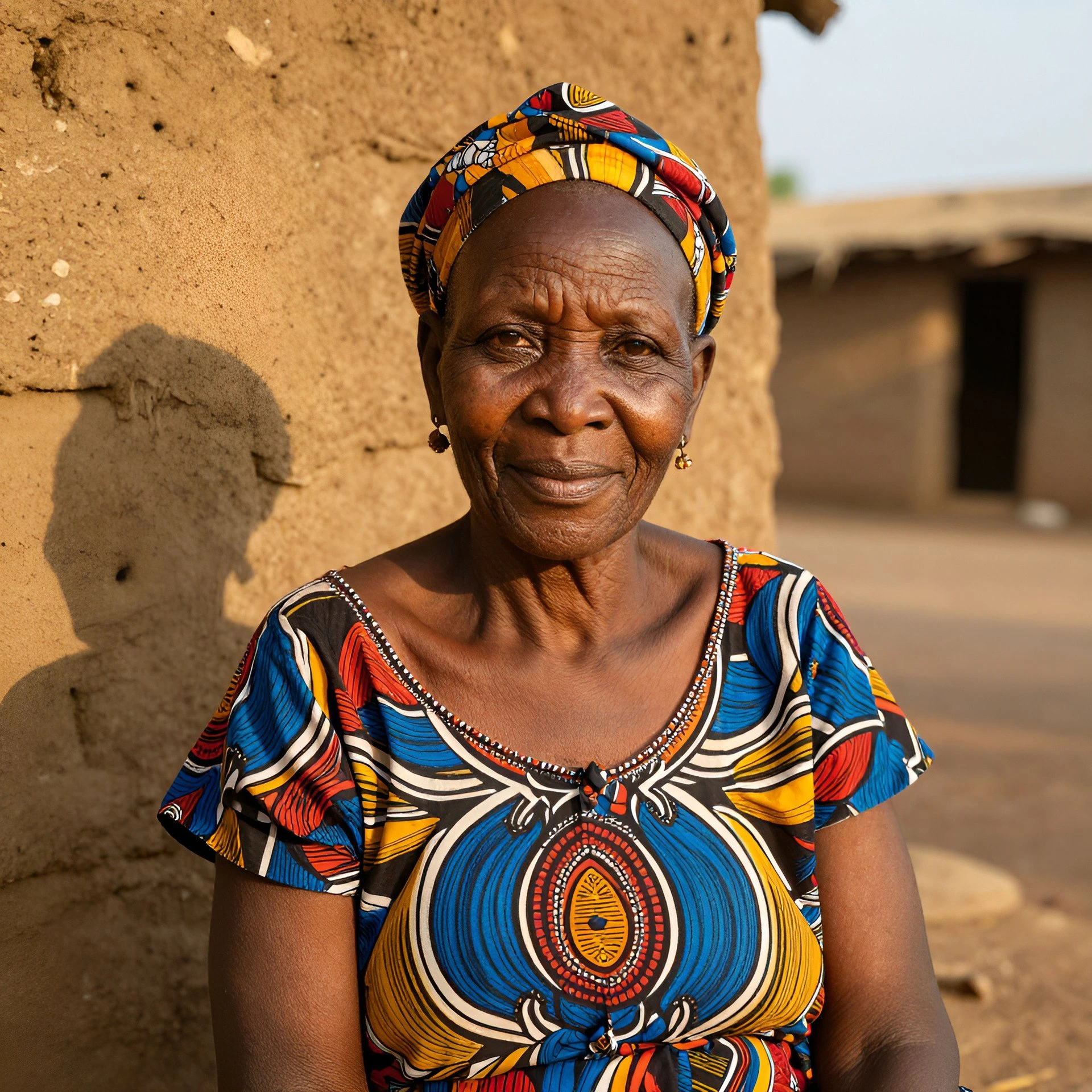
Generated with Kling 2.5 Turbo

A handful of Kling 2.5 Turbo clips generated inside Fliki. No edits, no post.

Prompt

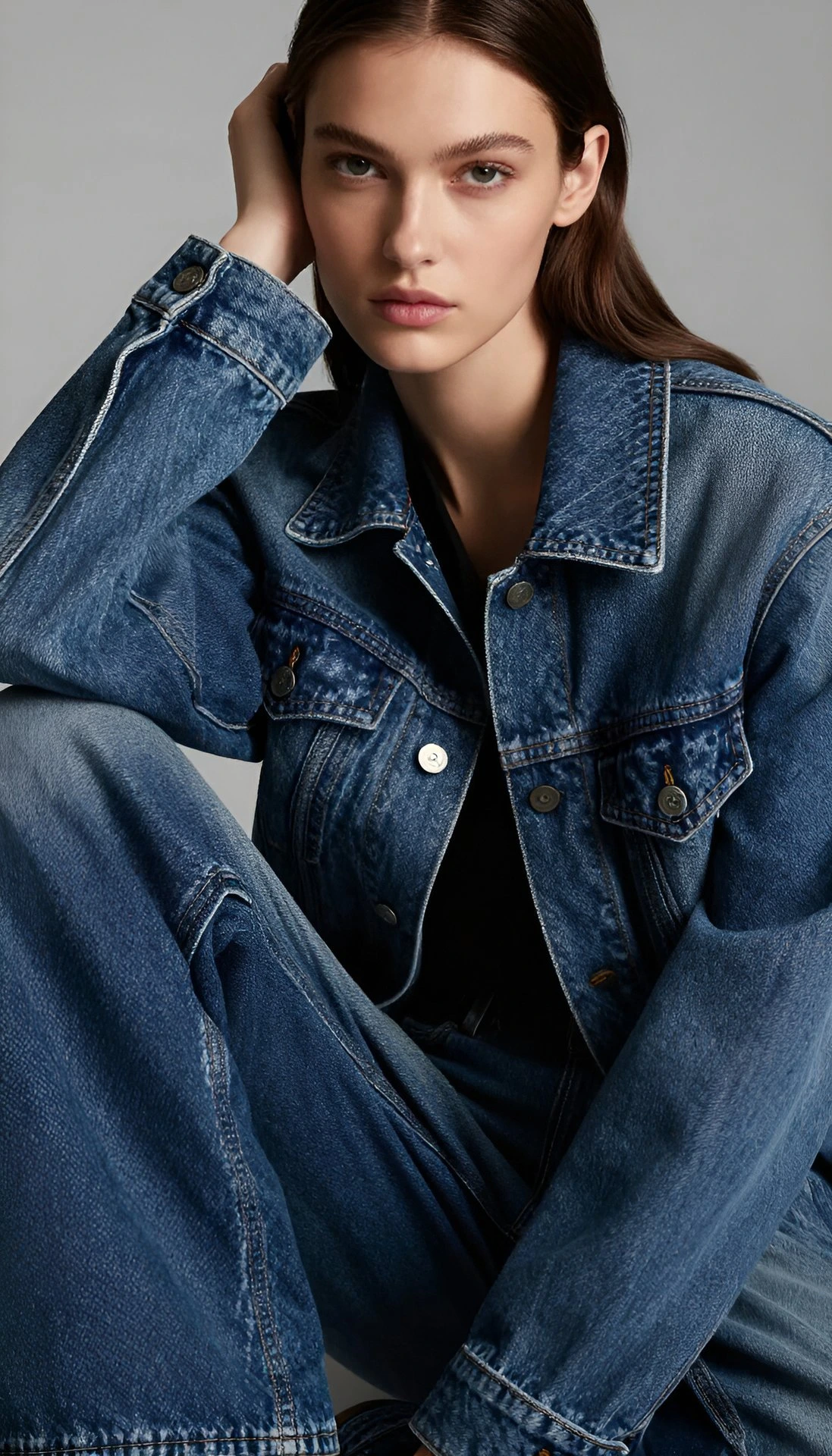
A young woman in an oversized denim jacket spins slowly in front of a full-length bedroom mirror, holding her phone up to capture the look, soft afternoon window light, plants and a tangled string of fairy lights behind her, lived-in vibe, phone-camera aesthetic, slight motion blur on the spin, naturalistic colour.

Prompt

A polished silver wristwatch rotates slowly on a black velvet pedestal, second hand sweeping smoothly, soft top rim-light catching the bezel, deep navy gradient backdrop with faint atmospheric haze, ultra-shallow depth of field on the dial, premium luxury commercial aesthetic, locked camera, glossy reflection underneath.

Prompt

A golden retriever bounds across a sunny living room rug toward its owner sitting on the couch, the owner laughs and opens their arms, the dog hops up and licks their face, handheld phone framing slightly tilted, warm afternoon light, cluttered cosy interior, raw home-video feel.

Prompt

A college student in a beige hoodie hunches over an open laptop at a café window seat, idly twirling a pen, raindrops streaking the glass behind her, warm amber café lighting inside, locked phone-on-table angle, the camera holds, she sighs and pushes her glasses up, lo-fi indie aesthetic.

Prompt

A model in a flowing emerald silk dress turns her head slowly toward camera, hair catching a slight breeze, locked tripod with a slow dolly-in, deep matte black studio backdrop, single strong key light from camera-right with soft fill, faint haze, editorial fashion film look, rich shadow detail, 35mm cinematic grain.

Prompt

A lone fishing boat drifts across glassy turquoise water at dawn, a sleeping volcano looming through soft mist on the horizon, slow aerial pull-back, the camera lifts and reveals the full bay, painterly pastel sunrise palette, deep blue-greens, cinematic 2.39:1 framing, gentle film grain, epic travel-documentary feel.

Prompt

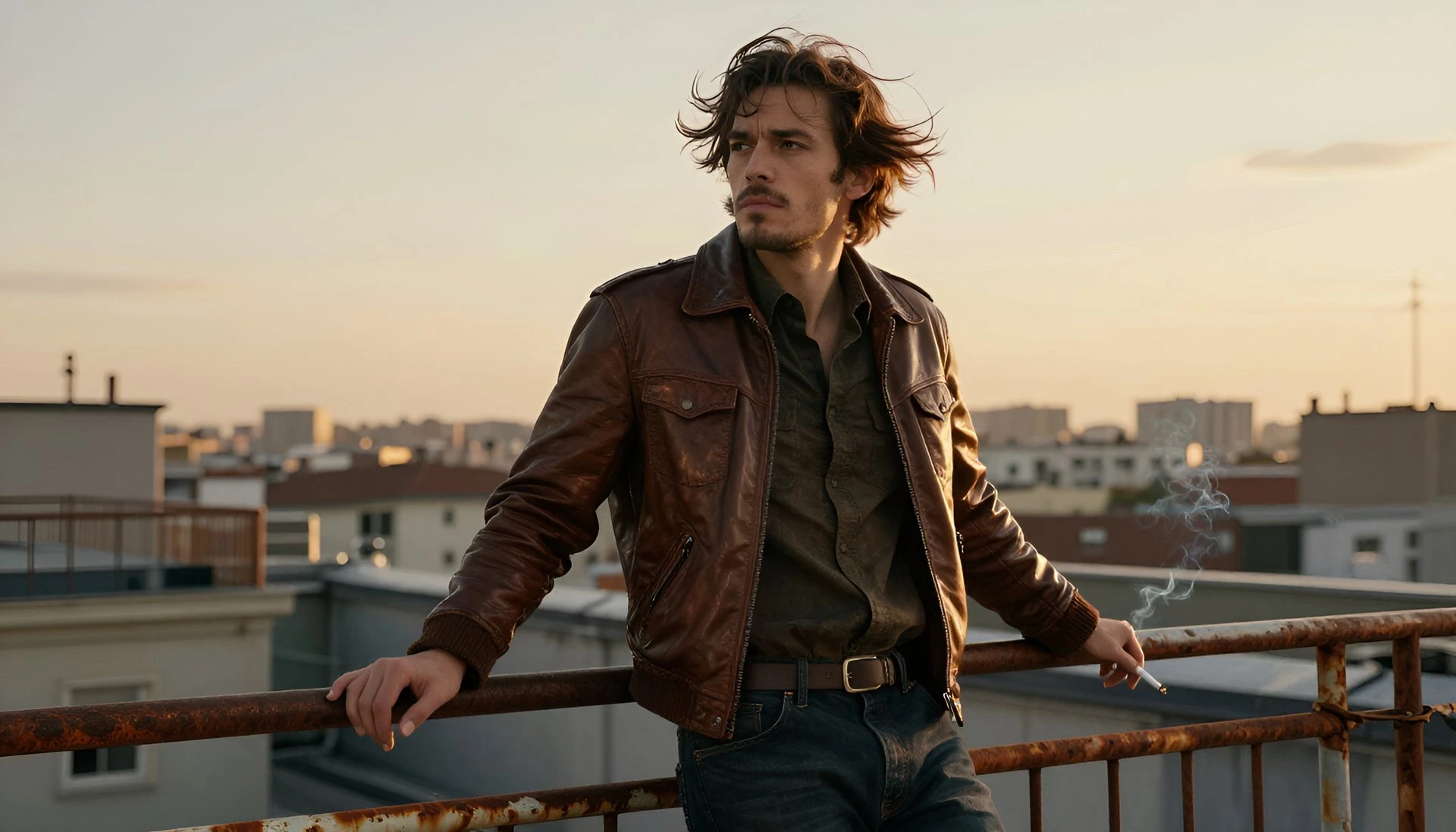
A traceur in a grey hoodie vaults cleanly over a low concrete wall on a sunlit rooftop and lands into a smooth roll, low-angle tracking shot following his motion arc, warm golden-hour backlight, long shadows across rooftop tiles, cinematic colour grade, slight handheld camera energy, no slow motion.

100M+VIDEOS CREATED
12M+USERS WORLDWIDE
80+LANGUAGES SUPPORTED

Trusted by 50,000+ companies worldwide

Why Kling 2.5 Turbo is the volume workhorse

1080p cinematic output

Kling 2.5 Turbo renders at full 1080p, giving you production-grade resolution from a speed-tier model. No need to upscale - output goes straight to social.

Improved motion quality over 2.1

Kling 2.5 Turbo shows smoother motion, better visual effects, and more natural camera movement than earlier Kling versions. The quality gap with 2.1 is noticeable in realistic-detail scenes.

Sharper detail and stable style

Fine detail - hair, fabric textures, micro-expressions - holds together across frames, and style remains stable through the clip rather than drifting mid-generation.

Strong image-to-video

Upload a single image and Kling 2.5 Turbo animates it into a cinematic clip. This is the model's highest-value workflow - ideal for turning photography into motion content for social and ads.

Efficient credit cost

Kling 2.5 Turbo offers 1080p output at roughly 25 credits per generation, reduced from premium-tier pricing. That efficiency lets teams generate 1000+ clips per month on mid-tier plans.

Text-to-video and image-to-video

Run it from pure text prompts for conceptual work, or from a reference image when you already have the visual locked. Both modes inherit the model's motion and style stability.

Multi-aspect ratio support

16:9, 9:16, and 1:1 are all natively supported, so you can generate for YouTube, TikTok, Reels, Shorts, and Instagram feed from the same prompt.

Built for iteration

Lower per-generation cost means you can re-roll prompts, A/B test versions, and refine concepts without worrying about credit burn. Ideal for agencies and in-house creative teams.

Stronger prompt adherence

Kling 2.5 Turbo handles multi-step instructions and causal relationships more comprehensively than prior versions — character interactions, scene transitions, and dynamic progression respond more precisely to descriptive prompts.

How it works

How to generate a video with Kling 2.5 Turbo

Kling 2.5 Turbo is designed for speed. Here's the six-step flow inside Fliki.
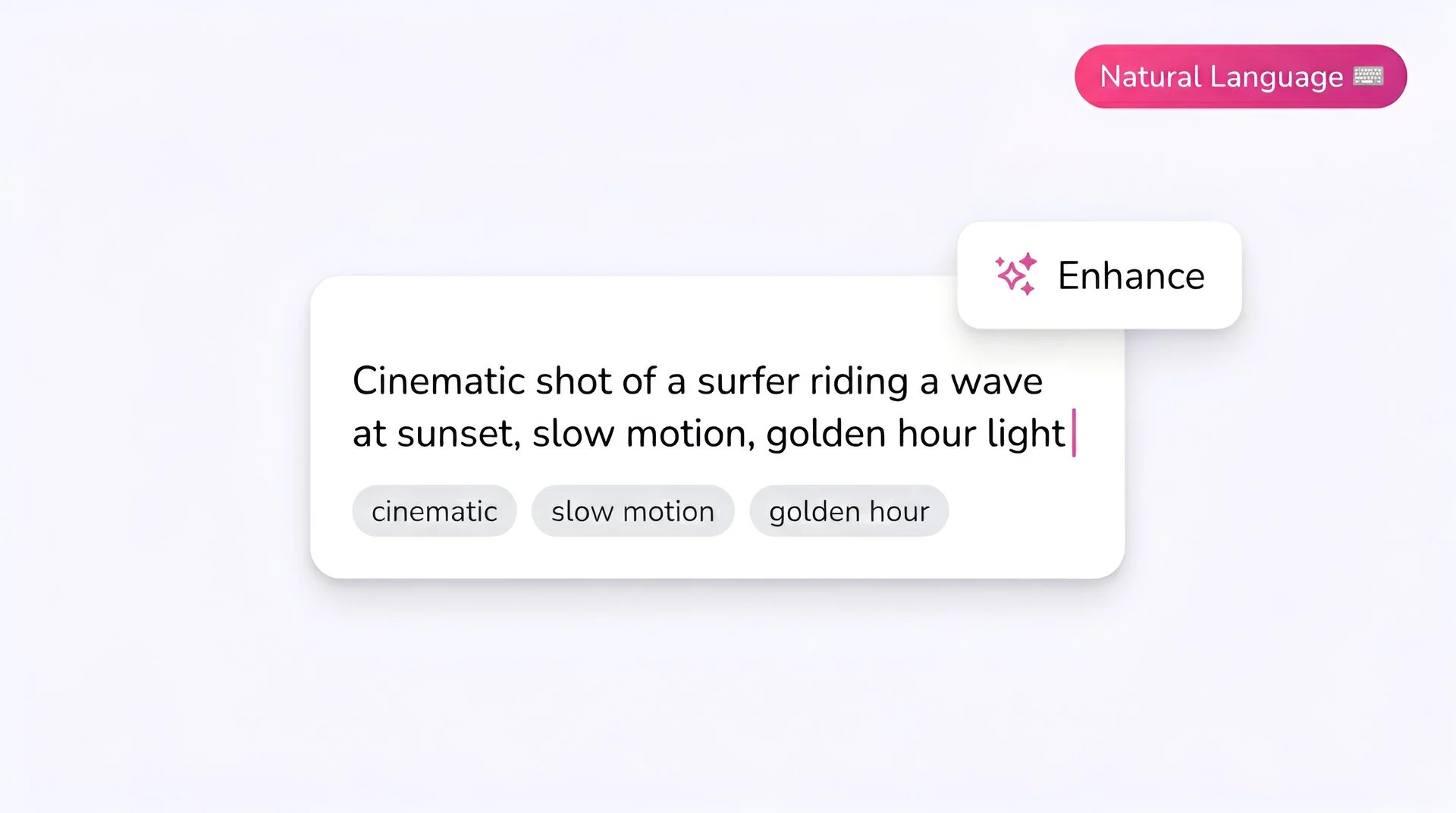
Fliki prompt input showing a cinematic text-to-video description for Kling 2.5 Turbo AI video generator
Step 1

Write your prompt

Describe the subject, action, and mood. Kling 2.5 Turbo handles concise prompts well - you don’t need paragraph-long shot lists for it to deliver clean output.

Fliki model selector dropdown with Kling 2.5 Turbo chosen for AI video generation
Step 2

Select Kling 2.5 Turbo as your model

Open Fliki's model selector and choose Kling 2.5 Turbo. Your prompt routes to Kuaishou's speed tier.
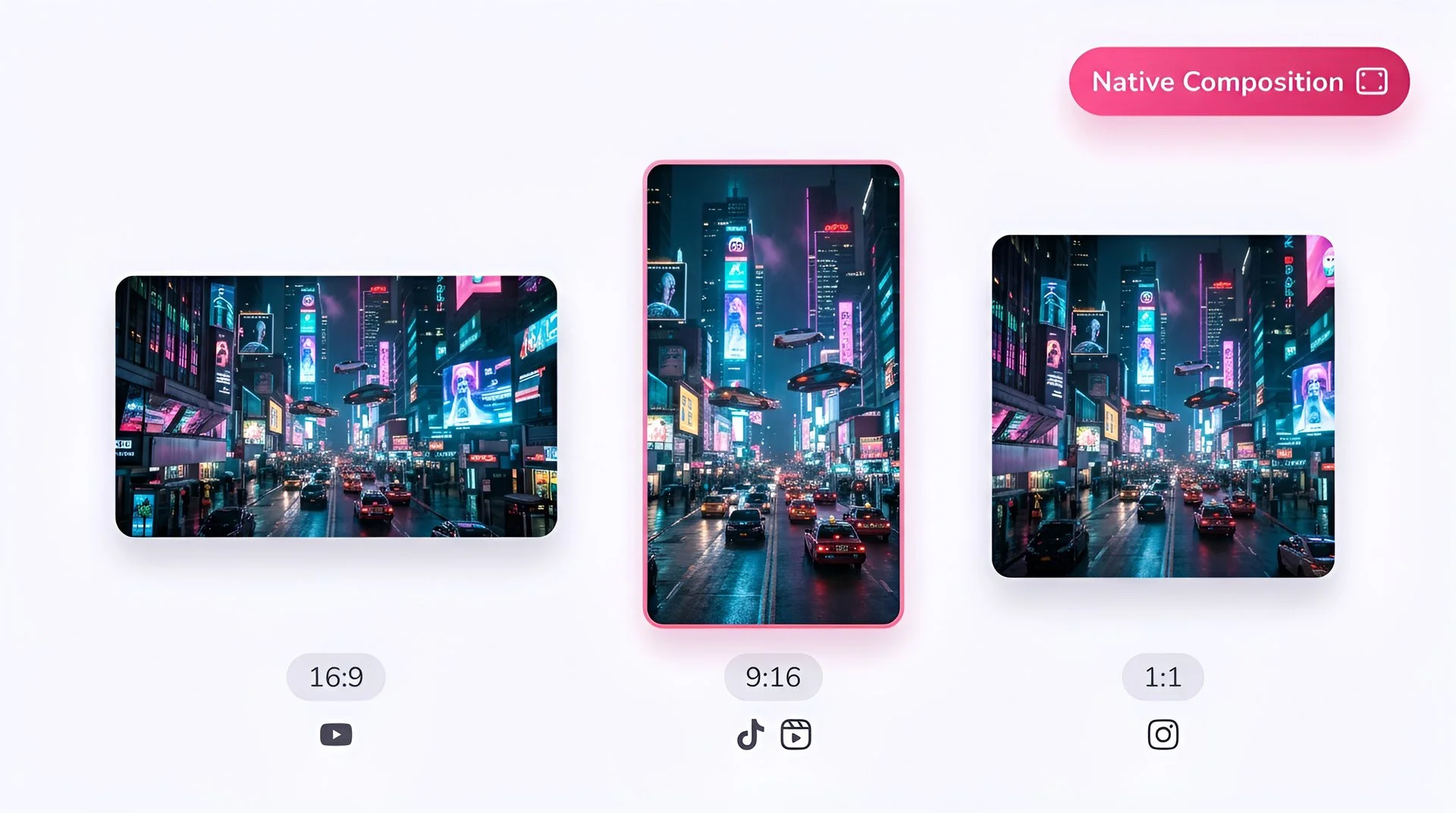
Choose 16:9, 9:16, or 1:1 aspect ratio for Kling 2.5 Turbo video generation on Fliki
Step 3

Choose your aspect ratio

Pick 16:9, 9:16, or 1:1 depending on the destination platform. All three ratios are composed natively.
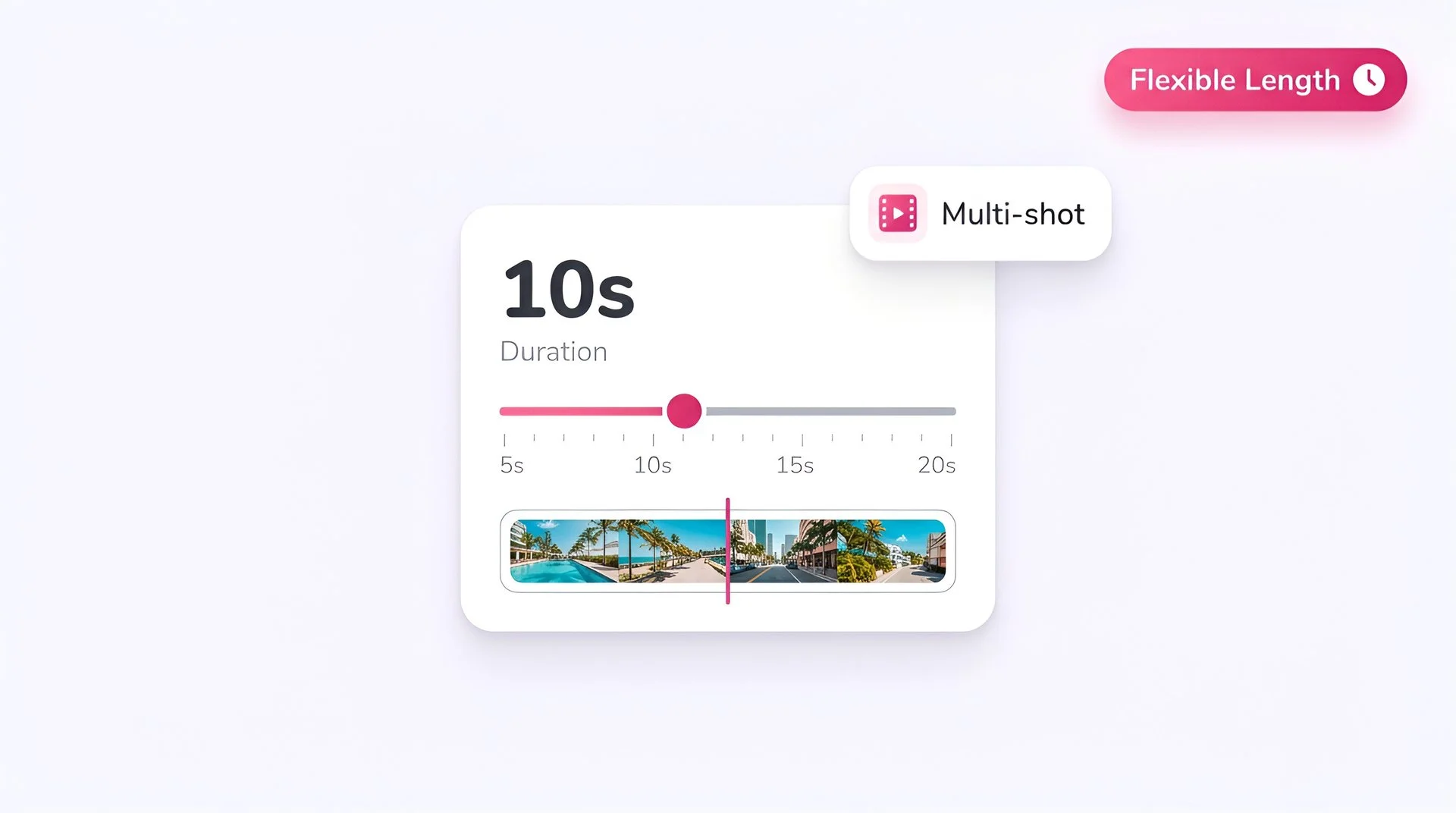
Set video duration on the Fliki slider for Kling 2.5 Turbo multi-shot AI video generation
Step 4

Set the duration

Shorter durations are the sweet spot for Turbo - they’re where the model’s speed advantage is largest. Use longer durations when you need fuller shot beats.
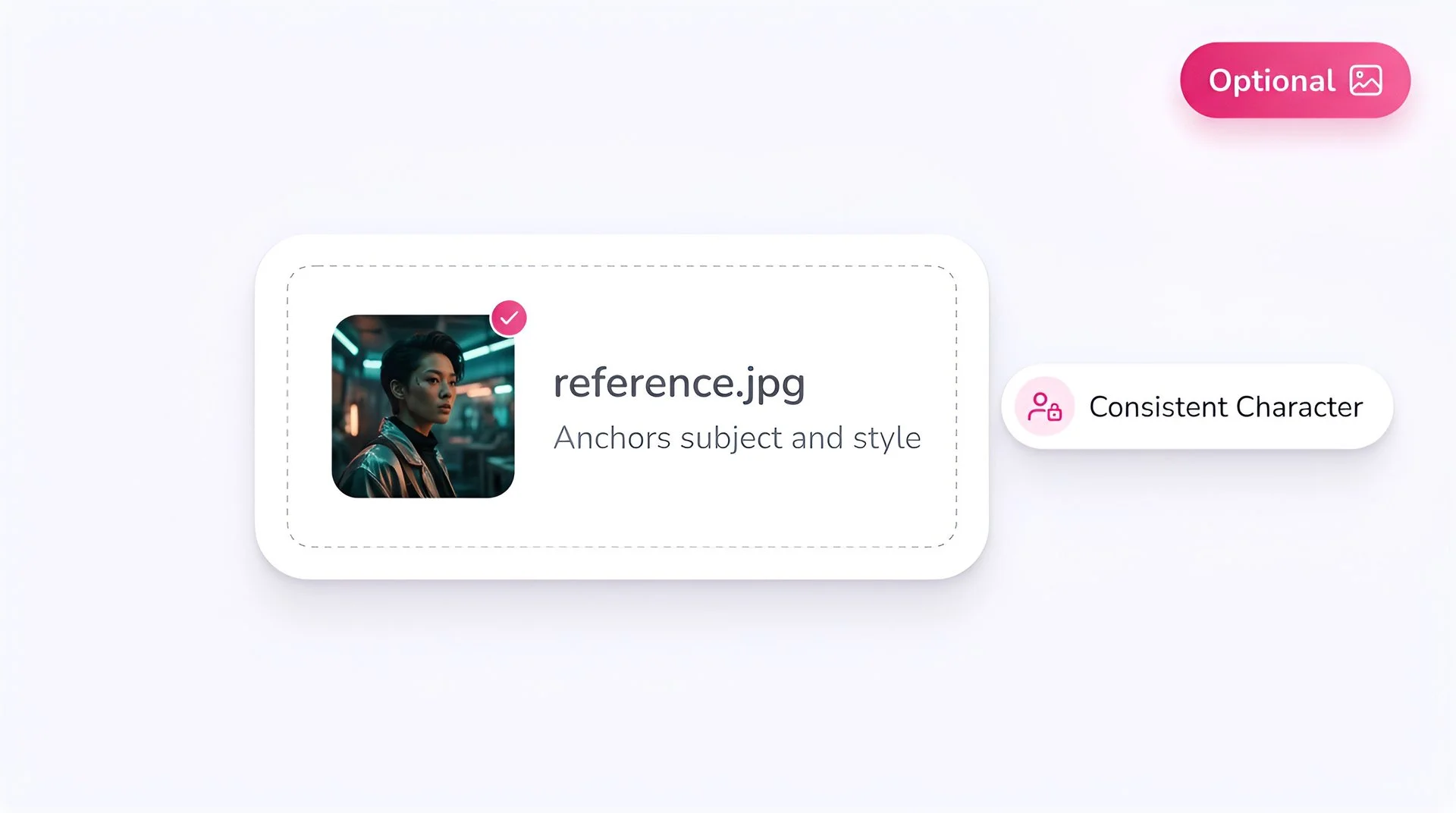
Upload an optional reference image to anchor subject and style with Kling 2.5 Turbo on Fliki
Step 5

Add a reference image (optional)

Image-to-video is where Kling 2.5 Turbo shines. Upload a photo to get high-quality animated output fast - perfect for reviving product shots, portraits, and brand stills.
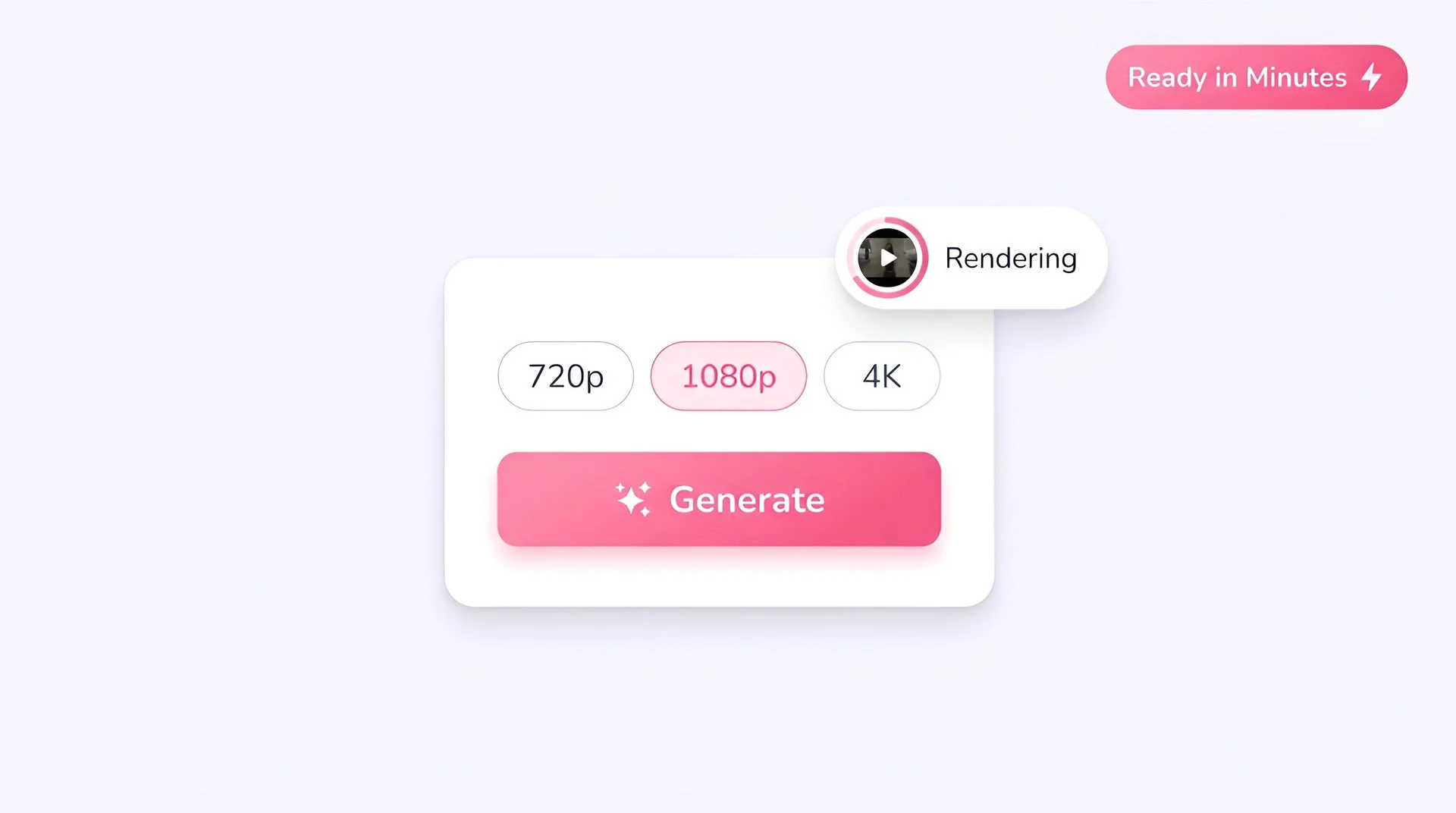
Pick output resolution and hit generate to create AI video with Kling 2.5 Turbo on Fliki
Step 6

Select resolution and generate

Choose 1080p for social-ready quality, then hit Generate. Output is ready in Fliki in under a minute for most prompts.

AI MODEL GALLERY

Built on the best AI models - ready inside Fliki

Every leading video, voice, and image model - integrated, unified, and tuned for creators. Generate with the latest AI video, AI voice, and AI image models from OpenAI, Google, Kling, Bytedance, ElevenLabs, and more - all from one place.
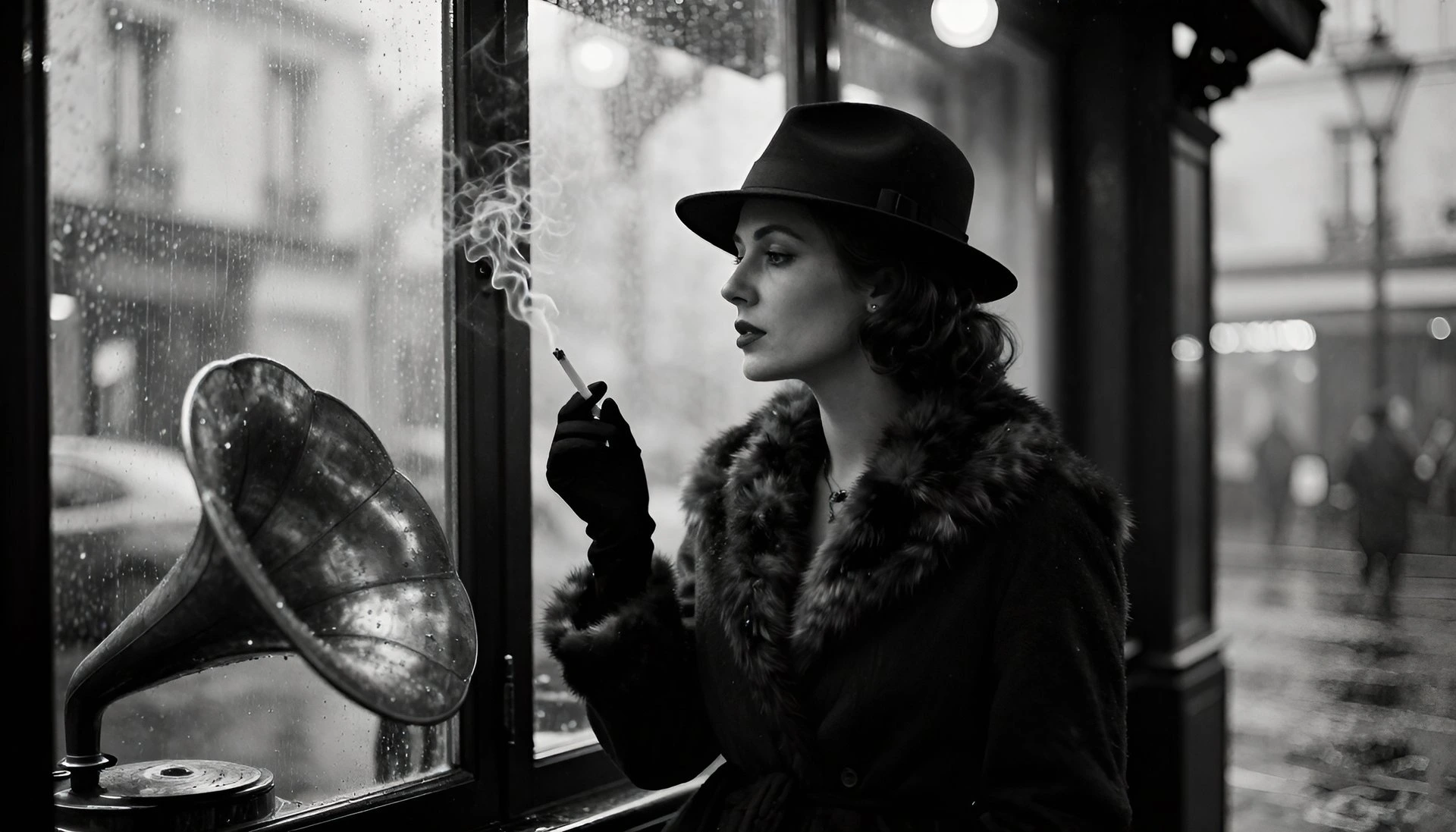

Kling 2.5 Turbo FAQ

Frequently asked questions

Everything you need to know about generating with Kling 2.5 Turbo inside Fliki.

What is Kling 2.5 Turbo?

Kling 2.5 Turbo is Kuaishou's speed-optimized AI video model. It generates cinematic 1080p videos from text or image prompts at lower credit cost than premium tiers, making it the go-to model for high-volume workflows.

What's the difference between Kling 2.5 Turbo Pro and Standard?

Pro offers tighter motion fidelity and higher prompt precision, positioned above Standard in the Turbo family. Standard is faster and cheaper per generation. Pick Pro for hero content; pick Standard for volume.

Is Kling 2.5 Turbo good for image-to-video?

Yes - it's one of the model's strongest workflows. Upload a reference image and Kling 2.5 Turbo generates a 1080p animated clip with stable style and sharp detail.

How much does Kling 2.5 Turbo cost on Fliki?

Kling 2.5 Turbo uses Fliki's credit system. On the source platform it's priced at roughly 25 credits per generation for 1080p - inside Fliki this translates to a lower credit cost than premium models, so your plan stretches further.

Does Kling 2.5 Turbo support 1080p output?

Yes. 1080p is the model's standard output resolution.

Can Kling 2.5 Turbo generate audio?

Kling 2.5 Turbo focuses on video quality. For audio-first workflows, Veo 3.1 Fast or Seedance 2.0 are stronger picks - all available on Fliki.

Still curious?

Try Fliki free in your browser, no credit card required.

Start free

Is Kling 2.5 Turbo censored?

Kuaishou applies content guidelines to Kling models, including Turbo. Most creative, commercial, and brand content works fine; edge cases around specific real-world figures or sensitive content may be filtered.

How does Kling 2.5 Turbo compare to Kling 3.0?

Kling 3.0 is the higher-fidelity flagship with better physics, longer durations, and multi-shot narrative strength. Kling 2.5 Turbo is the faster, cheaper speed tier. Use 3.0 for hero shots; use 2.5 Turbo for volume and iteration.

Kling 2.5 Turbo · Free forever plan

Generate your next video with Kling 2.5 Turbo.

Cinematic 1080p clips at production speed and lower credit cost. Free to start, no credit card required.

Generate your first video free

Free forever plan · No credit card required · Cancel anytime