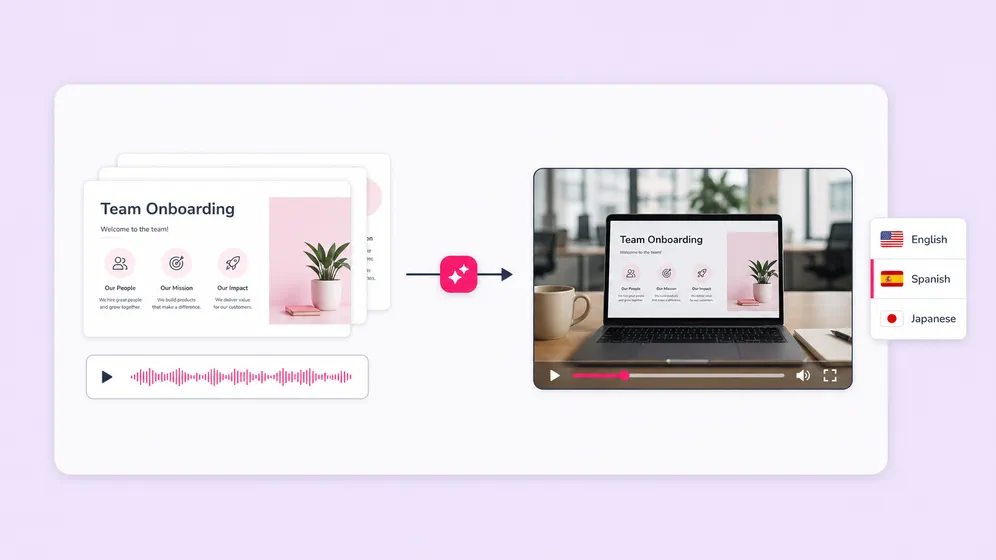
Onboarding and compliance training videos
Turn training decks into narrated videos with consistent brand voice and AI avatar host. Localize the same deck into 80+ languages without re-recording. Update the slide, re-render the video.
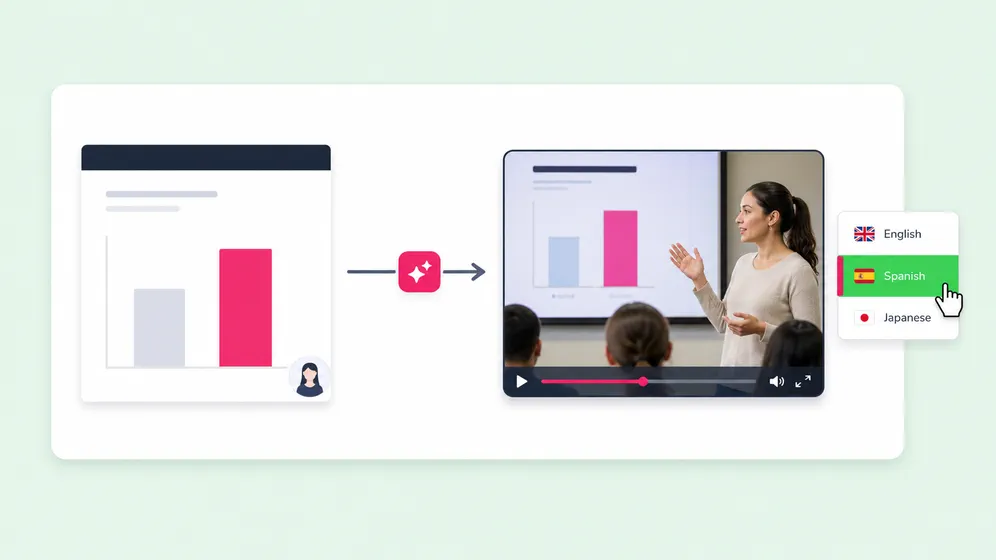
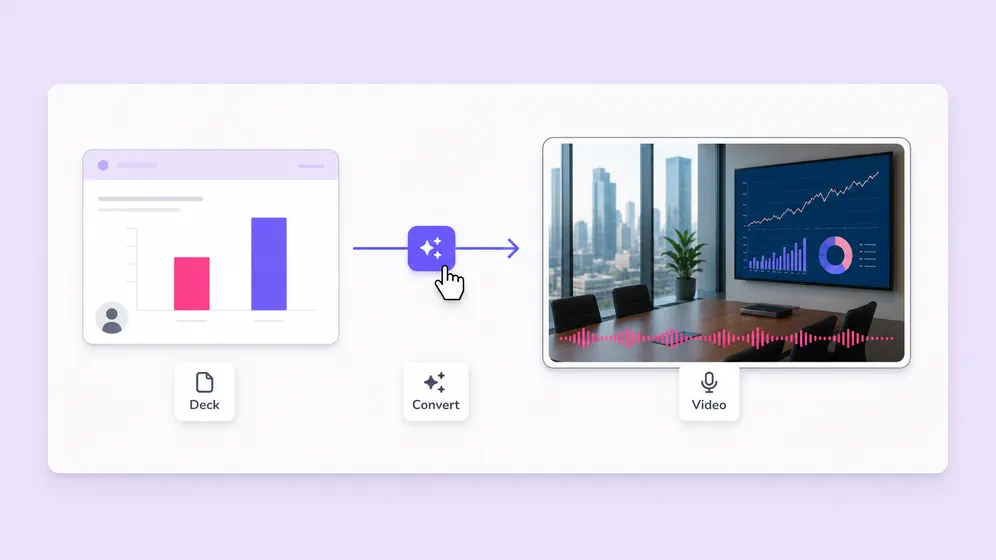
Upload a PowerPoint or PDF. Fliki writes a script from each slide, narrates it with a 2,000+ voice library in 80+ languages, and exports a 1080p MP4 ready for YouTube, LinkedIn, or your LMS. No software install, no PowerPoint required.
Free forever plan · No credit card required · 80+ languages
Created with Fliki
Real videos made with our text-to-video tool in under 5 minutes.
Key features of PPT to Video
PowerPoint can save a deck as a video, but the result is silent and slide-locked. Fliki adds a narrator, multi-language voice, AI avatars, and a real video editor on top.
Upload a PPT, PPTX, or PDF and Fliki reads the text, headings, and speaker notes, then writes a voiceover-ready script per slide. No re-typing, no scripting from scratch.
Pick a presenter voiceover from the deepest neural voice library in the category, powered by our text to speech engine. Adjust pace, pitch, and pauses per slide. Clone your own voice for branded training.
Auto-generated captions synced to the narration. Critical for accessibility and silent-scroll viewing on social. Customize fonts, colors, position, and animation.
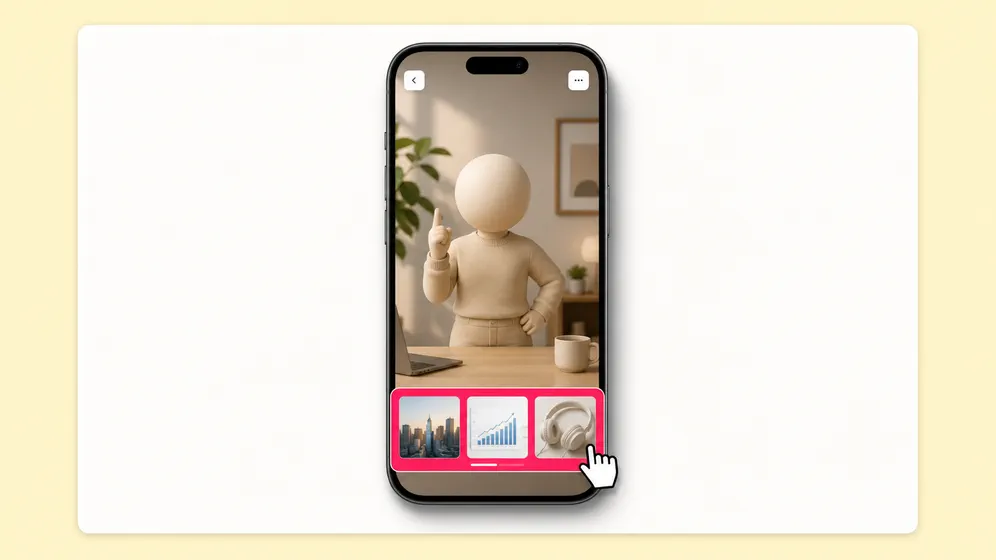
Fliki includes a full timeline editor. Swap visuals, regenerate any slide narration, change fonts and colors, layer in stock or AI-generated b-roll. No PowerPoint install needed.
Auto-paired background music tuned to the deck tone. Music ducks under the voiceover automatically. Pick from a royalty-free library, upload your own, or use our AI music generator.
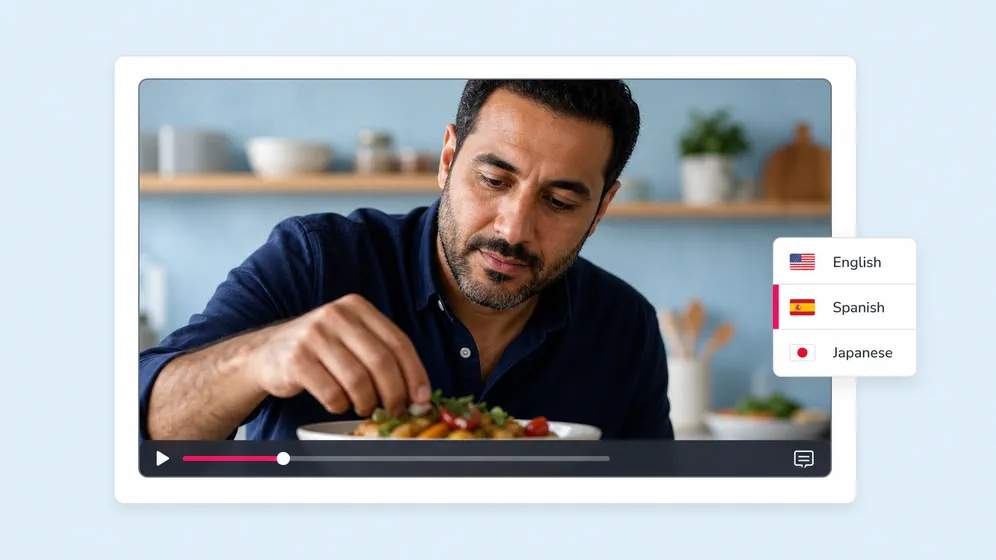
Convert the same deck into multiple languages with one click using our AI translator. Voiceover, captions, and on-screen text re-render automatically. Train global teams off one master deck.
Save brand colors, fonts, logos, and watermark once. Apply on every slide. Share workspaces with internal teams or freelancers. Version history included.
Export 16:9 for YouTube, web, and LMS. 9:16 for social. 1:1 for LinkedIn. Same source, every aspect ratio, one click. No re-recording.
How it works
Go from a PowerPoint upload to a narrated video in under 5 minutes. Fliki reads the slides, writes the script, voices it, and exports a 1080p MP4.
Drop in a .pptx, .ppt, or .pdf file. Fliki extracts the slides, headings, body text, and speaker notes. Files up to 20 MB.
Fliki turns each slide into a scene with voiceover-ready narration. Edit any line, regenerate sections, or pick a different tone.
Pick from 2,000+ AI voices in 80+ languages, or clone your own. Add an AI avatar that lip-syncs the script for an on-camera feel.
Export 1080p MP4 in 16:9, 1:1, or 9:16. Share to YouTube, LMS, internal training, social, or grab an embed code for your website.
Use cases for PPT to Video
Training and onboarding, sales decks, internal comms, classroom lessons, conference replays, marketing webinars. Fliki turns slides into video for every audience.

Turn training decks into narrated videos with consistent brand voice and AI avatar host. Localize the same deck into 80+ languages without re-recording. Update the slide, re-render the video.

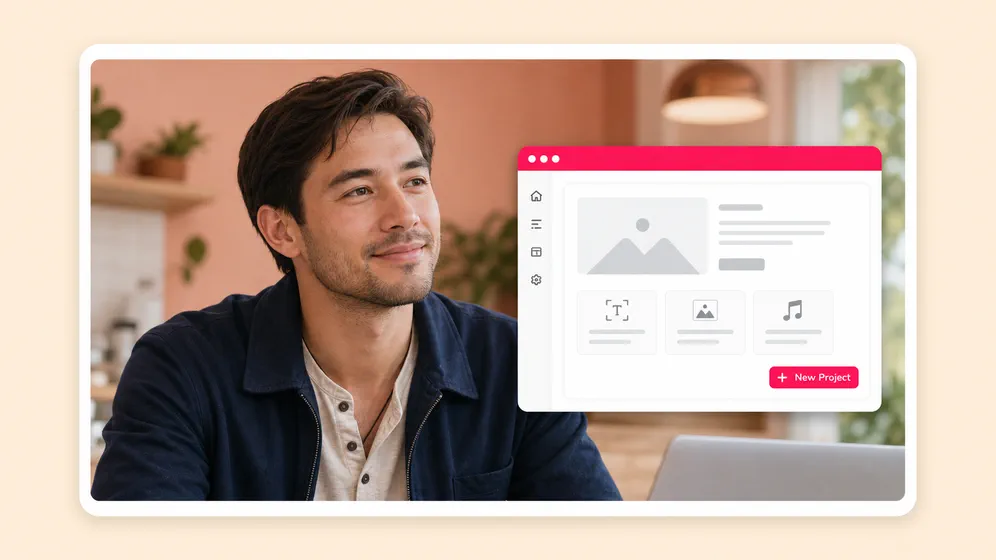
Turn classroom slide decks into self-paced video lessons with on-screen visuals and burn-in captions. Localize for ESL classrooms or multi-region rollouts.

Replace a live sales demo with a personalized video walkthrough of your deck. Narrated by your cloned voice, branded with your kit. Track engagement per slide.

Convert all-hands decks and policy updates into video for distributed teams. Same content, every language, branded. Cut the live meeting from the cycle.
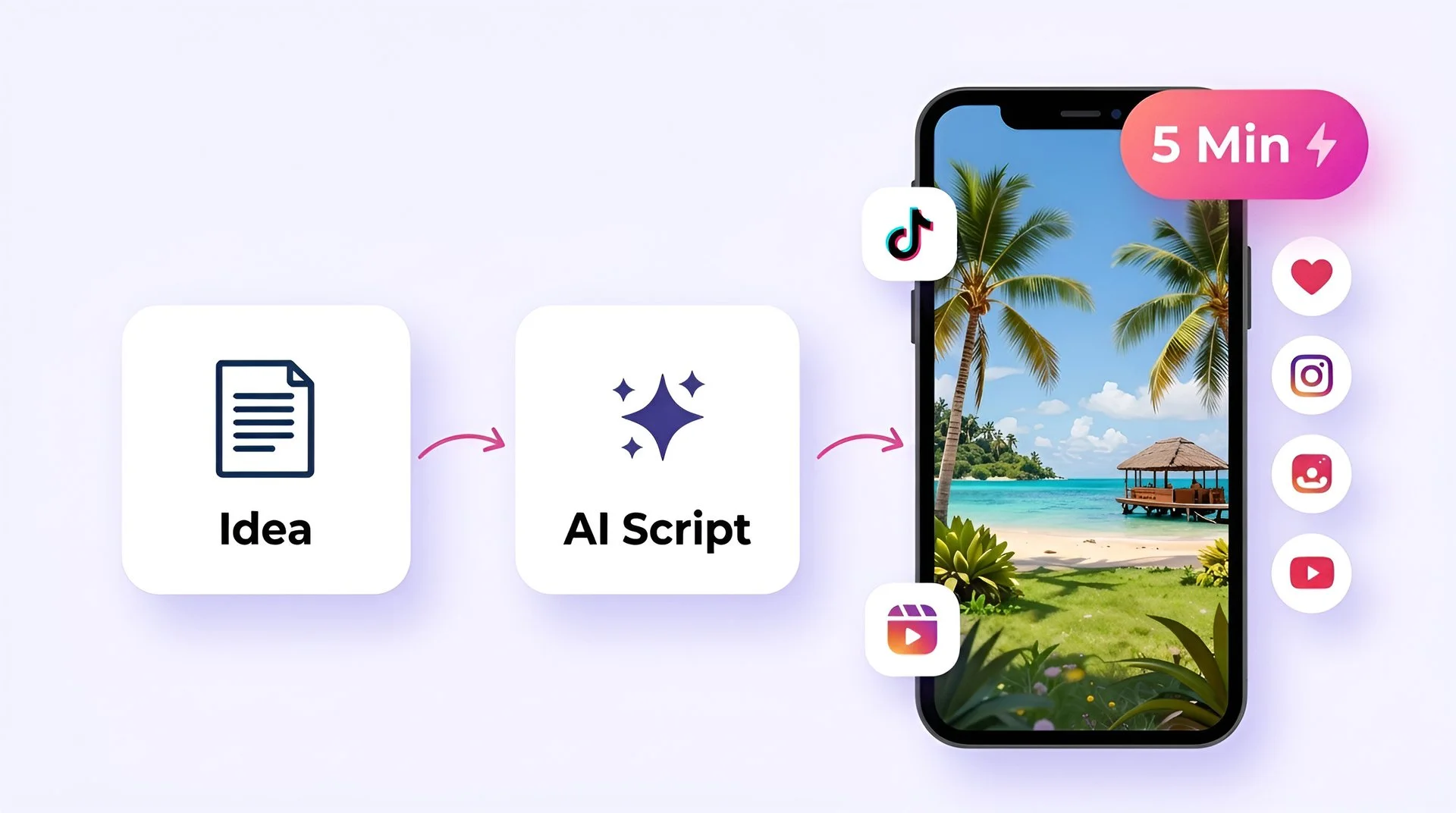
Turn your ideas into faceless short-form videos in minutes. No camera, no editing skills, no expensive gear - just describe what you want and hit generate.


AI MODEL GALLERY
Every leading video, voice, and image model - integrated, unified, and tuned for creators. Generate with the latest AI video, AI voice, and AI image models from OpenAI, Google, Kling, Bytedance, ElevenLabs, and more - all from one place.


PPT to Video FAQ
Everything you need to know about turning PowerPoint and PDF files into AI-narrated videos with Fliki.
Tools
Upload a deck, pick a voice, export a narrated video. Free to start, 80+ languages, no PowerPoint install required.
Convert your first PPT freeFree forever plan · No credit card required · Cancel anytime