video model · by ByteDance
OmniHuman 1.5 AI Talking-Head Generator
Animate a portrait photo with audio to produce a realistic talking-head video. OmniHuman 1.5 is ByteDance's lip-sync video model - upload a still portrait and an audio clip, get back a fully animated talking head with synchronized mouth, expression, and head motion.
Generated with OmniHuman 1.5
A handful of OmniHuman 1.5 clips generated inside Fliki. No edits, no post.
Prompt
Prompt
Prompt
What makes OmniHuman 1.5 the right talking-head model
Photo + audio talking head
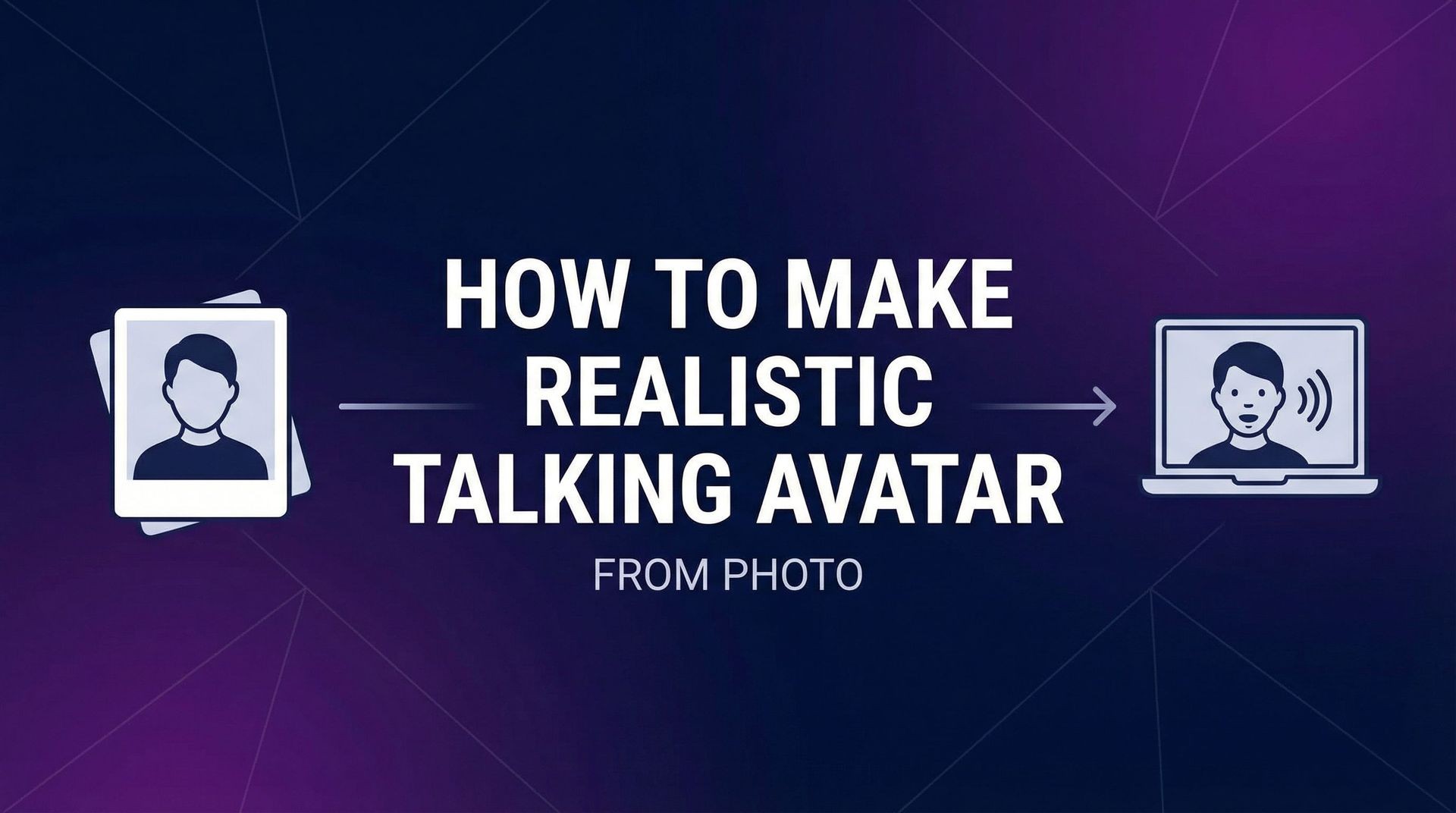
OmniHuman 1.5 takes a single portrait image and an audio clip and produces a realistic talking-head video. No video reference needed — just a photo and the audio you want spoken.
Tight lip-sync accuracy
Mouth shape and timing align with the audio at phoneme level — the kind of sync quality you'd otherwise need a recorded performance for.
Natural micro-expressions
Beyond mouth motion, OmniHuman 1.5 generates eye movement, blinks, and subtle head motion — the small cues that make talking-head video feel alive rather than uncanny.
Identity retention
OmniHuman 1.5 holds the source portrait’s identity across the full clip — likeness, styling, and lighting carry through without drift.
10-second clips at 720p
OmniHuman 1.5 outputs 10-second 720p talking-head clips. Stitch multiple generations together inside Fliki to build longer presenter sequences.
No video source required
Unlike face-swap or motion-transfer workflows, OmniHuman 1.5 doesn't need an existing video clip. A single photo and an audio file are enough — that's a much lower asset bar for production.
Built for presenter content
Founder-led explainers, multilingual versions of a single recording, personalized outreach, and presenter cuts for ads and social — all from a single source portrait.
Inside Fliki, no setup
Run OmniHuman 1.5 through Fliki's standard interface — no separate ByteDance account, no Runware setup. Upload, attach audio, generate.
Works across visual styles
OmniHuman 1.5 handles realistic photographs, anime characters, illustrated portraits, and stylized artwork — plus non-human subjects like animals and anthropomorphic figures. The same model carries a brand mascot or a real spokesperson.
How it works
How to make a talking-head video with OmniHuman 1.5
OmniHuman 1.5 runs inside Fliki's lip-sync workflow. Five steps.
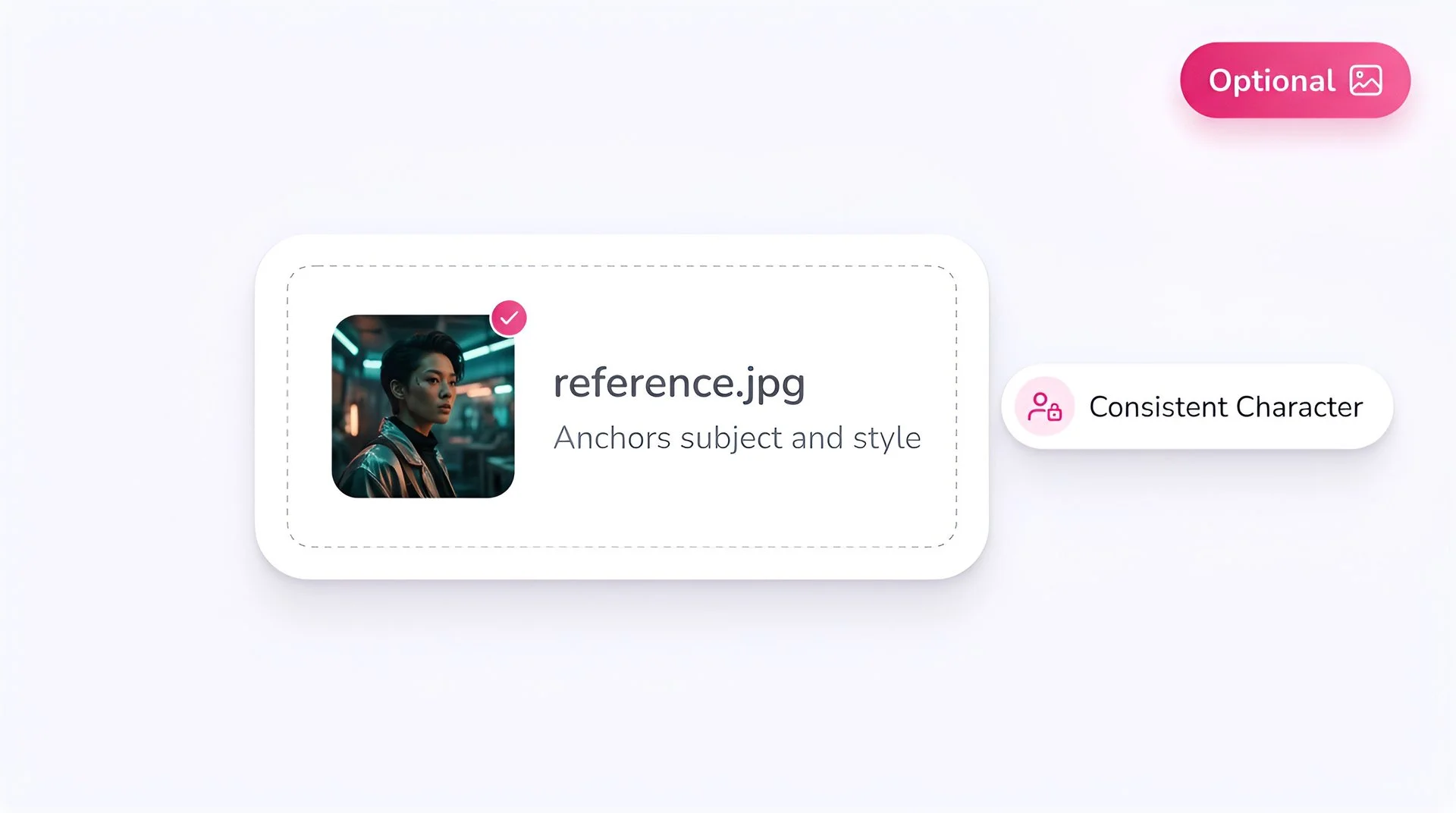
Upload a portrait image
Use a clear, front-facing portrait. Better source clarity gives the model more to work with — sharp lighting, unobstructed face, neutral expression all help.
Select OmniHuman 1.5
Pick OmniHuman 1.5 from Fliki's lip-sync model selector. It's designed specifically for image-plus-audio talking-head workflows.
Upload your audio
Upload the dialogue or voiceover audio you want the portrait to speak. OmniHuman 1.5 syncs mouth movement, micro-expressions, and head motion to the audio.
Generate at 720p
Hit Generate. OmniHuman 1.5 produces a 10-second 720p talking-head clip with the source identity and the new spoken content.
Drop into your timeline
Use the output as a presenter clip, an explainer talking head, a personalized message, or a social hook. Inside Fliki you can stitch multiple OmniHuman clips together for longer presenter sequences.
OmniHuman 1.5 FAQ
Frequently asked questions
Everything you need to know about generating talking-head video with OmniHuman 1.5 inside Fliki.
AI video models
Discover more
Tools
Discover features
Turn a photo into a talking head.
Upload a portrait, attach audio, get a realistic 720p talking-head clip. Free to start, no credit card required.
Try OmniHuman 1.5 freeFree forever plan · No credit card required · Cancel anytime