Free text to video AI: Script, blog, or PPT to video in 80+ languages
Paste a script, an idea, or a blog URL. Fliki turns text into a publish-ready video with 2,000+ AI voices in 80+ languages, AI avatars, auto-paired visuals, captions, and royalty-free music. Export in suitable aspect ratios for YouTube, TikTok, Reels, Shorts, and LinkedIn.
Free forever plan · No credit card required · 80+ languages
Trusted by 50,000+ companies worldwide
Created with Fliki
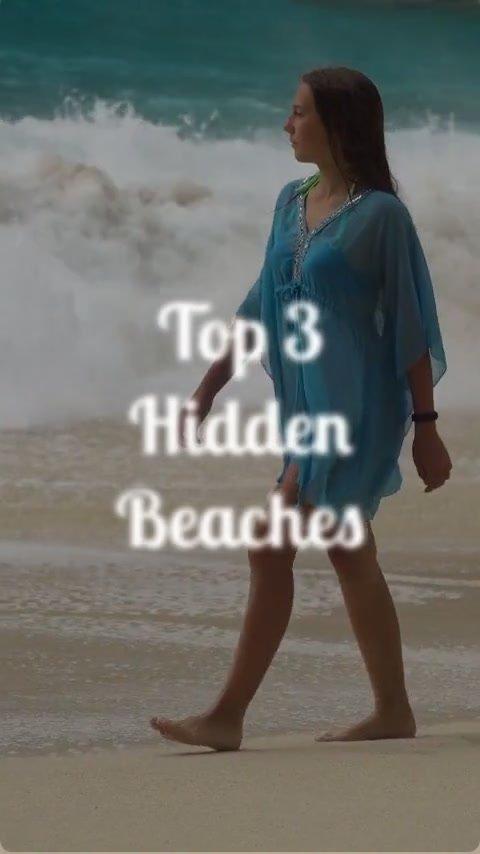
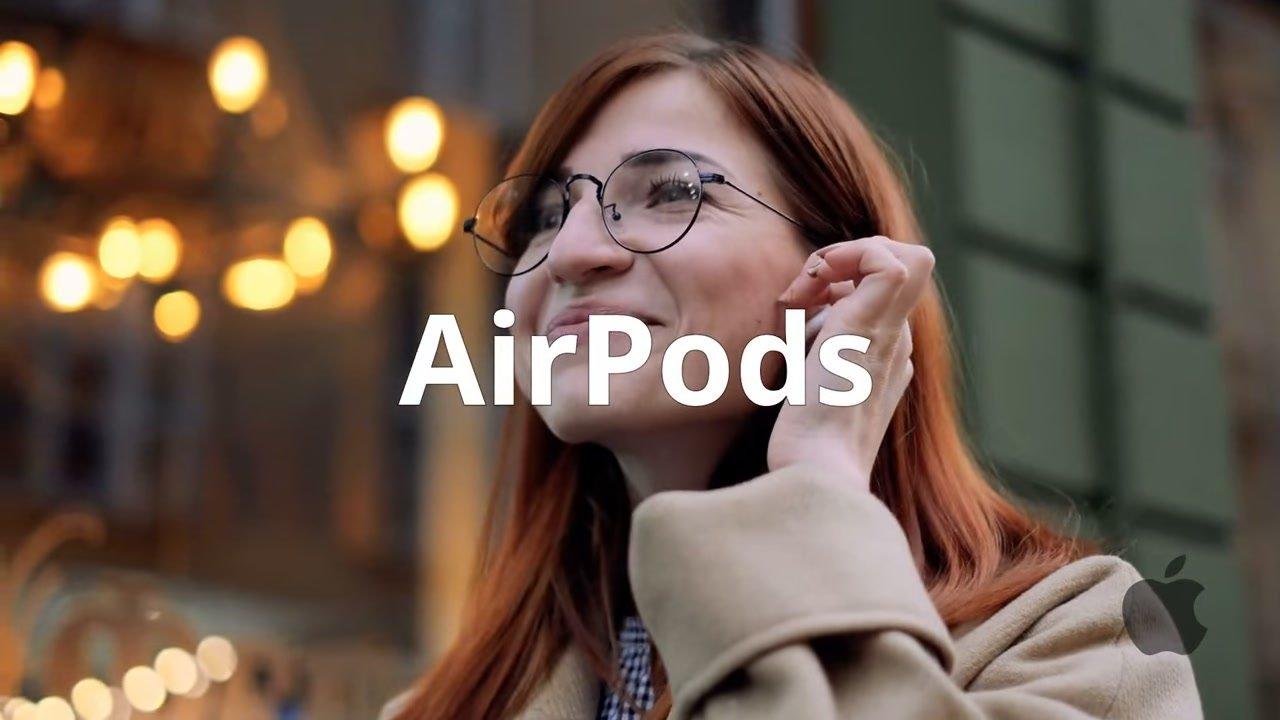
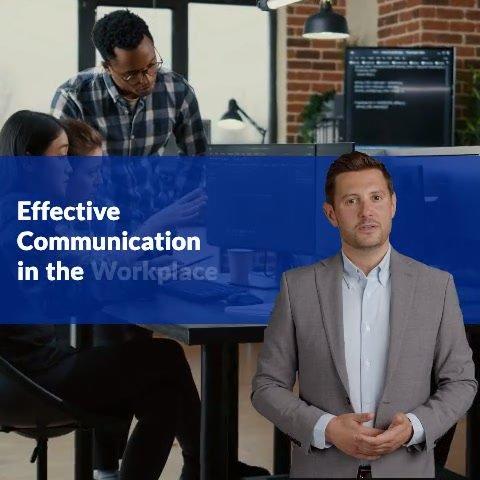
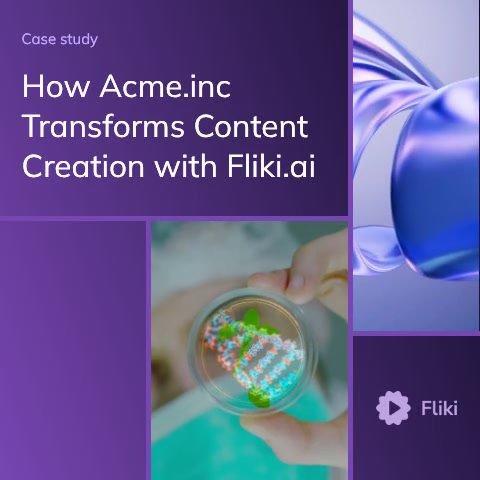
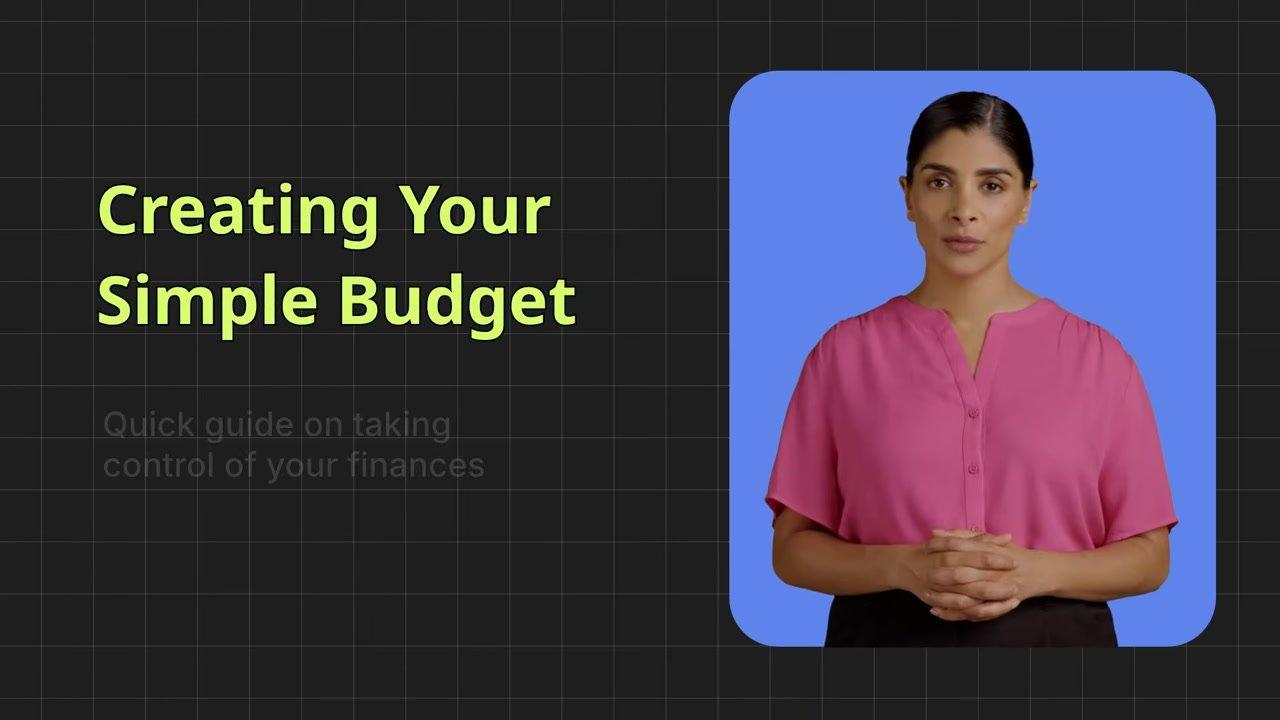
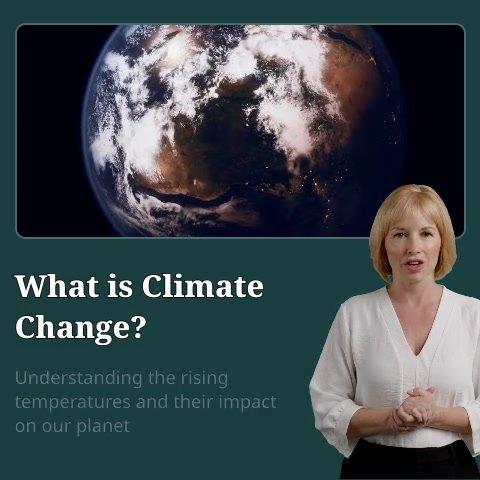
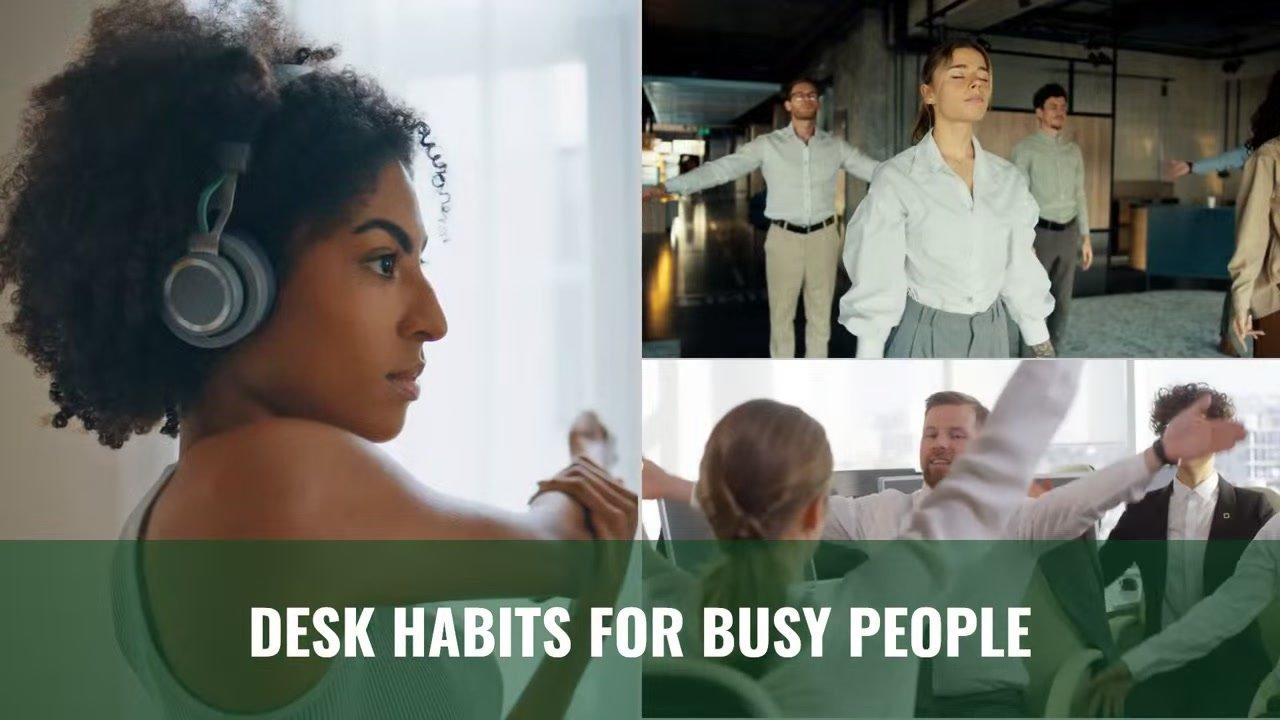
See what creators make with Fliki's AI video generator
Real videos made with our text-to-video tool in under 5 minutes.

Key features of Text to Video
Everything you need to turn text into video
Fliki is the most complete text-to-video AI: script, voice, visuals, captions, and music in one workspace. No editing skills required, no jumping between tools.
Paste a script, idea, or blog URL
Drop in finished script text, a one-line idea, a blog URL, or upload a PPT or PDF. Fliki picks the right starting point automatically. No blank screen, no rewrite from scratch.
2,000+ ultra-realistic AI voices in 80+ languages
The deepest voice library in the text-to-video category. Pick from 2,000+ neural AI voices across 80+ languages and 100+ dialects, powered by our text to speech engine. Adjust pace, pitch, and pauses per scene.
Voice cloning that sounds like you
Upload a 30-second voice sample. Fliki's AI voice cloning replicates it with high accuracy and re-uses it across every video, plus AI dubbing for multilingual delivery. The only top-ranked text-to-video tool with multilingual voice cloning built in.
AI avatars with lip-synced delivery
Add a lifelike AI talking avatar or your own digital twin. Lip-sync any script in 80+ languages with natural gestures, ideal for explainers, training, sales videos, and product walkthroughs.
Auto-matched stock + AI-generated visuals
Every scene is auto-paired with stock footage, images, or AI-generated clips that match the line. Swap any clip with one click. Generate fresh visuals from a prompt when stock falls short.
Burn-in subtitles and captions in 100+ languages
Auto-generated captions sized for silent-scroll. Customize fonts, colors, position, and animation. 85% of social viewers watch with sound off, so this is non-optional.
Royalty-free music, ducked under voiceover
Auto-paired background music tuned to the tone of your text. Ducks automatically under the voiceover so dialog stays intelligible. Set duration, fade points, and swap any track.
One-click resize for every social platform
Export the same video in 9:16 for TikTok, Reels, and Shorts. 1:1 for LinkedIn and Facebook. 16:9 for YouTube and web. Resize without re-editing or re-rendering scenes.
Brand kit + 100+ ready templates
Save your colors, fonts, logos, and watermark once. Apply with one click on every export. Reuse 100+ social-ready templates for ads, explainers, lessons, and product demos.
How it works
How to turn text into video in 4 steps
Go from text to a publish-ready video in under 5 minutes. Fliki handles script segmentation, voiceover, visuals, captions, and music. You stay in control of every scene.
Paste your text
Drop in finished script text, a one-line idea, a blog URL, or upload a PPT/PDF. Pick your language, tone, and target duration up to 15 minutes.
Fliki segments and voices it
The AI splits your text into scenes at natural sentence boundaries, writes voiceover-ready narration, and picks an AI voice tuned to your tone.
Review, refine, brand it
Edit any line, swap voices, add an AI avatar host, or apply your brand kit. Auto-pair captions and music in one click. Re-generate any scene.
Export and publish
Export 1080p MP4 in 9:16, 1:1, or 16:9. Publish straight to YouTube, TikTok, Reels, Shorts, or LinkedIn, or grab an embed code for your blog or website.
Use cases for Text to Video
One AI text-to-video tool. Every kind of video.
YouTube channels, social shorts, marketing ads, e-learning, corporate training, and product demos. Fliki turns any text into a polished video, ready for every platform and team.
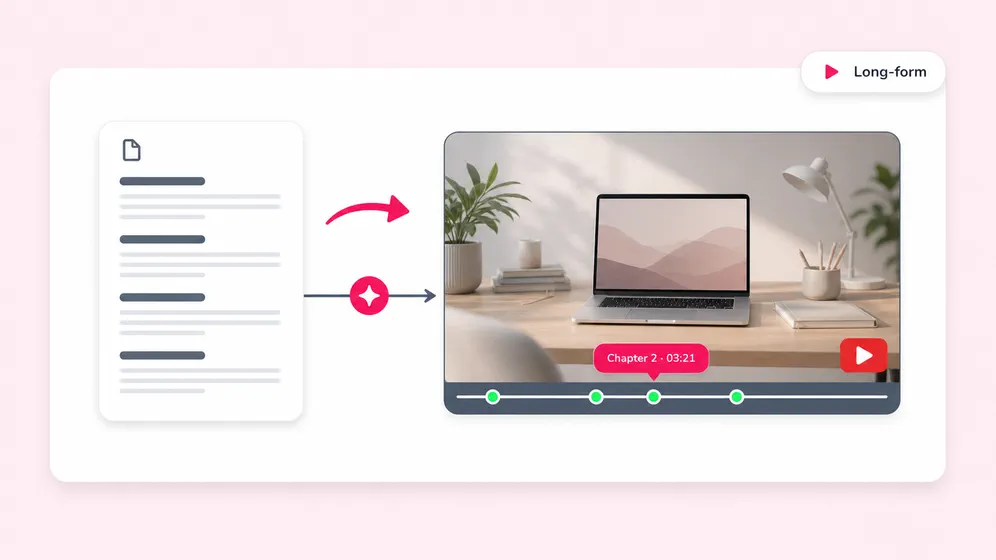
Long-form and faceless YouTube videos from a script
Turn a written script into a 5 to 15 minute YouTube video, with or without a face on camera. Chaptered scenes, b-roll, AI voiceover, burn-in subtitles. Works for explainers, top-10, history, and true-crime channels.
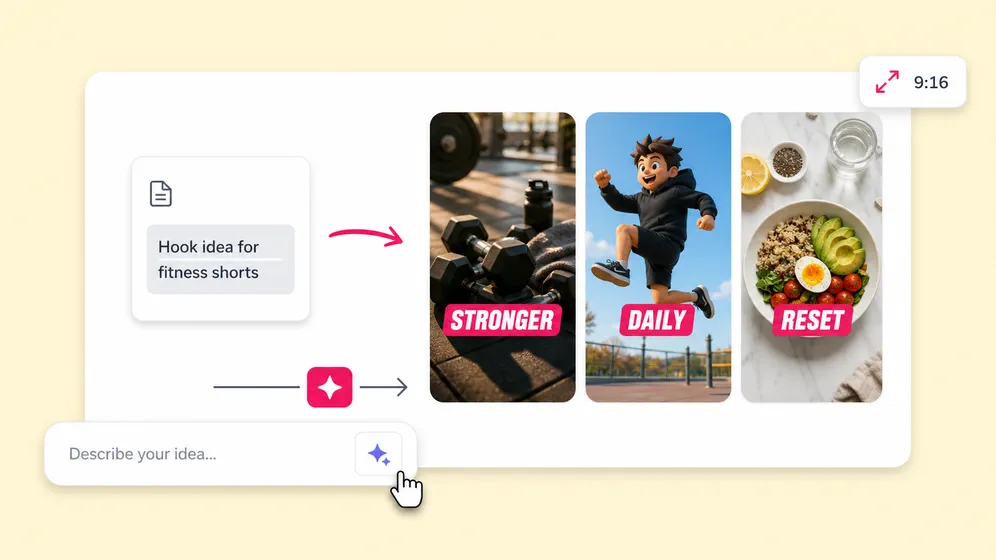
Faceless TikToks, Reels, and YouTube Shorts
Generate 9:16 short-form videos from a single line of text. Hook, body, and CTA are auto-scripted. Burn-in captions, trending fonts, 60-second pacing. Ship in under 5 minutes.
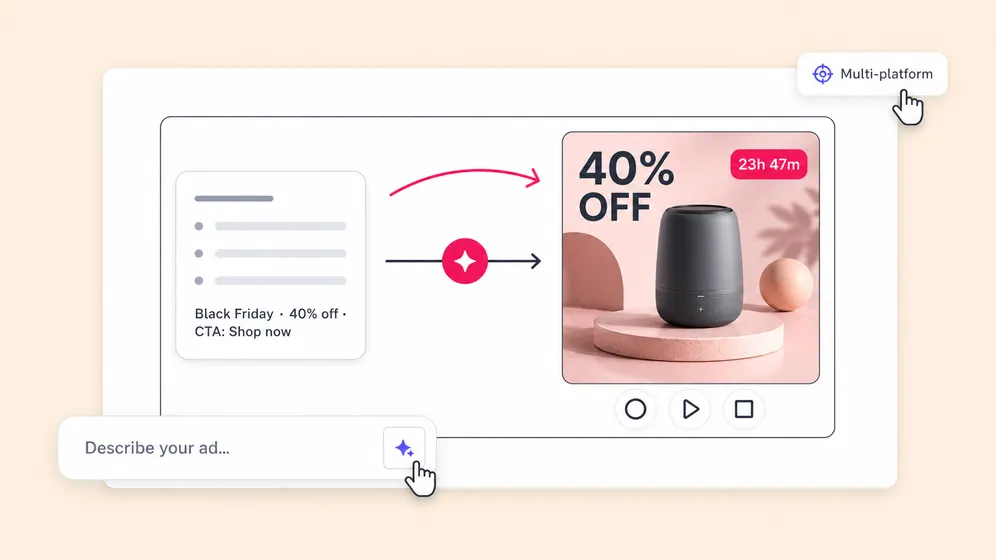
Product demos, ads, and social campaigns from a brief
Brief Fliki on the product or campaign in plain text. Get ad-ready videos in every aspect ratio: landscape for Meta and YouTube, square for LinkedIn, vertical for TikTok and Snapchat. Brand kit applied in one click.
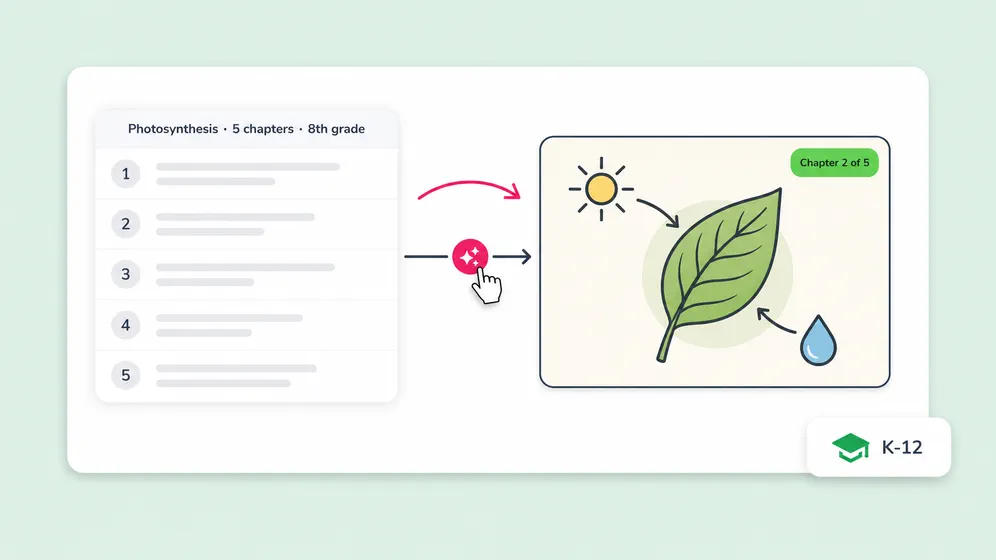
Lessons and microlearning videos from text
Convert a teaching outline, lesson plan, or written tutorial into a narrated video with on-screen visuals and captions. Localize the same lesson into 80+ languages without re-recording.
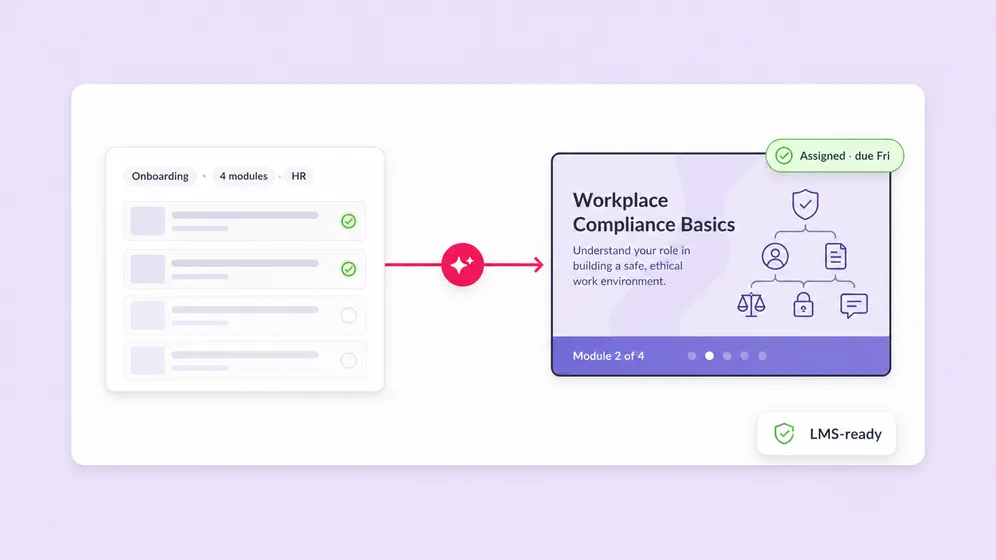
Corporate training, onboarding, and compliance videos
Convert SOPs, policy docs, or training outlines into branded training videos with an AI avatar presenter, narration, and captions. Update the script and re-render in seconds. Localize into 80+ languages without re-recording.
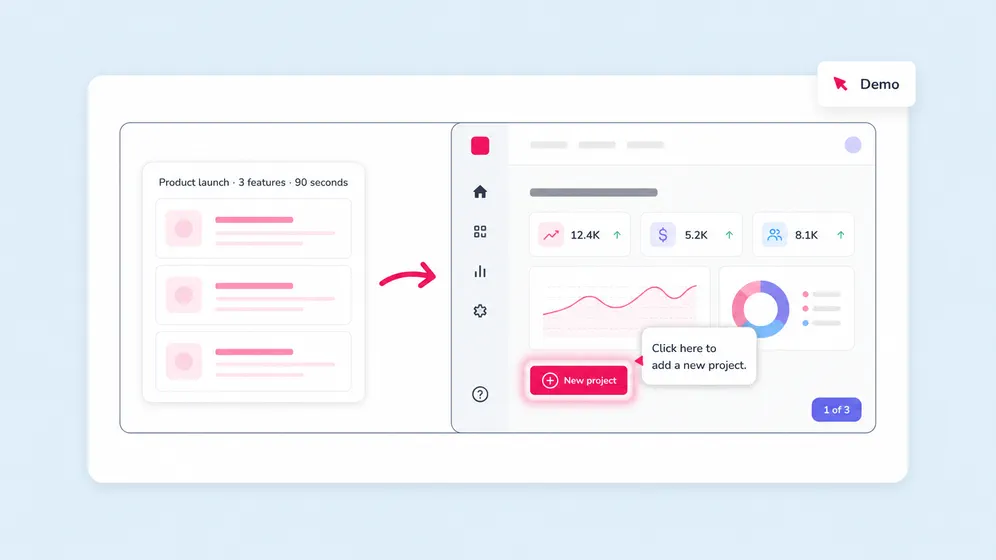
Software demos and feature walkthroughs from text
Pair a written walkthrough with screen recordings, product UI screenshots, or AI b-roll to ship a finished demo video. AI voiceover narrates the feature; brand kit and captions are applied automatically. Perfect for SaaS launches and onboarding.
Built for how you create video
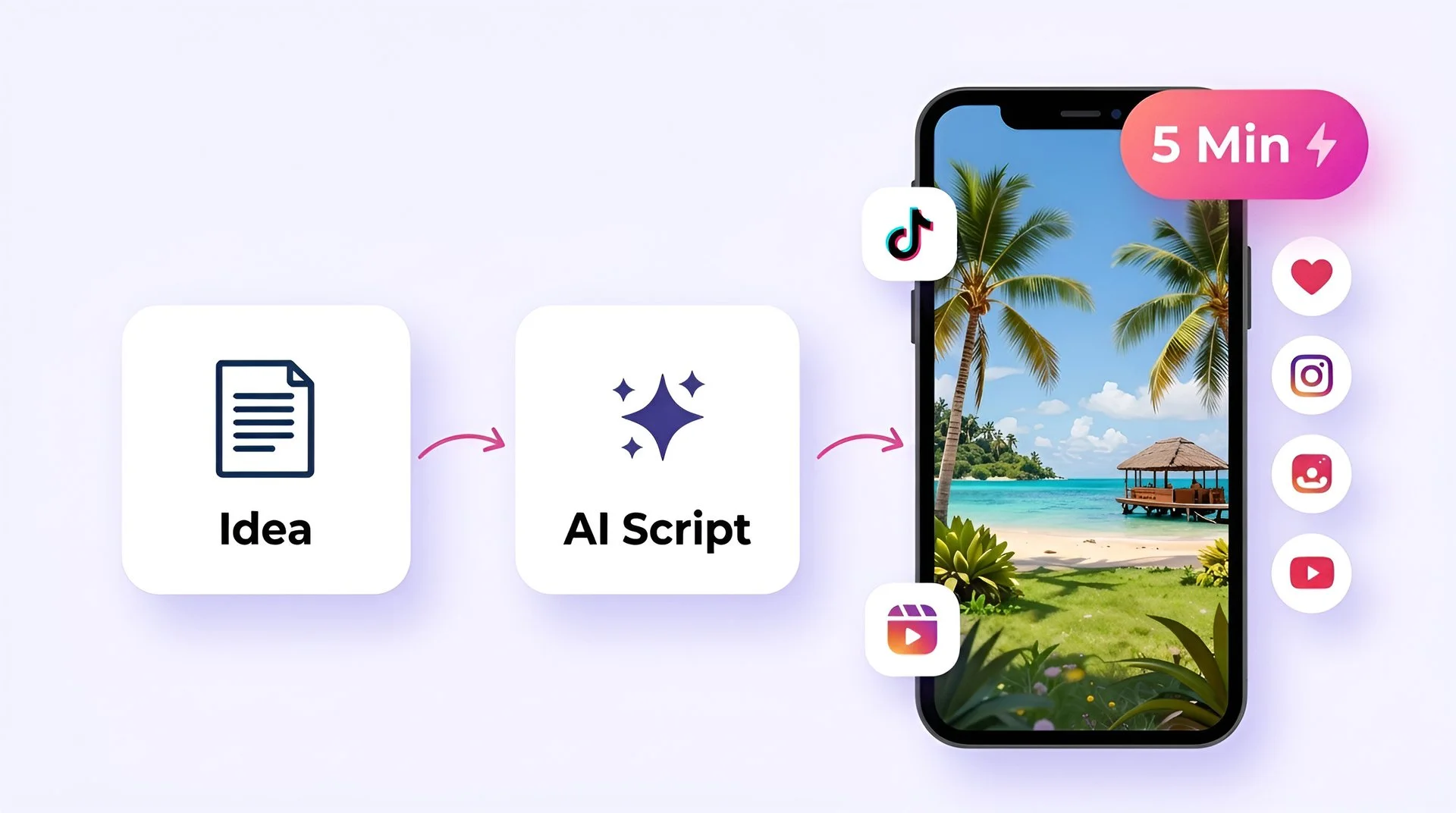
Create viral TikToks and Reels without showing your face
Turn your ideas into faceless short-form videos in minutes. No camera, no editing skills, no expensive gear.
AI MODEL GALLERY
Built on the best AI models - ready inside Fliki
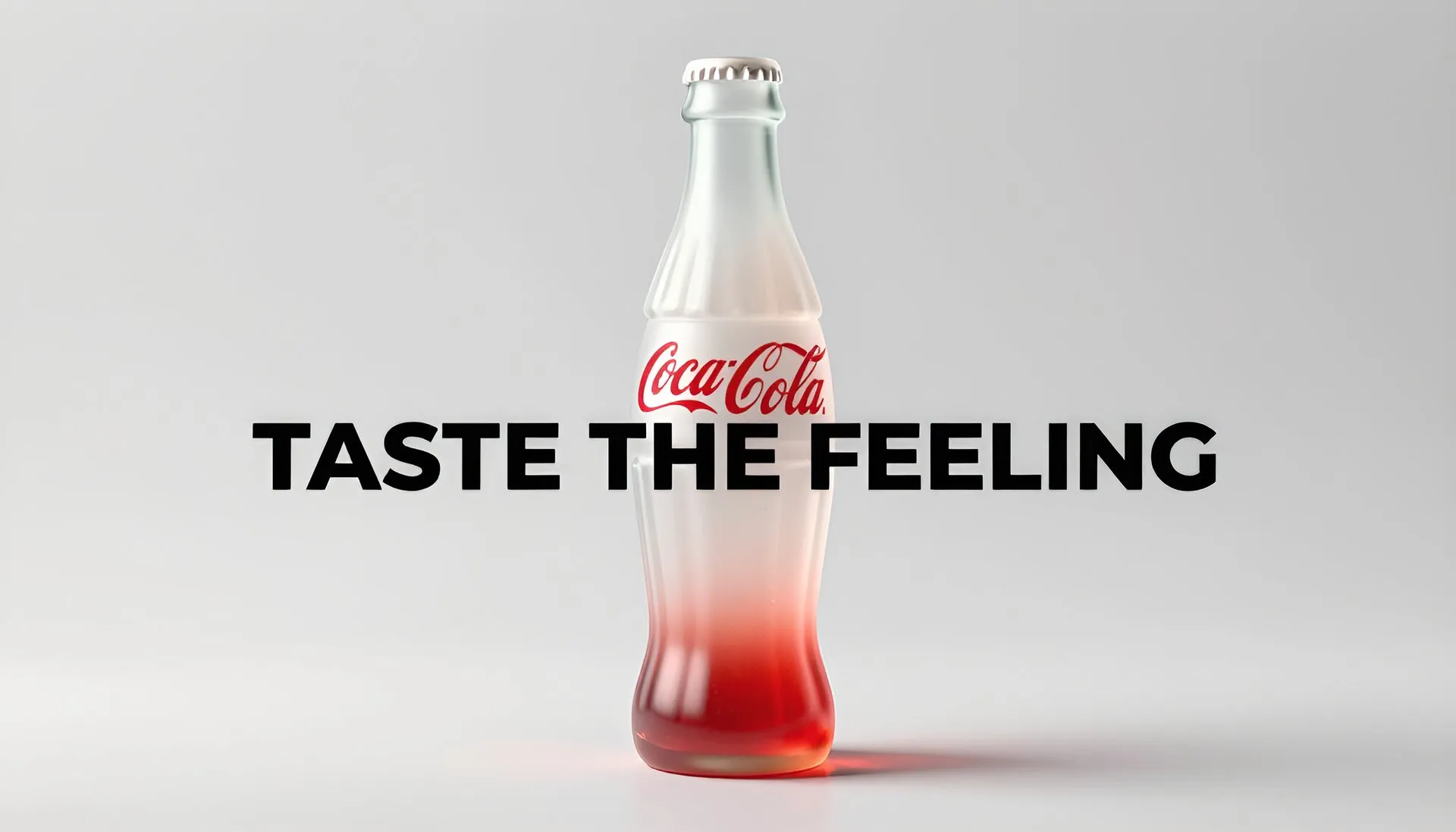
Every leading video, voice, and image model - integrated, unified, and tuned for creators. Generate with the latest AI video, AI voice, and AI image models from OpenAI, Google, Kling, Bytedance, ElevenLabs, and more - all from one place.







Text to Video FAQ
Frequently asked questions about our AI text to video tool
Everything you need to know about turning text into AI-generated videos with Fliki.
What is text to video AI?
Text to video AI converts a finished script, article, or slide deck into a video - it assumes your written content already exists and turns it into scenes with AI voiceover, visuals, captions, and music. This is different from idea-to-video AI, which starts from a one-line prompt and writes the script for you first. Fliki handles both workflows: paste a finished script (text-to-video mode) or type a one-line idea and let the AI write it (idea-to-video mode). The output in both cases is a publish-ready 1080p MP4 with 2,000+ neural voices in 80+ languages.
Is Fliki free to use?
Yes. Fliki has a free forever plan with monthly credits, no credit card required. Free exports include a small Fliki watermark. Paid plans remove the watermark, add voice cloning, AI avatars, longer videos, and 4K export.
How is Fliki different from Pictory, InVideo AI, Lumen5, and Synthesia?
Pictory, InVideo AI, and Lumen5 are strong for turning blog articles and scripts into slideshow-style videos with stock clips. Synthesia specializes in avatar-driven training videos at enterprise pricing. Fliki's differences: voice depth (2,000+ neural voices in 80+ languages, the deepest in the category), voice cloning (upload a 30-second sample, re-use your voice in 30+ languages), AI video models instead of stock-only (Veo 3.1, Kling 3, Seedance 2, and others), AI avatars without enterprise pricing, and a built-in timeline editor so you do not bounce between a generator and a separate editor.
Can I convert a blog post to video?
Yes. Paste the blog URL into Fliki or copy-paste the article text. Fliki reads the article, identifies the key points, and builds a scene-segmented script sized to your target duration. A 1,500-word article typically becomes a 2 to 3 minute video. The AI picks voiceover, auto-pairs stock or AI visuals per scene, adds captions, and exports a 1080p MP4. You can then resize to 9:16 for Shorts and Reels or 16:9 for YouTube from the same source.
Can I edit the AI-generated script and visuals?
Yes. Edit any line in the script editor, regenerate sections with a different tone, or rewrite the whole video. On the visual side, swap clips, replace stock with AI-generated visuals or your own uploads, change fonts, colors, and timing, and reorder scenes from the timeline.
How long can my source text be?
Fliki handles short prompts (one line) up to long-form text (several thousand words). For long inputs, the AI summarizes down to the duration you pick: short (1 min), medium (2-5 mins), or long (5-15 mins). A 1,500-word article typically becomes a 2 to 3 minute video.
Still curious?
Try Fliki free in your browser, no credit card required.
Start freeDoes Fliki support multiple languages?
Yes. Fliki supports 80+ languages with 2,000+ ultra-realistic AI voices. Generate the same script in multiple languages with one click. Voiceover, captions, and on-screen text re-render automatically. Useful for international campaigns, e-learning, and global content marketing.
What output formats and aspect ratios does Fliki support?
Export 1080p MP4 (or 4K on paid plans) in 9:16 (TikTok, Reels, YouTube Shorts), 1:1 (LinkedIn, Facebook), or 16:9 (YouTube, web, presentations). Resize the same video to every aspect ratio in one click.
Can I use my own voice or face?
Yes. Upload a 30-second voice sample to clone your voice, then use it as the narrator on every video. You can also create your AI avatar (a digital twin) that lip-syncs your script in 80+ languages, with consistent appearance across scenes.
Is the AI-generated content royalty-free and commercially usable?
Videos generated on paid plans are royalty-free and commercially usable, including the AI voiceover, stock footage, and AI-generated visuals. Free plan exports include a small Fliki watermark. Check Fliki's terms for the latest licensing details.
How long does it take to make a video from text?
Most short-form videos (under 60 seconds) generate in 2 to 5 minutes end to end, including the AI script, voiceover, visuals, captions, and final export. Long-form YouTube videos (5 to 15 minutes) typically take 10 to 15 minutes including review.
Do I need to install software?
No. Fliki runs entirely in the browser. No download, no plugin, no GPU required. Works on Mac, Windows, Chromebook, and tablet.
Can I generate text-to-video for YouTube, TikTok, and Instagram?
Yes. Fliki exports in every required aspect ratio and integrates with YouTube, TikTok, Instagram, LinkedIn, and Facebook for direct publish or scheduled posting. The most common workflow: write once in long-form, export 16:9 for YouTube, then resize 9:16 to ship Shorts and Reels off the same source.
Tools
Discover more
Turn your next text into a video.
Paste a script, an idea, or a blog URL. Fliki handles the script, voiceover, visuals, captions, and music. Join 12M+ creators, marketers, and educators shipping AI videos every day.
Generate your first video freeFree forever plan · No credit card required · Cancel anytime