


Online video editor with AI on every step of the timeline

Drag, trim, and stack clips in the browser. Then let Fliki transcribe, caption, voice, translate, generate b-roll, and animate stills inside the same timeline. No download, no install, no plugins.

Free forever plan · Browser-based · 80+ languages

100M+
VIDEOS CREATED
12M+
USERS WORLDWIDE
80+
LANGUAGES SUPPORTED

Created with Fliki

See what creators make with Fliki's AI video generator

Real videos made with our text-to-video tool in under 5 minutes.

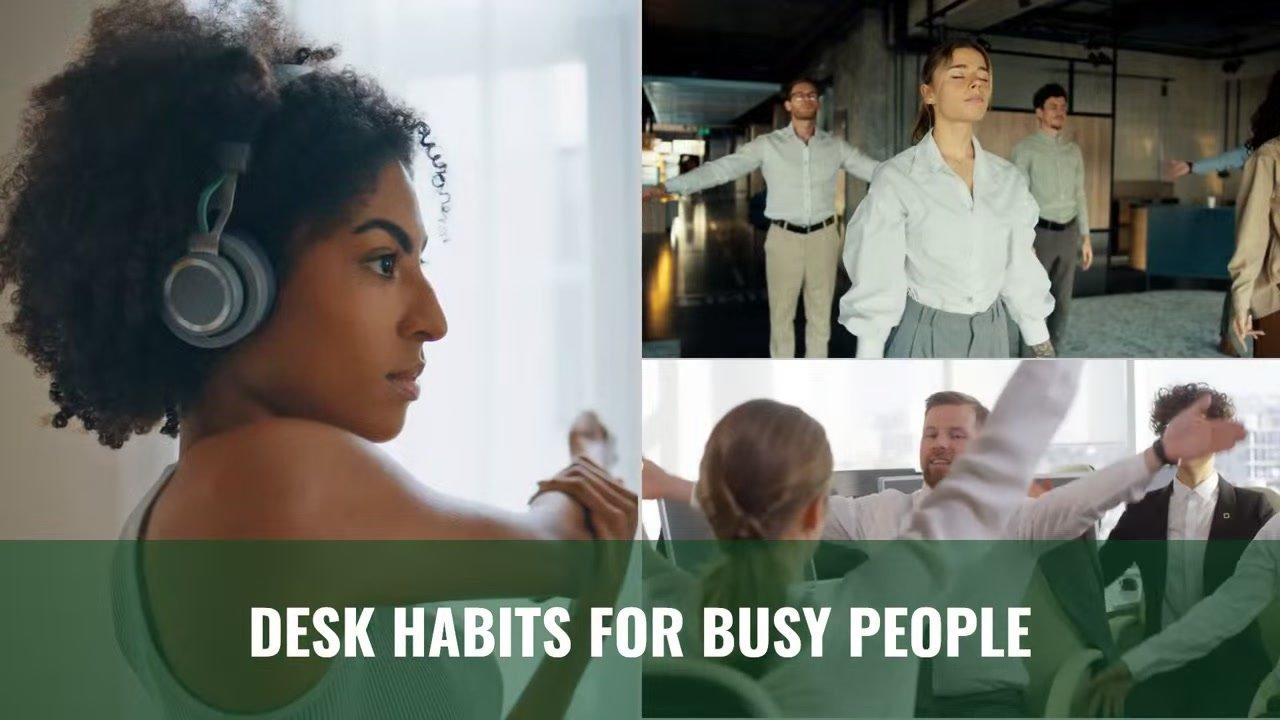
Info
Info
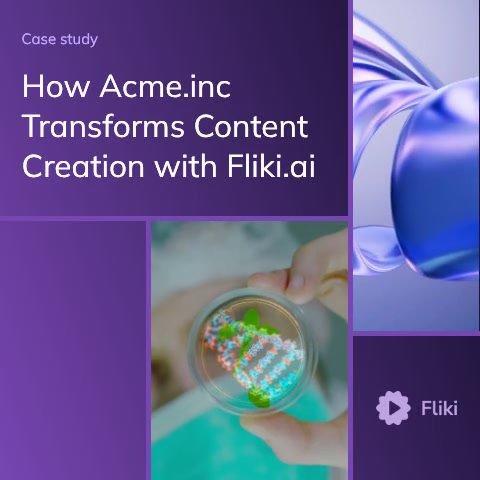
Promo
Promo
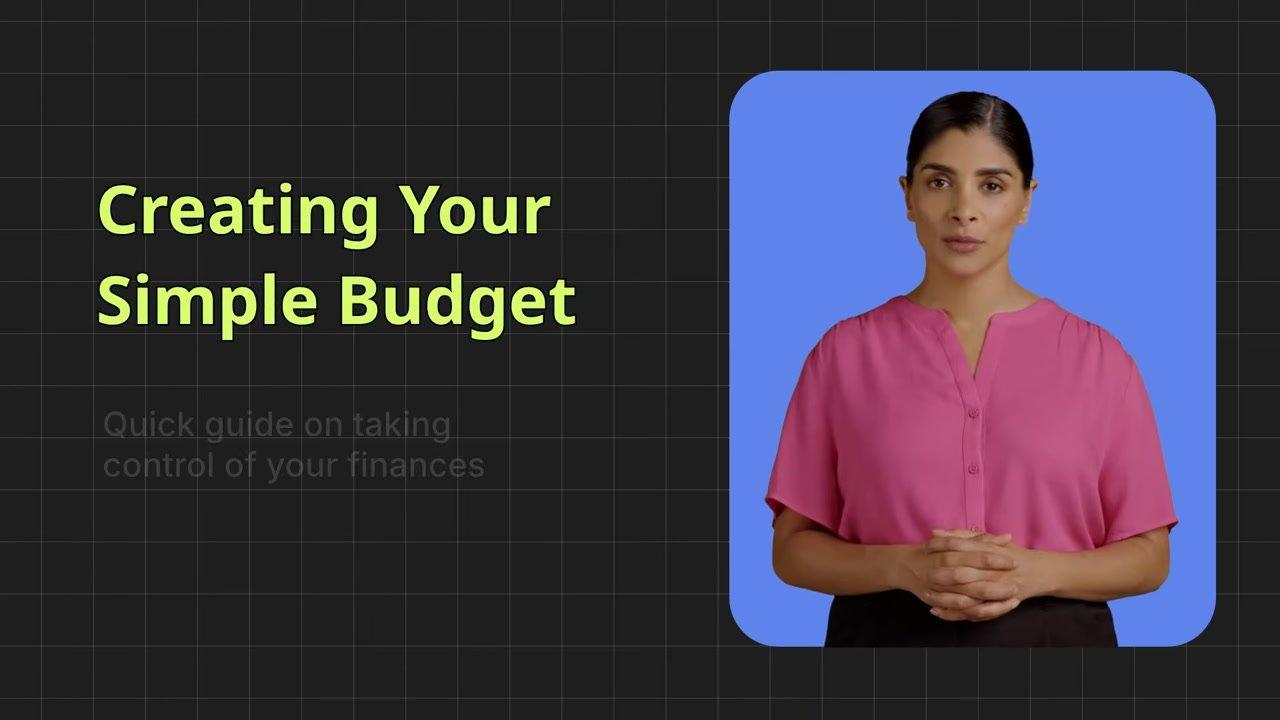
Training
Training
Tutorial
Tutorial
Review
Review
TikTok
TikTok
Ad
Ad
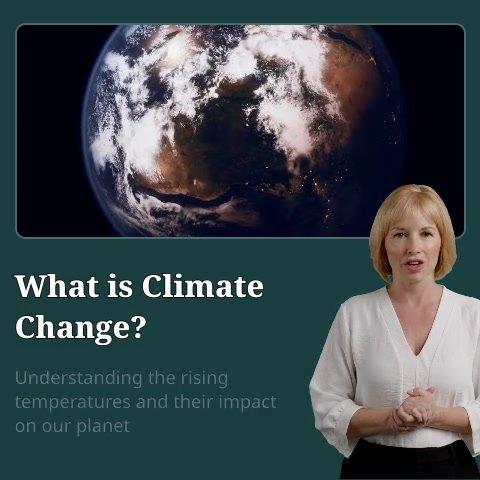
Educational
Educational
Info
Info

Why creators pick Fliki for video editing

A real timeline editor with AI baked into every step

Canva and Adobe Firefly are design tools with an editor bolted on. InVideo and Renderforest ship templates over a thin timeline. Kapwing and Veed sit closer to the right idea but stop at transcription. Fliki ships AI auto-transcription, 2,000+ voices, voice cloning, captions, translation, AI b-roll, image-to-video, and a full timeline editor in one project.

Automatic transcription in 80+ languages

Upload any video or audio and Fliki transcribes it in 80+ languages with 95%+ accuracy on clear speech via our audio-to-text engine. Click the transcript to edit the underlying video. No more scrubbing the timeline to find a specific line.

Burn-in captions, animated, in 100+ languages

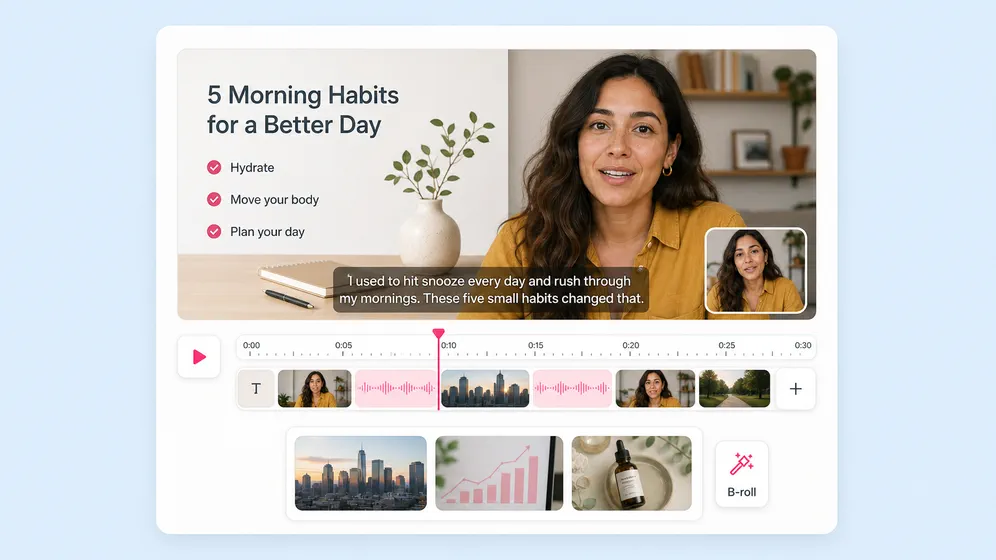
Generate animated captions from the transcript or AI voiceover. Word-by-word reveal, custom fonts, colours, position, and animation. The kind of captions short-form TikTok and Reels need to win the sound-off scroll.

2,000+ AI voices in 80+ languages

Replace dialogue, add narration, or generate a complete voiceover from a script. The deepest neural voice library in the AI video category, powered by our text-to-speech engine.

Auto b-roll for every scene

Fliki reads the transcript and pairs each scene with stock footage from a library of millions, or generates fresh AI b-roll on the fly. Faceless YouTube and explainer creators get visuals without sourcing every clip by hand.

Translate any video into 80+ languages

Re-render the same video in Spanish, French, Hindi, Portuguese, Japanese with our AI video translator. Voiceover, captions, and lip sync update to match the new language. The fastest path to a multilingual channel without a re-shoot.

Image to video, photo animation, talking-photo

Drop a still image onto the timeline and Fliki animates it via our image-to-video composer. Or turn a single portrait into a talking-photo. Source visuals without a camera.

Drag-and-drop timeline that feels familiar

Multi-track timeline, ripple-edit, magnetic snap, keyframes, transitions, and effects. The familiar Premiere or Final Cut shortcuts work where you expect them, in a browser tab, no install.

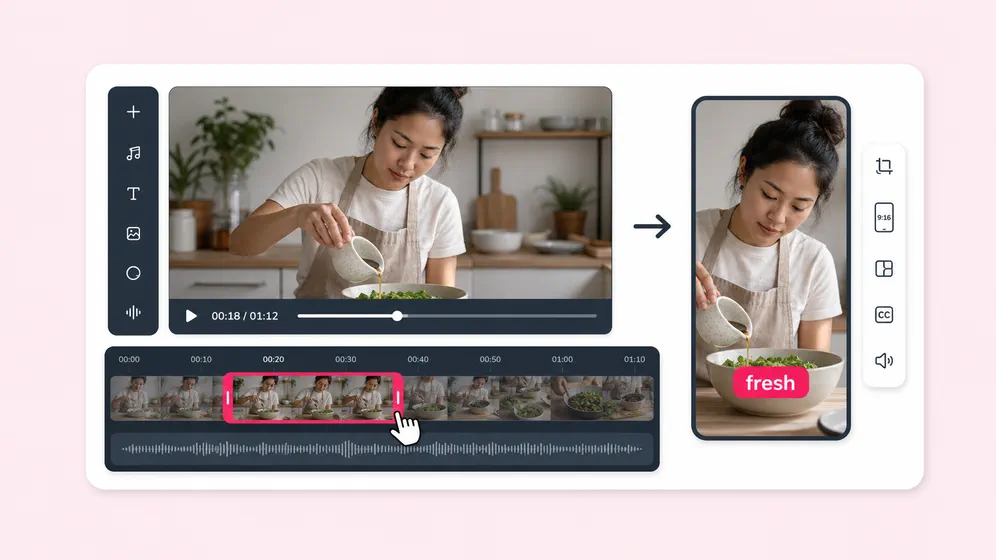
One-click resize, every aspect ratio

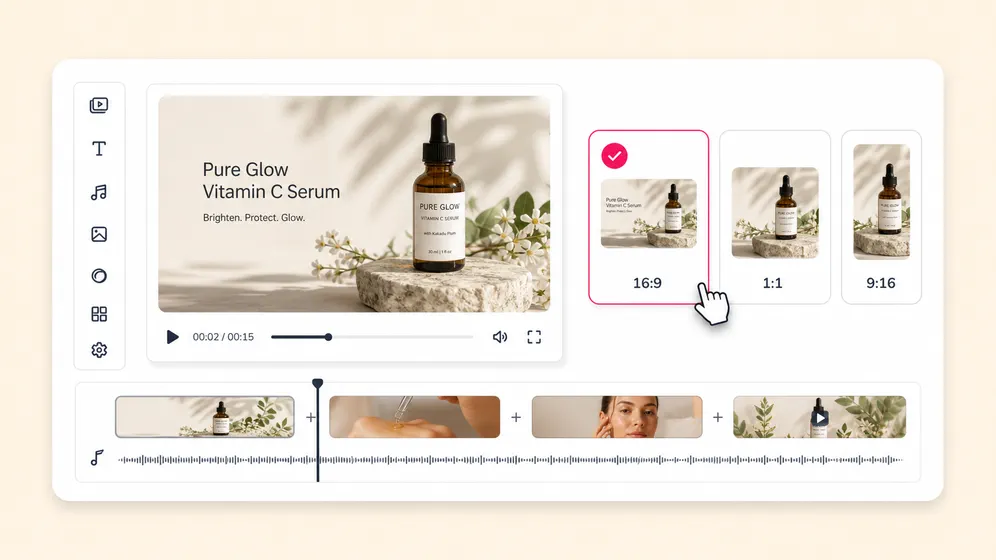
9:16 for TikTok, Reels, and Shorts. 1:1 for LinkedIn and Facebook. 16:9 for YouTube and web. Smart-crop preserves subject framing when resizing the same edit across every platform.

Brand kit, templates, team workspace

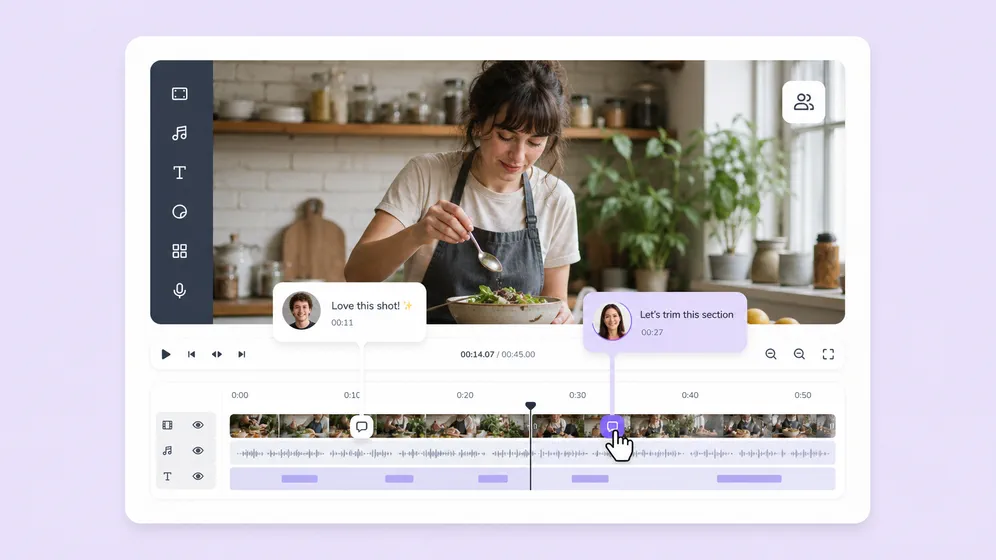
Save colours, fonts, logo, and watermark once. Apply on every export. Reuse 100+ templates. Share a workspace with editors and freelancers, with version history and team commenting.

How it works

How to edit a video online with AI in 4 steps

From an uploaded clip to a finished video in under 15 minutes, with transcription, captions, voiceover, and b-roll handled automatically.

Step 1

Upload or import

Drop a video, audio, image, or screen recording. Or paste a YouTube URL, a Loom link, or a Drive file to import. Fliki accepts MP4, MOV, WAV, MP3, JPG, PNG.

Step 2

AI transcribes and captions

Fliki auto-transcribes the audio in 80+ languages and generates burn-in captions you can style. Edit the transcript to edit the video. Re-render captions in the brand font with one click.

Step 3

Layer voice, b-roll, music

Replace any dialogue with a neural voice, drop AI b-roll for each scene, layer royalty-free music ducked under the voiceover. All in the same timeline, no exports to a second tool.

Step 4

Resize, translate, and export

Resize to 9:16, 1:1, or 16:9. Translate the same edit into 80+ languages if you ship internationally. Export 1080p MP4 (or 4K on paid plans) and publish straight to YouTube, TikTok, or LinkedIn.

Use cases for AI Video Editor

One editor. Every kind of edit.

Podcasters, YouTubers, marketers, educators, course creators, agencies. Fliki handles the cuts, the captions, the voice, and the visuals across every kind of video.

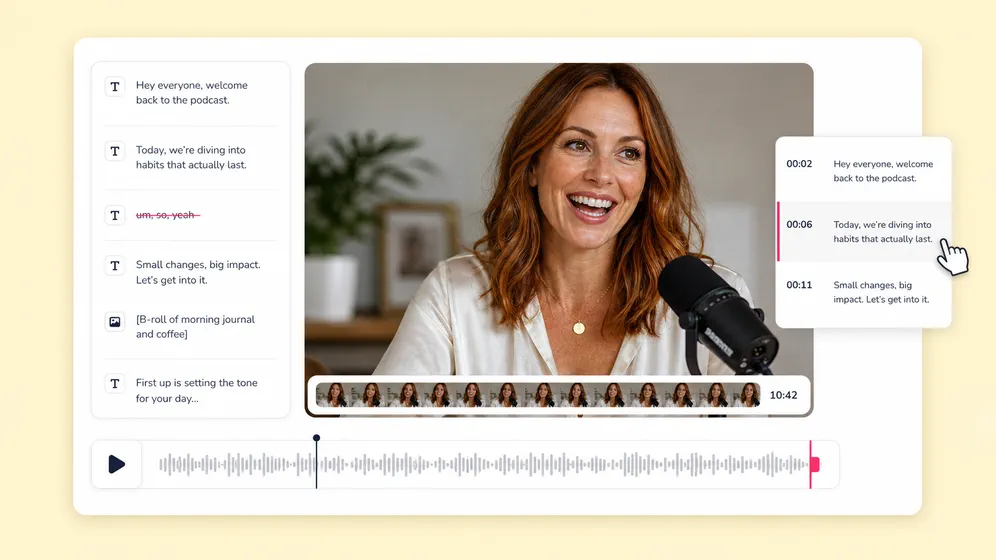
Edit a podcast by editing the transcript. Fliki Video editor for Podcasters & creators.
Podcasters & creators

Edit a podcast by editing the transcript

Upload a 2-hour podcast and Fliki transcribes it. Delete dead air, ums, and tangents directly in the transcript. The timeline re-renders to match. Cuts that take a senior editor an hour land in 10 minutes.
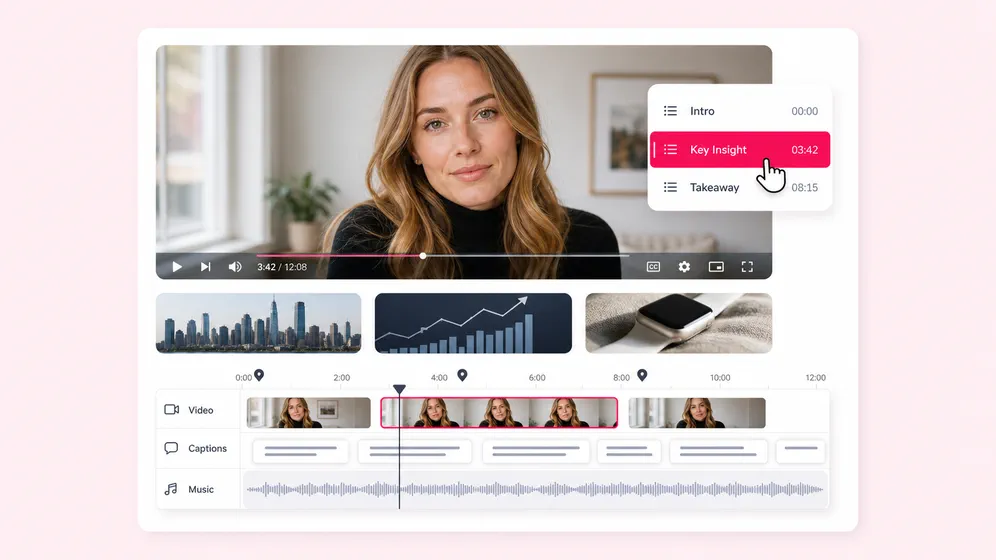
Long-form YouTube editing without an editor. Fliki Video editor for YouTubers.
YouTubers

Long-form YouTube editing without an editor

Trim, chapter, caption, layer b-roll, drop a voiceover intro. Faceless channels generate the whole video; on-camera channels polish raw footage. Either way, the edit ships in the same browser tab.

Trim long-form into TikTok and Reels. Fliki Video editor for Short-form social.
Short-form social

Trim long-form into TikTok and Reels

Drop a 30-minute talk and Fliki suggests the strongest moments based on the transcript. One click turns each into a 9:16 short with burn-in captions, hook framing, and 60-second pacing.

Multi-variant ad edits in one timeline. Fliki Video editor for Marketing & ads.
Marketing & ads

Multi-variant ad edits in one timeline

Cut a master ad, then generate 10 variants in 9:16, 1:1, and 16:9 for Meta, TikTok, and YouTube. Brand kit, captions, and CTA overlays apply across every variant in one render pass.

Course videos, slide-by-slide narration. Fliki Video editor for Educators & courses.
Educators & courses

Course videos, slide-by-slide narration

Edit course modules with consistent narration from one cloned voice. Add AI b-roll for technical concepts, burn-in captions for accessibility, and translate the same module to localise courses by market.

Agency workflows with shared workspace. Fliki Video editor for Agencies & teams.
Agencies & teams

Agency workflows with shared workspace

Editors, writers, and reviewers share a workspace with version history, comments, and brand-kit-enforced templates. Send a clip out for review without a Frame.io subscription. Approve and export in the same project.

Built for how you create video

Create viral TikToks and Reels without showing your face

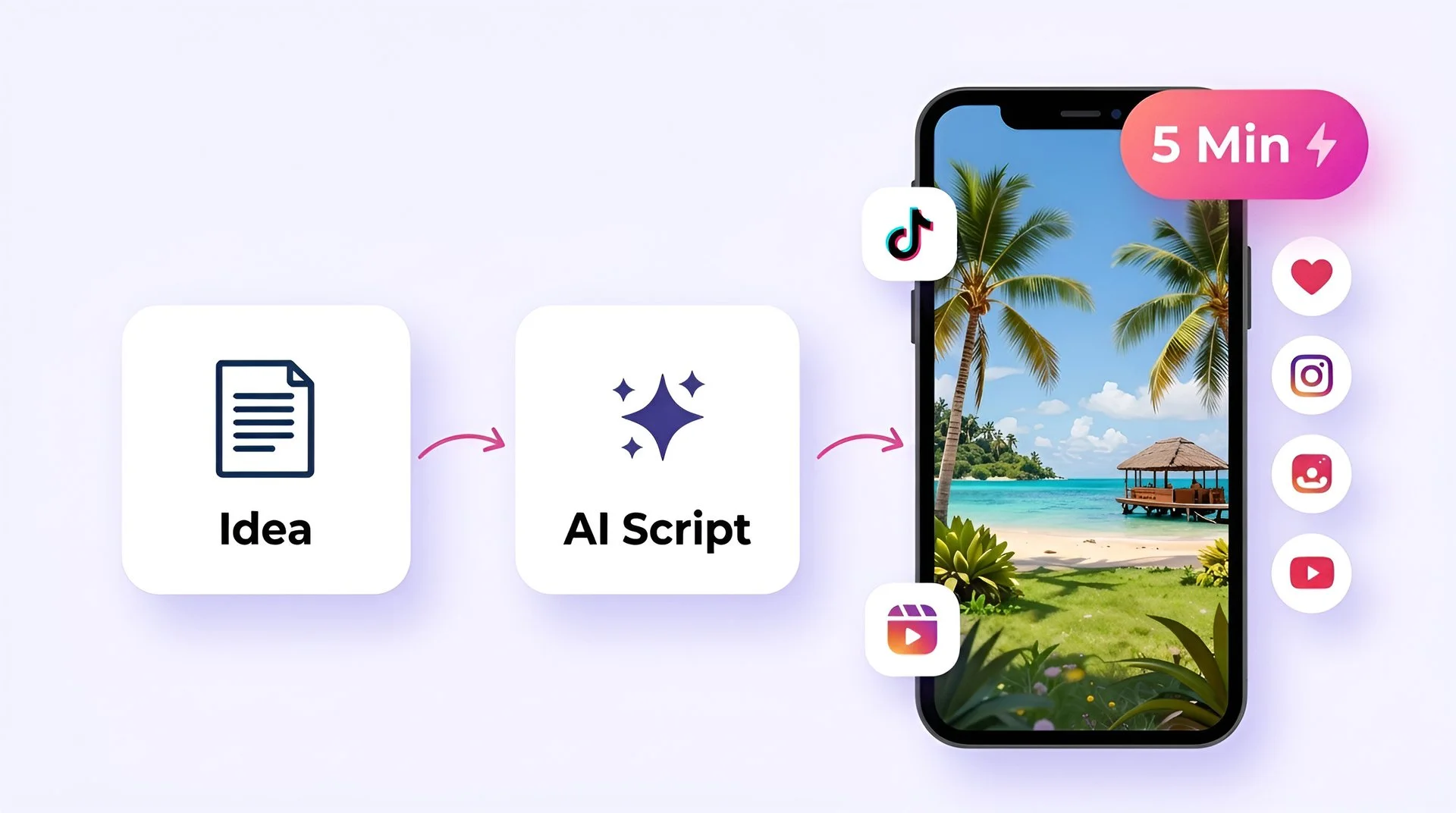
Turn your ideas into faceless short-form videos in minutes. No camera, no editing skills, no expensive gear - just describe what you want and hit generate.

Idea to upload in under 5 minutes
Trending templates for TikTok, Reels, and YouTube Shorts
AI script generator for daily content ideas
One-click publish to TikTok, Instagram, and YouTube
Fliki for Creators preview

AI MODEL GALLERY

Built on the best AI models - ready inside Fliki

Every leading video, voice, and image model - integrated, unified, and tuned for creators. Generate with the latest AI video, AI voice, and AI image models from OpenAI, Google, Kling, Bytedance, ElevenLabs, and more - all from one place.

AI Video Editor FAQ

Frequently asked questions about Fliki AI Video Editor

How the editor works, what AI features ship in the timeline, and how Fliki compares to InVideo, Kapwing, Canva, and Adobe.

Still curious?

Try Fliki free in your browser, no credit card required.

Start free
AI Video Editor · Free forever plan

Open the editor and ship the cut.

Drag, trim, caption, voice, translate. All in the browser. Free to start, no credit card required.

Open the editor free

Free forever plan · No credit card required · Cancel anytime