AI video generator: Every model in one workspace
Generate AI video from any prompt with Veo 3.1, Kling 3, Sora, Seedance 2, LTX-2, and PixVerse v5, plus 2,000+ AI voices in 80+ languages, AI avatars, captions, and music. The complete AI video stack, free to start.
Free forever plan · No credit card required · 6 video models, 80+ languages
Trusted by 50,000+ companies worldwide
Created with Fliki
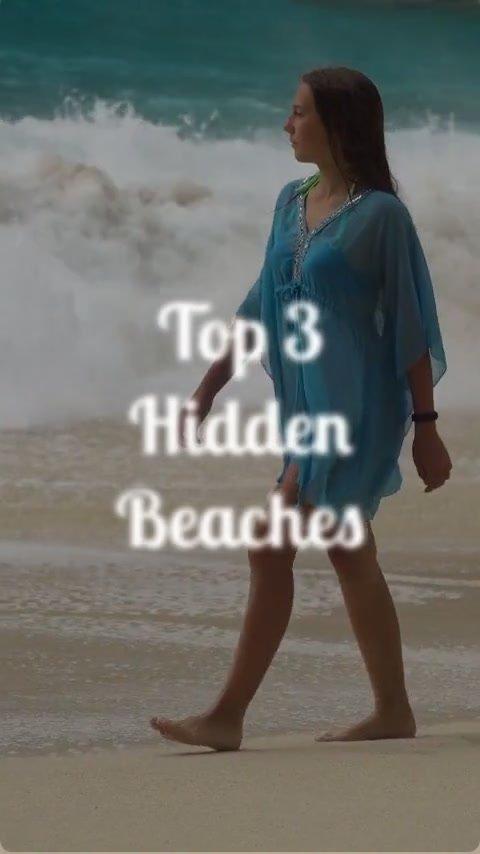
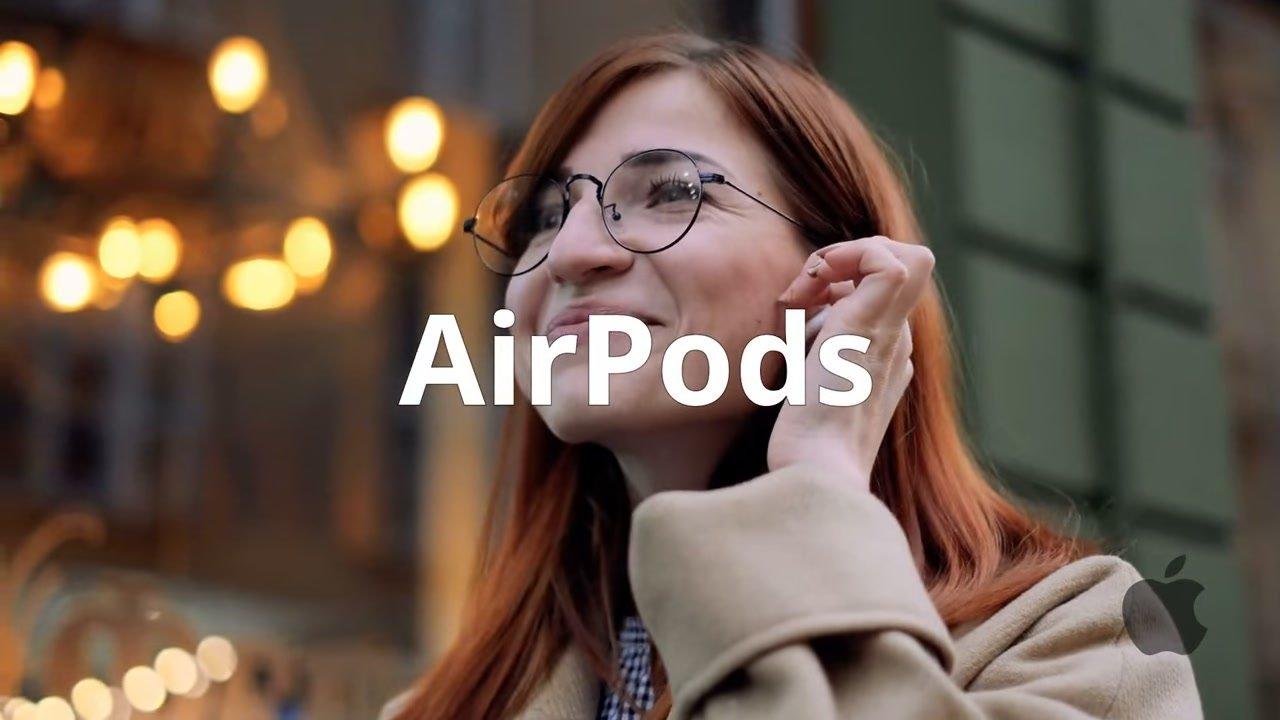
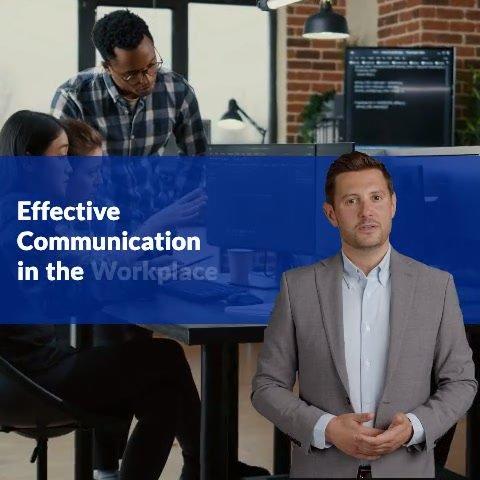
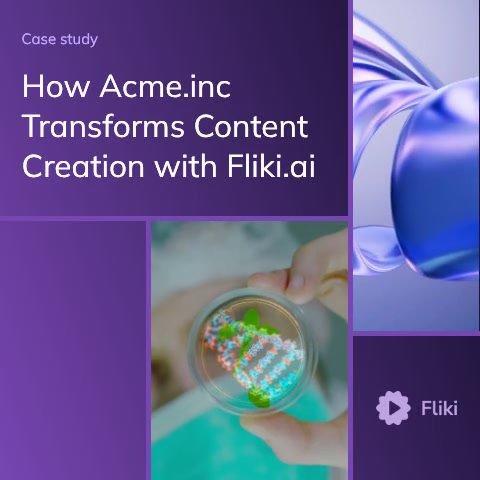
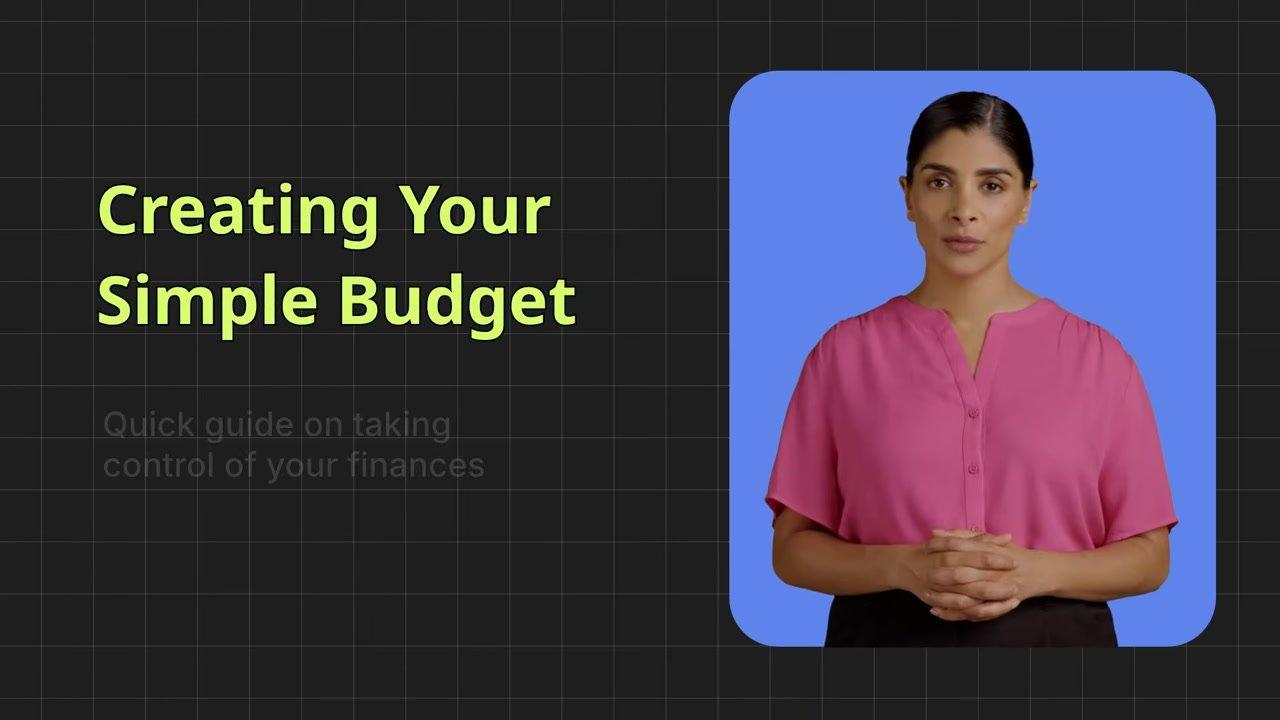
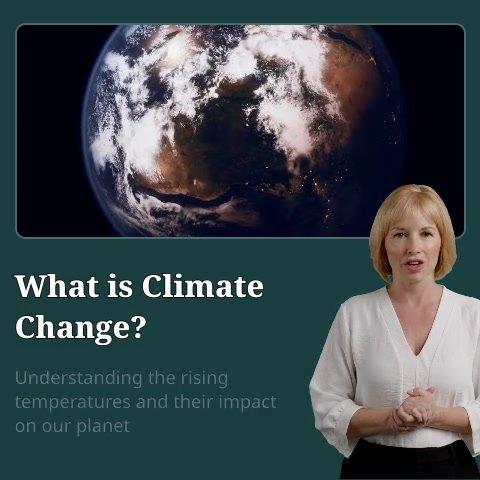
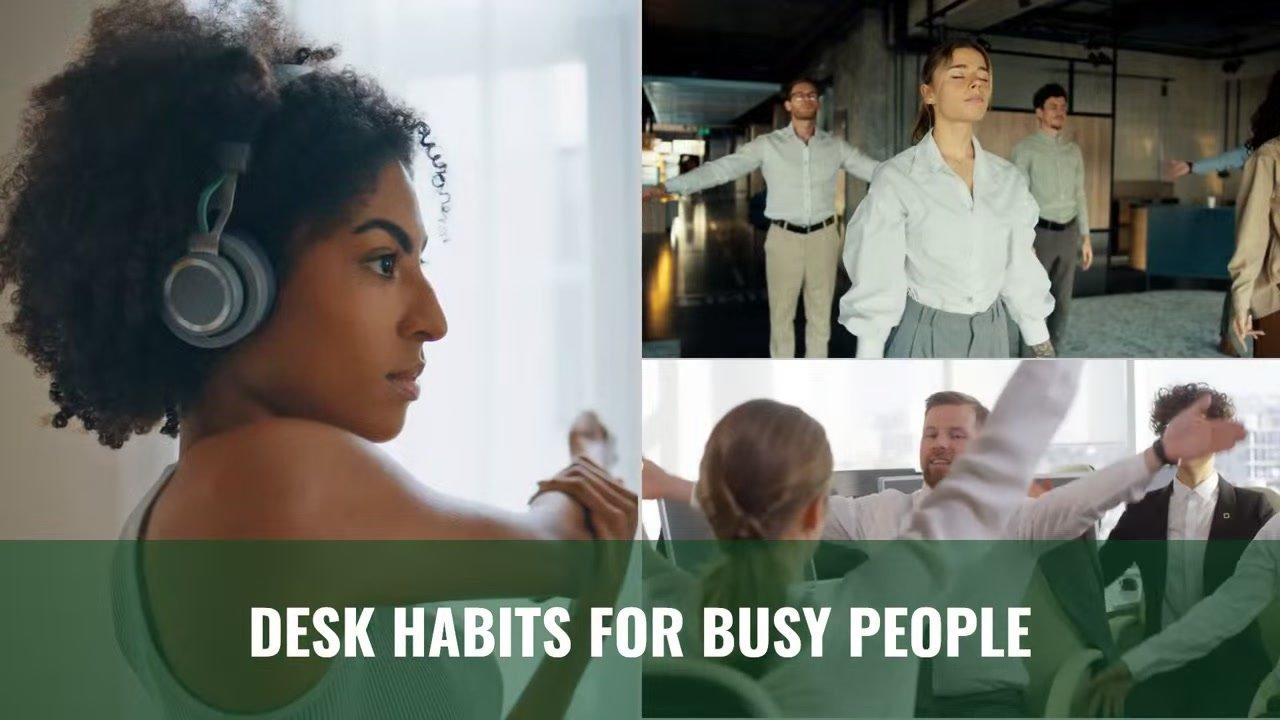
See what creators make with Fliki's AI video generator
Real videos made with our text-to-video tool in under 5 minutes.

Why creators pick Fliki
The complete AI video generator
Other tools wrap a single video model. Fliki bundles every leading model with the voice, avatar, and editor layer that turns model output into publish-ready video.
Six video models, one workspace
Switch between Google Veo 3.1, Kling 3 Pro, Sora, Seedance 2, LTX-2, PixVerse v5, and P-Video without leaving Fliki. Pick the model that matches the shot. Compare outputs side by side.
2,000+ AI voices in 80+ languages
The deepest neural AI voiceover library in the AI video category, powered by our text to speech engine. Pace, pitch, and pause control per scene. Voice cloning from a 30-second sample, multilingual.
AI avatars and digital twins
Add a lifelike AI talking avatar or your own digital twin. Lip-sync any script in 80+ languages, or animate a single photo with our talking photo tool. Consistent appearance across scenes, ideal for explainers and training.
Prompt-to-script-to-video, end to end
Start from a single line with our idea to video composer. Fliki's AI script writer drafts a scene-segmented script, generates AI clips and stock visuals, voices it, adds auto captions, scores it, and exports it. Zero blank screen.
Built-in video editor, no jumping tools
Most generators stop at the model output. Fliki includes a full timeline editor: trim, swap clips, regenerate scenes, adjust timing, layer text and stickers. No second app.
Auto-paired stock + AI visuals
Each scene is matched with stock footage from a library of millions, or fresh AI-generated clips. Brand kit overlays apply automatically. Swap any clip with one click.
Burn-in subtitles in 100+ languages
Auto-generated captions sized for silent-scroll. Customize fonts, colors, position, and animation. Export-ready for TikTok, Reels, Shorts, LinkedIn, and YouTube.
One-click resize for every aspect ratio
9:16 for TikTok, Reels, and Shorts. 1:1 for LinkedIn and Facebook. 16:9 for YouTube and web. Resize the same render across every platform without re-editing.
Brand kit, templates, team workspace
Save colors, fonts, logos, and watermark once. Apply on every export. Reuse 100+ templates. Share a workspace with editors and freelancers, with version history.
How it works
How to generate AI video in 4 steps
Go from prompt to a publish-ready AI video in under 5 minutes. Fliki handles the script, model selection, voiceover, visuals, captions, and music.
Type a prompt or paste content
Describe the video you want, paste a script, drop in a blog URL, or upload a PPT. Pick language, tone, and target duration up to 15 minutes.
Pick a video model
Choose Veo 3.1 for cinematic realism, Kling 3 Pro for character motion, Seedance 2 for fluid sequences, LTX-2 for narrative speed, PixVerse v5 for vivid scenes, or P-Video for fast iteration.
Voice, avatar, and captions
Pick from 2,000+ AI voices, or clone your own. Add an AI avatar host. Burn in captions in 100+ languages. Auto-pair royalty-free music ducked under the voiceover.
Export and publish
Export 1080p MP4 (or 4K on paid plans) in 9:16, 1:1, or 16:9. Publish straight to YouTube, TikTok, Reels, Shorts, or LinkedIn. Or grab an embed code for your blog or product page.
Use cases for the AI Video Generator
One AI video generator. Every kind of video.
Marketing, training, social, product demos, news, explainers, faceless YouTube. Fliki ships AI video for every channel, every aspect ratio, in 80+ languages.
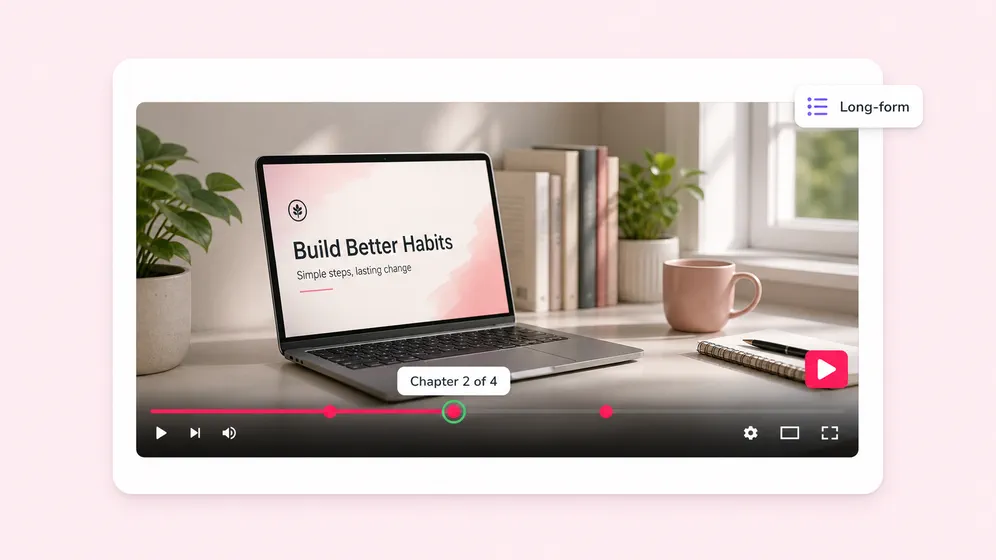
Long-form YouTube and faceless channel videos
Turn any topic into a 5 to 10 minute YouTube video. Chaptered scenes, b-roll, AI voiceover, and burn-in subtitles. Build a faceless channel without a camera, mic, or editor.
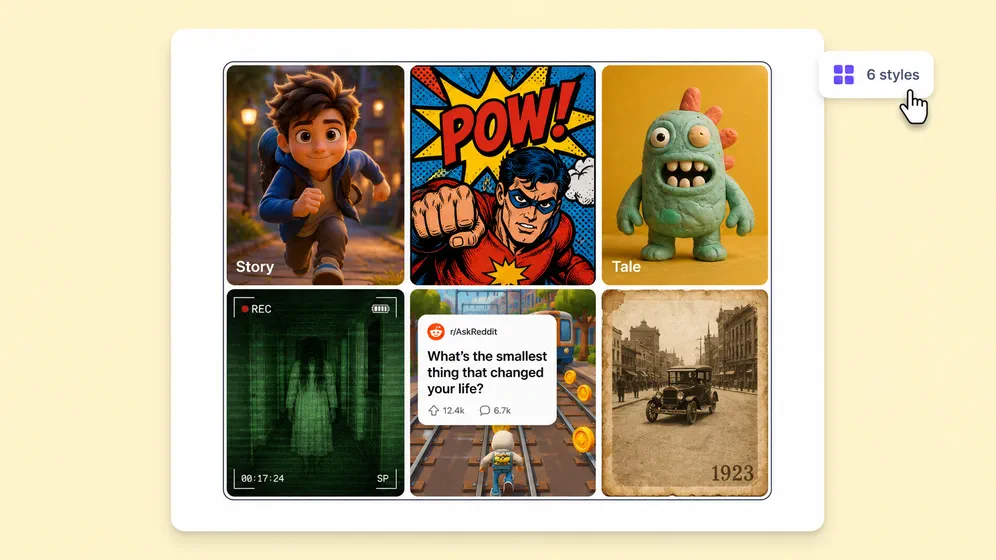
Short-form video for TikTok, Reels, and Shorts
Generate 9:16 hook-driven shorts with auto captions, trending fonts, and 60-second pacing. Resize the same source across every short-form platform with one click.
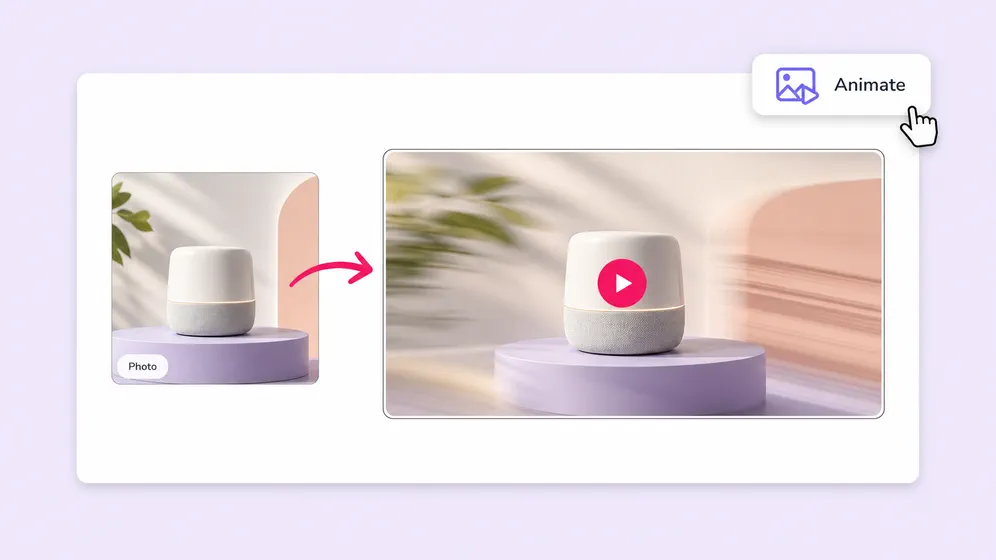
Animate any image into a cinematic 8-second clip
Drop a product shot, character render, or AI-generated still and Fliki picks the right model per shot. Kling 3 for character motion, Veo 3.1 Fast for cinematic realism, Seedance for fluid sequences. 1080p export, every aspect ratio.
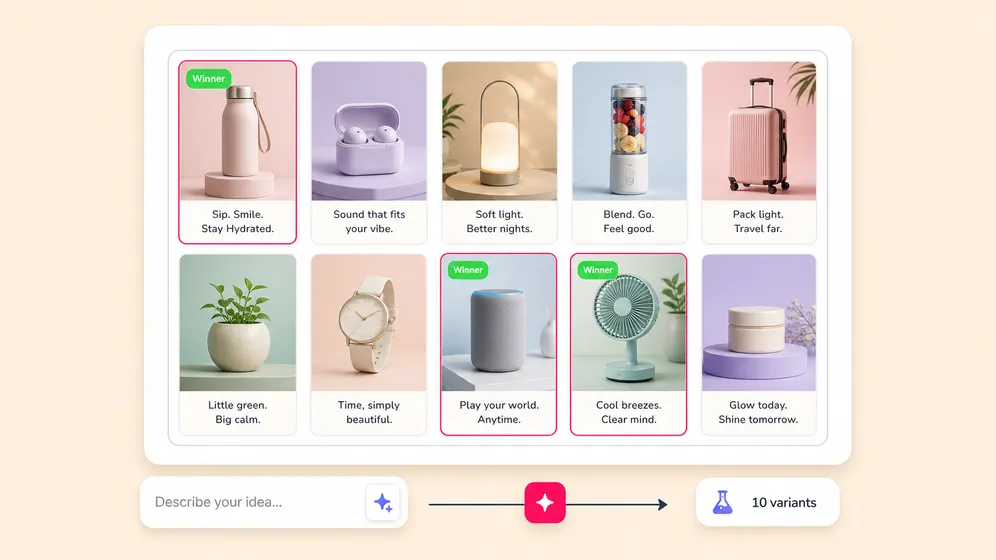
Meta, TikTok, and YouTube ad variants from a brief
Brief Fliki on the product and get 10 ad variants in landscape, square, and 9:16 in one render. Hooks, CTAs, and closers auto-scripted. Brand kit baked in so every variant ships on-brand for paid social testing.
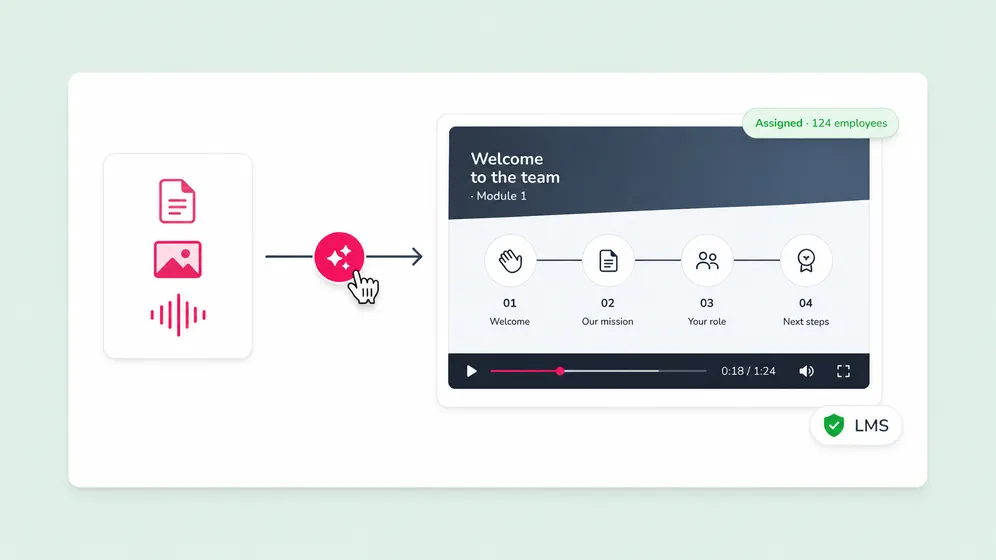
Training, onboarding, and compliance videos
Turn SOPs and policy text into branded training videos. AI avatars keep the same presenter across every scene and language. Update the script, re-render the video instantly.
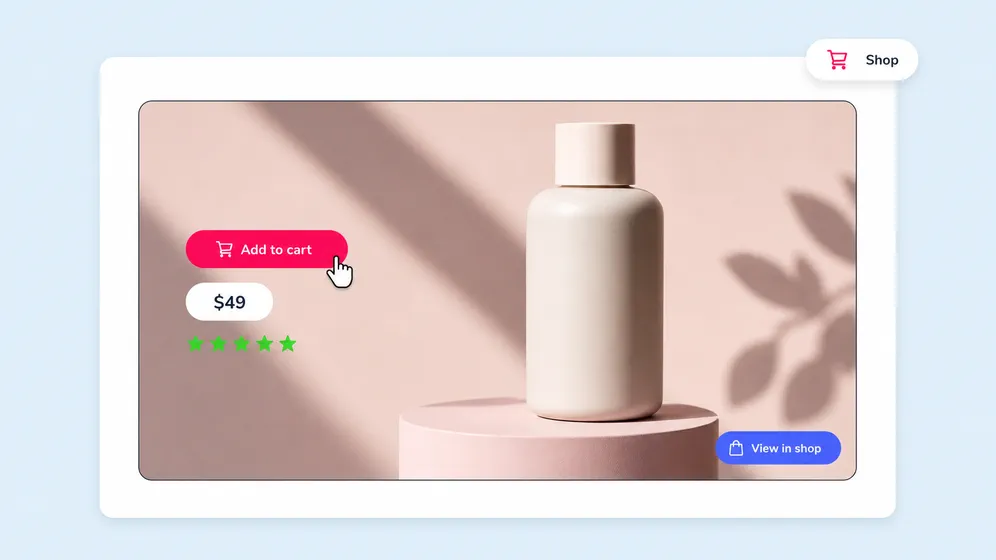
Product launch, UGC, and listing videos at scale
Generate product launch reels, UGC-style demos, and listing videos for Shopify, Amazon, and TikTok Shop. Image-to-video turns any product photo into a 9:16 video with motion, captions, and CTA overlay.
Built for how you create video
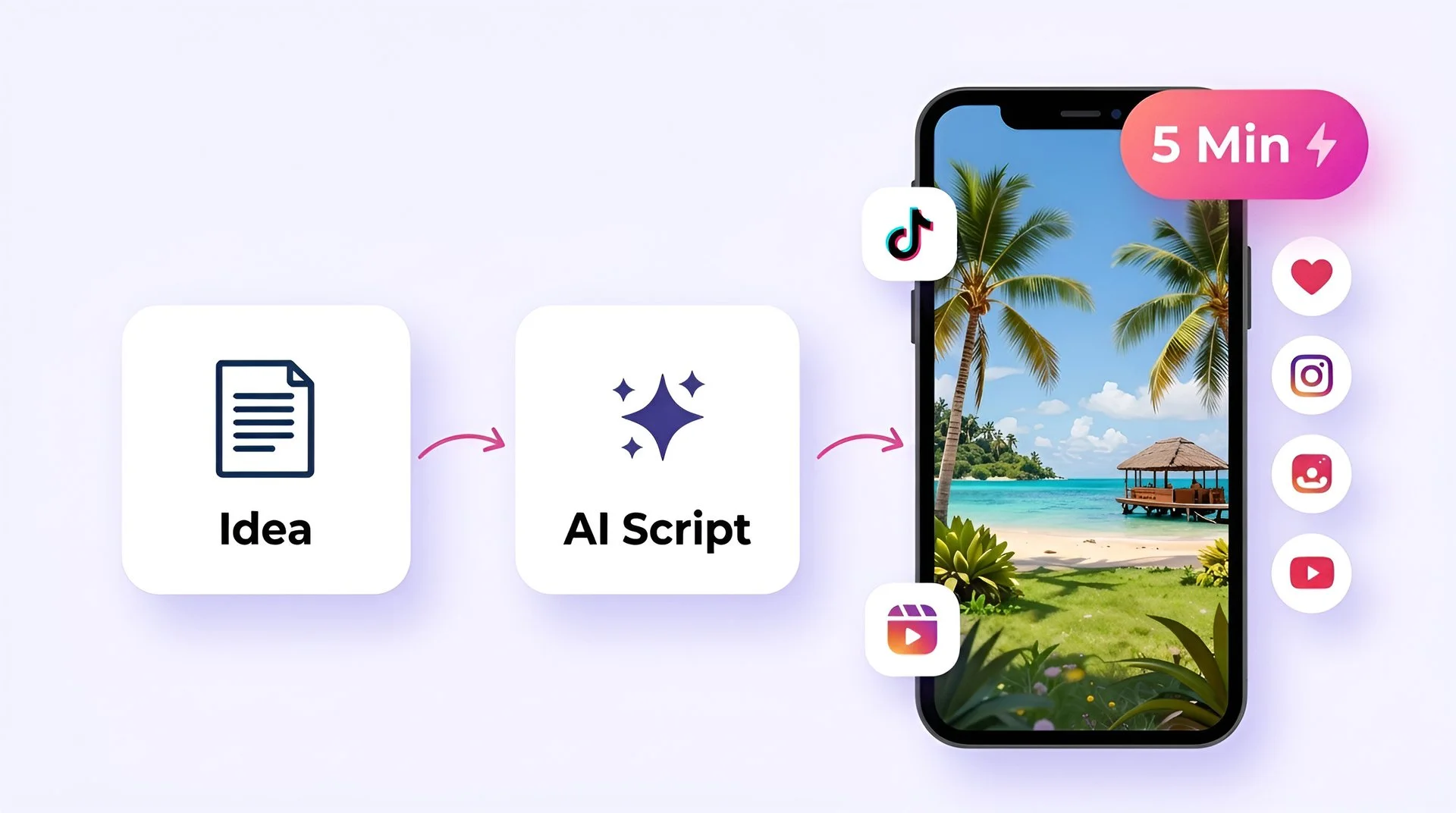
Create viral TikToks and Reels without showing your face
Turn your ideas into faceless short-form videos in minutes. No camera, no editing skills, no expensive gear - just describe what you want and hit generate.
AI MODEL GALLERY
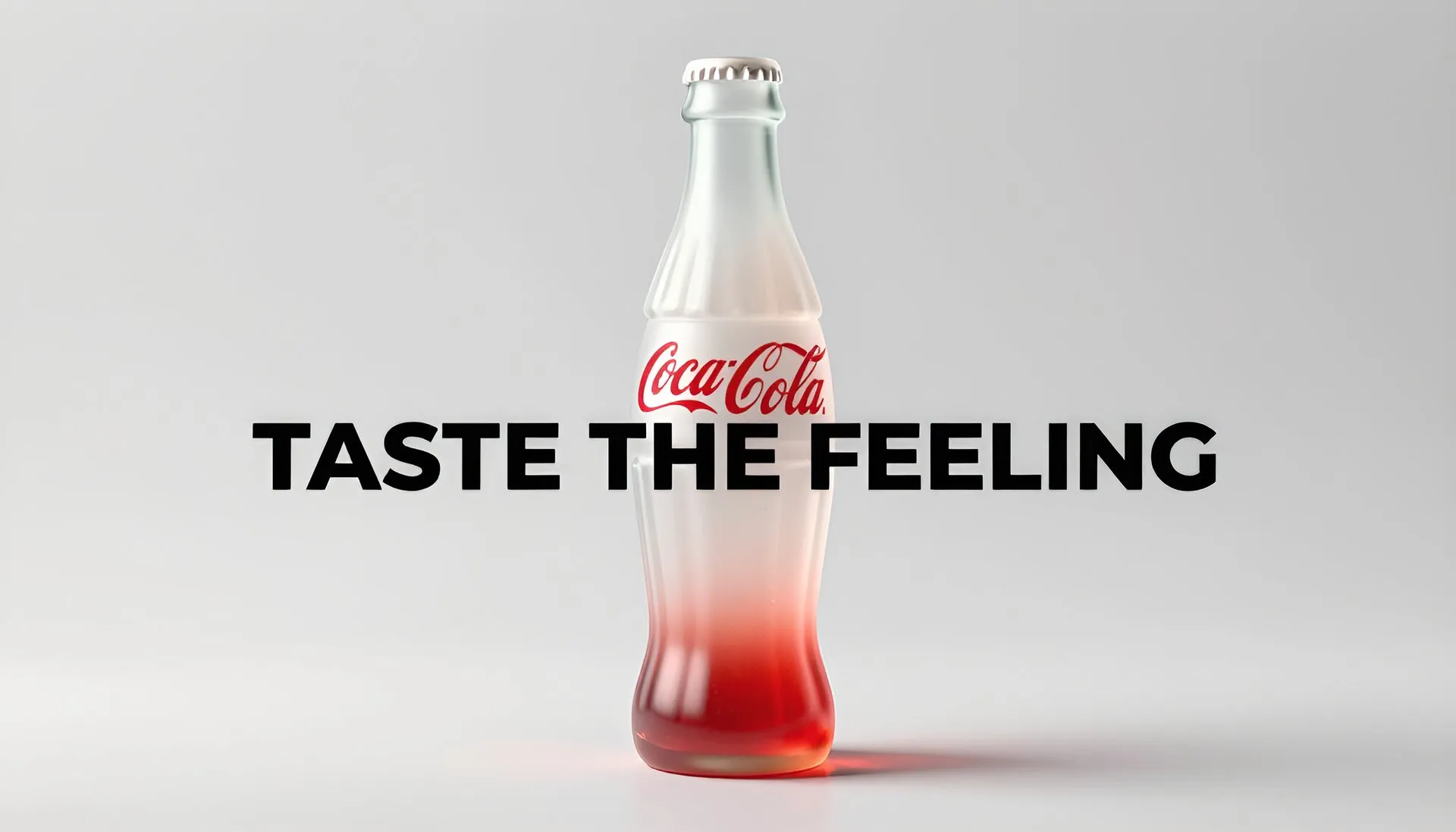
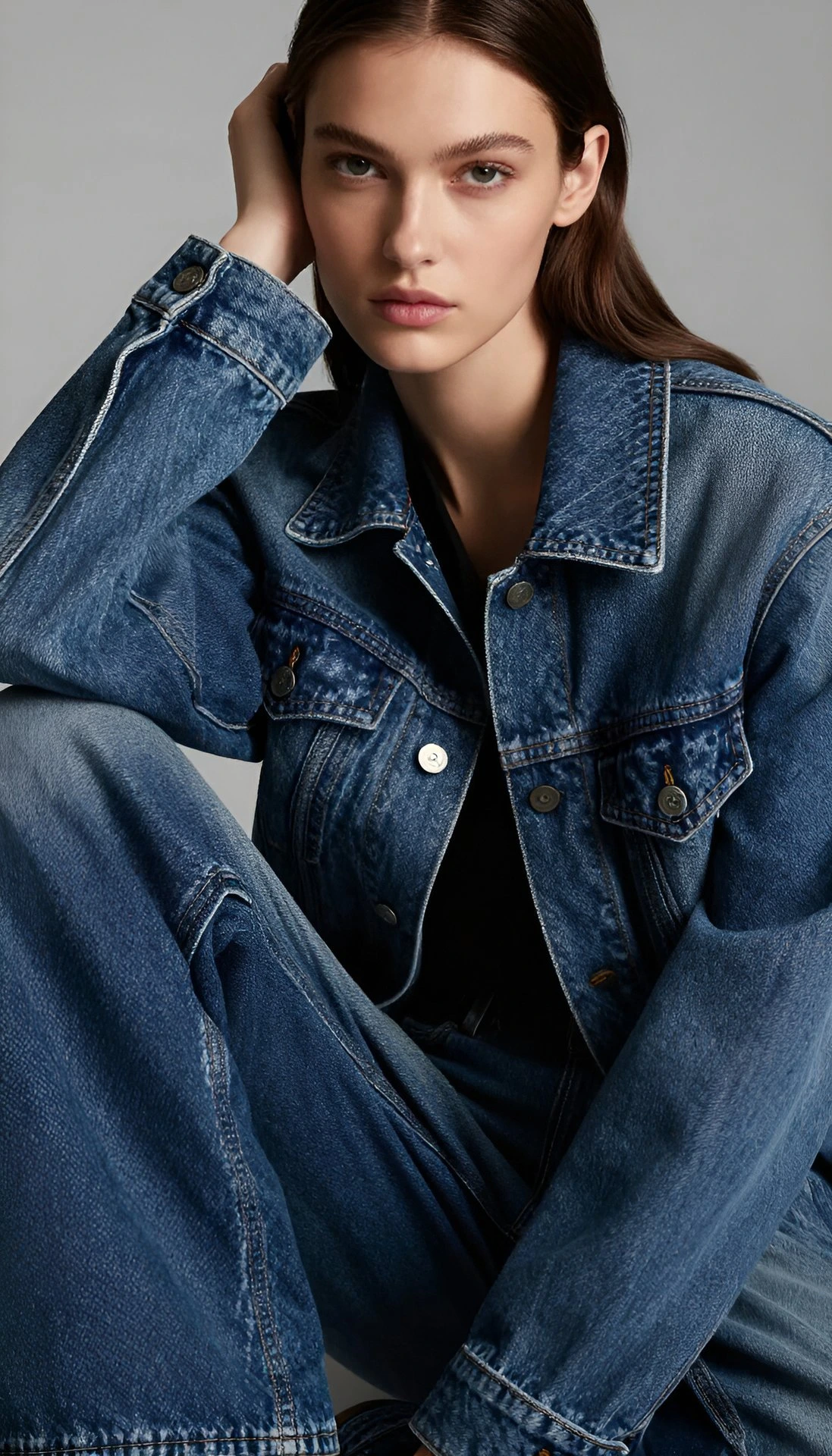
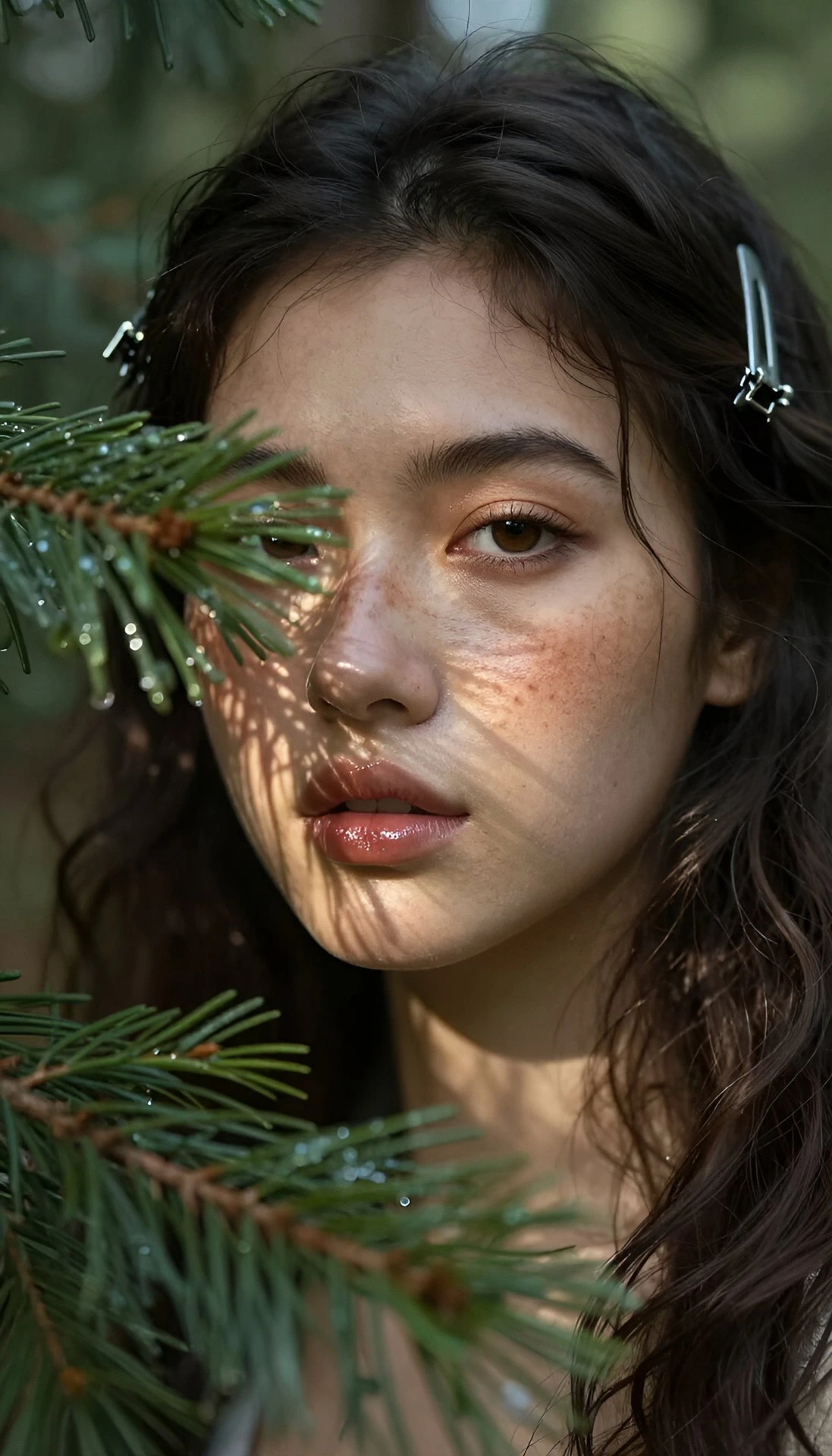
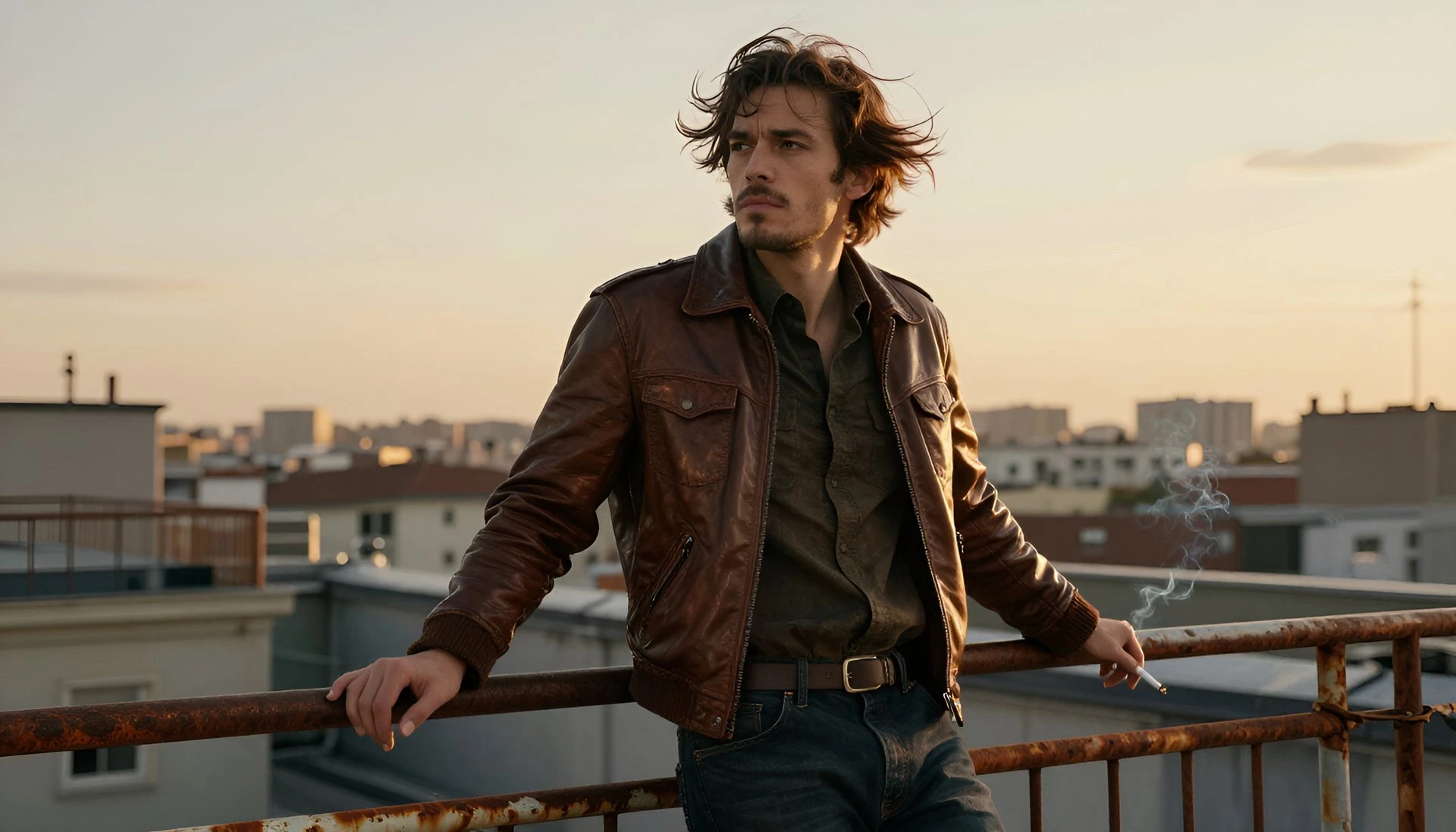
Built on the best AI models - ready inside Fliki
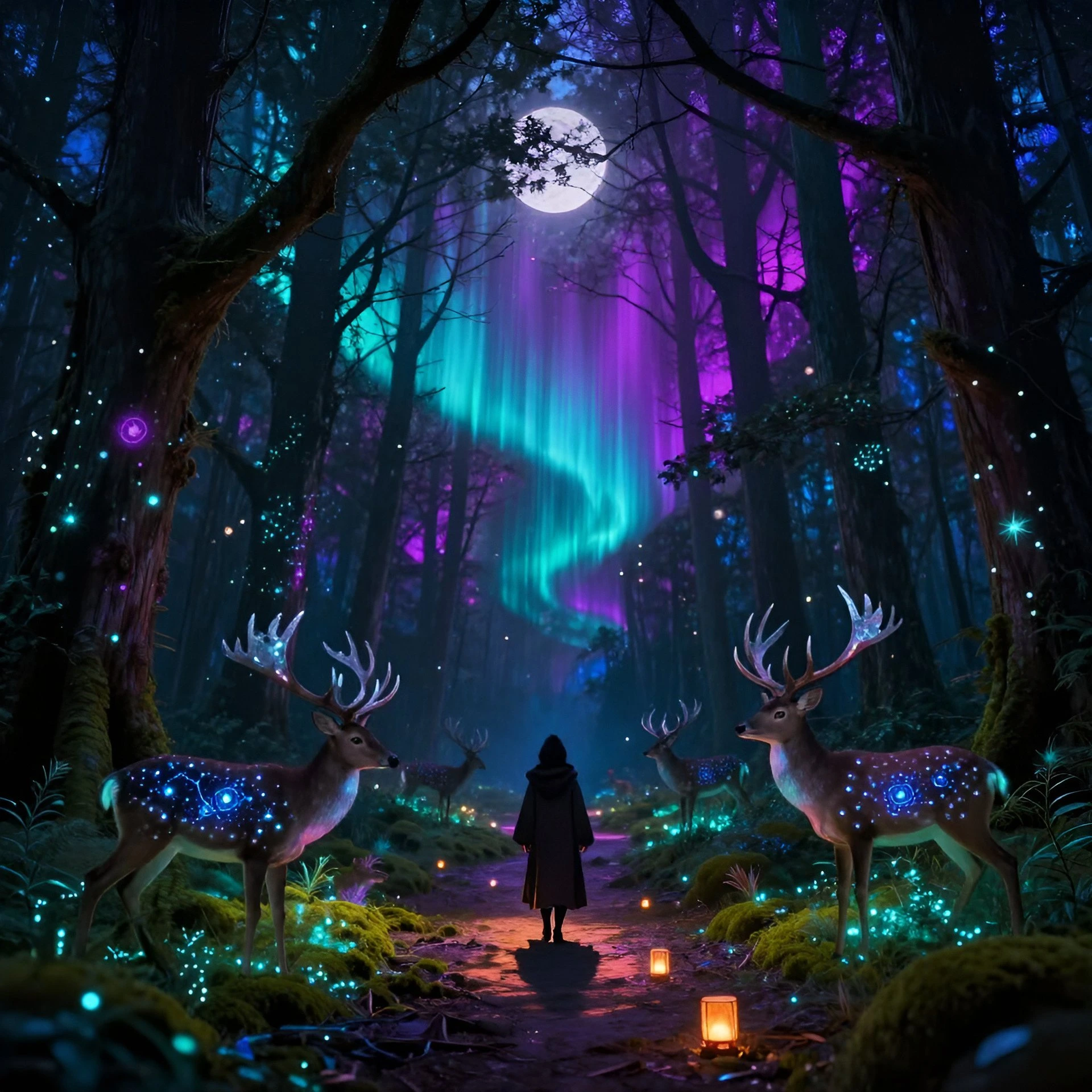
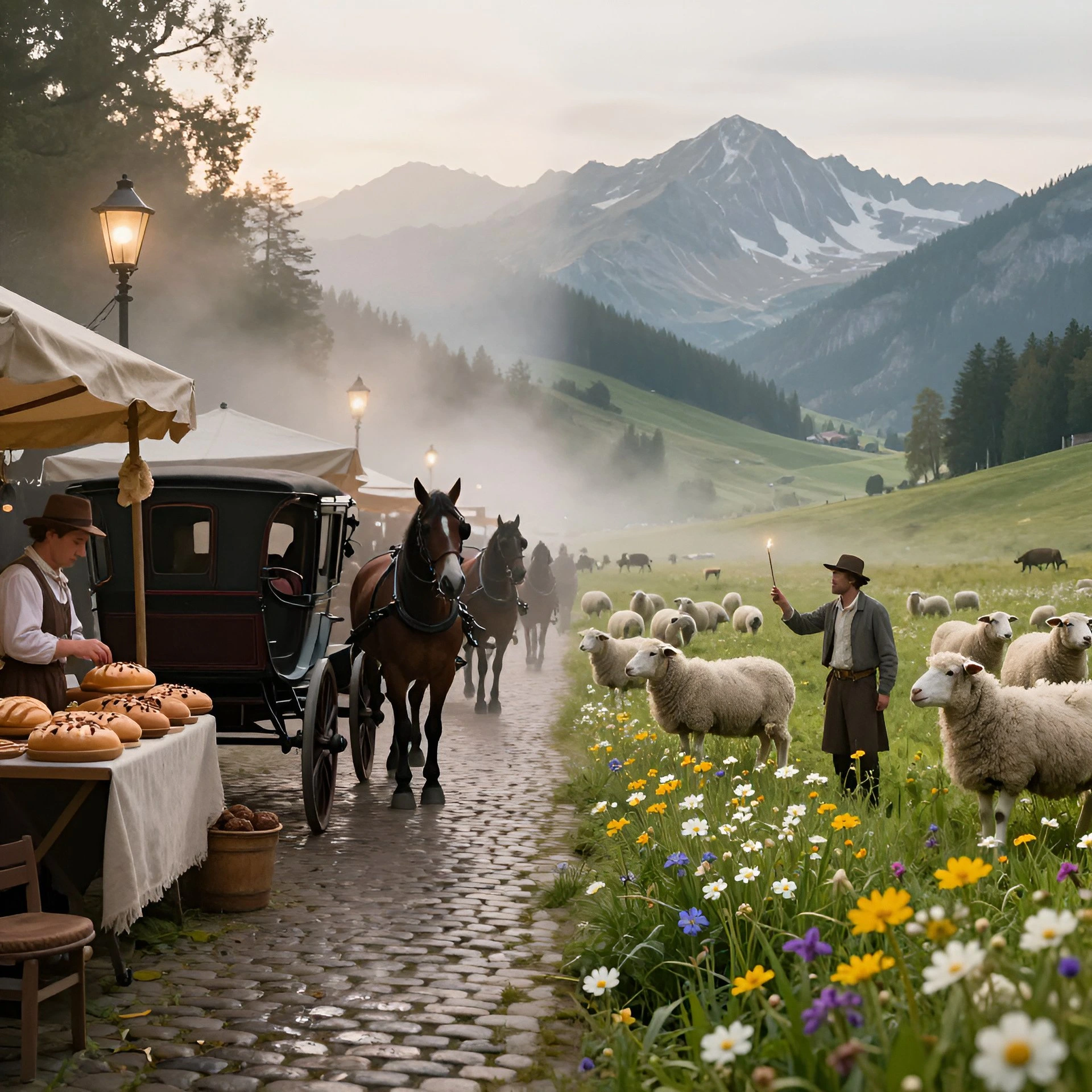
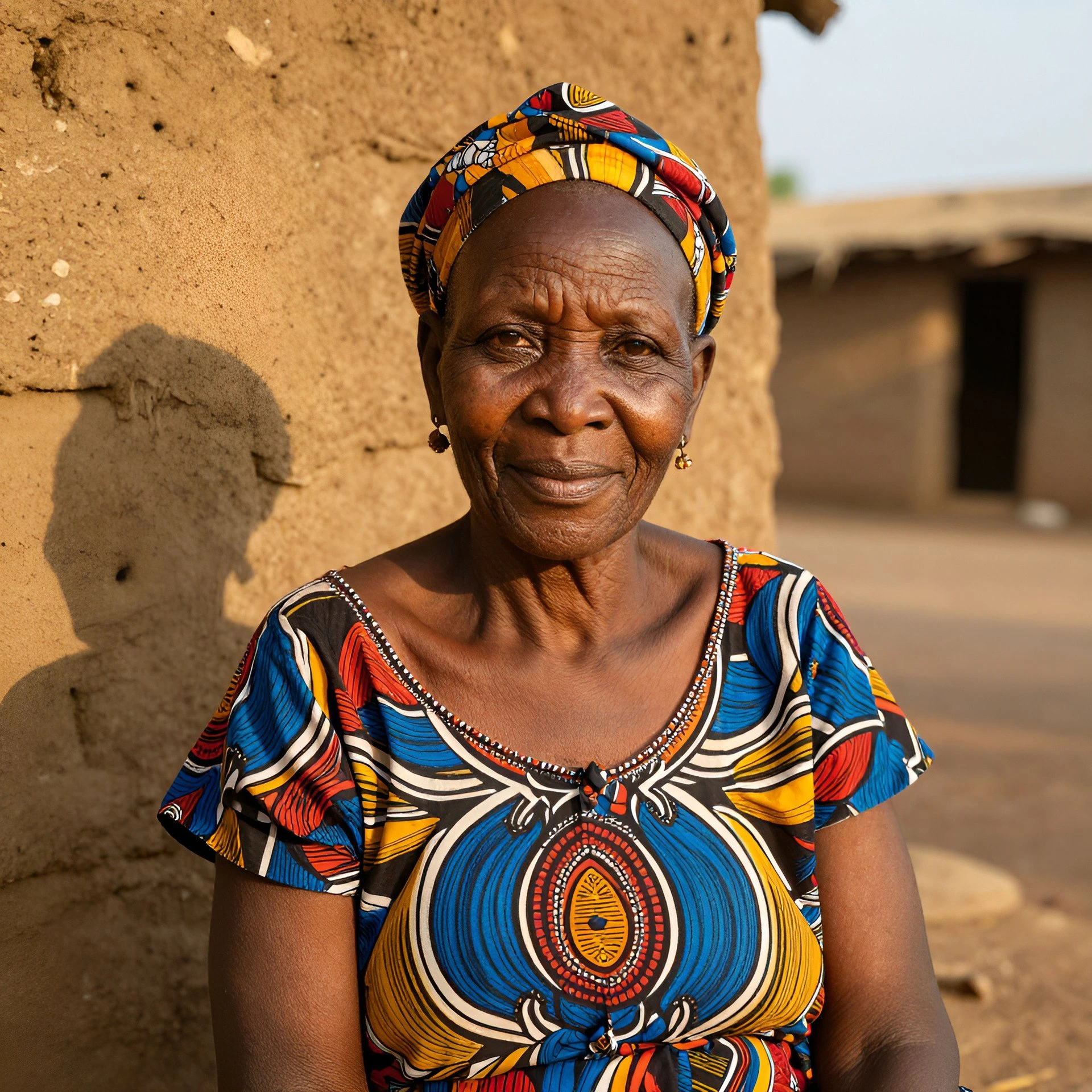
Every leading video, voice, and image model - integrated, unified, and tuned for creators. Generate with the latest AI video, AI voice, and AI image models from OpenAI, Google, Kling, Bytedance, ElevenLabs, and more - all from one place.



AI Video Generator FAQ
Frequently asked questions about Fliki AI Video Generator
Everything you need to know about generating AI video with Fliki.
Is Fliki AI video generator free?
Yes. The free forever plan includes monthly credits and access to the full feature set, no credit card required. Free exports include a small Fliki watermark. Paid plans remove the watermark, add voice cloning, AI avatars, longer videos, 4K export, and higher monthly credits.
Which AI video models does Fliki support?
Six models in one workspace: Google Veo 3.1 Fast (cinematic realism), Kling 3 Pro / Standard / 2.5 Turbo (character motion and physics), Seedance 2 / Pro Fast (fluid sequences), LTX-2 / LTX-2 Pro (narrative speed), PixVerse v5 Fast (vivid cinematic shots), and P-Video (rapid iteration). Switch between them per scene.
How is Fliki different from Runway, Pika, Luma, and Higgsfield?
Runway (Gen-3 Alpha), Pika, Luma Dream Machine, and Higgsfield all produce excellent individual AI video clips. The difference is what happens after the clip. Fliki bundles voice and avatars on top of every leading model - 2,000+ neural voices in 80+ languages, voice cloning from a 30-second sample, AI avatars, and a built-in video editor - so a generated clip becomes a finished publish-ready video without a second tool. Think of it as: Runway/Pika/Luma/Higgsfield for the clip; Fliki for the full video.
Can I generate AI video from a text prompt only?
Yes. Type a one-line prompt and Fliki writes the script, picks visuals (AI-generated or stock), voices the narration, adds captions and music, and exports a publish-ready 1080p MP4. The whole flow runs in under 5 minutes for short-form video.
Can I customize the AI-generated video to match my brand?
Yes. Save colors, fonts, logos, and watermark in your brand kit and apply on every export. Swap voices, add an AI avatar host, change visuals, edit any line of the script, regenerate any scene. Fully editable end to end.
What output formats and aspect ratios does Fliki support?
Export 1080p MP4 (or 4K on paid plans) in 9:16 for TikTok, Reels, and YouTube Shorts. 1:1 for LinkedIn and Facebook. 16:9 for YouTube, web, and presentations. Resize the same source across every aspect ratio in one click.
Still curious?
Try Fliki free in your browser, no credit card required.
Start freeDoes Fliki support multiple languages?
Yes. 80+ languages, 100+ dialects, 2,000+ ultra-realistic AI voices. Generate the same video in multiple languages with one click. Voiceover, captions, and on-screen text re-render automatically.
Can I use my own footage or images?
Yes. Upload your own video clips, photos, or audio. Mix uploaded media with AI-generated visuals and stock footage. Apply your brand kit on top.
Is the AI-generated content royalty-free and commercially usable?
Videos generated on paid plans are royalty-free and commercially usable, including the AI voiceover, stock footage, and AI-generated visuals. Free plan exports include a small watermark. Check Fliki's terms for the latest licensing details.
Can ChatGPT generate videos?
ChatGPT can write scripts but does not generate videos directly. Fliki uses ChatGPT-class language models for the script step, then layers in AI video models, voice, visuals, and captions automatically. The output is a finished MP4, not just text.
Can Gemini generate videos?
Google Gemini is a multimodal AI assistant that can describe, analyze, and plan video content, but it does not produce a finished MP4 directly. Google's video generation models (Veo 3.1) are accessible through tools like Fliki, which runs Veo 3.1 as one of its six video models. So the practical answer is: use Gemini for ideation and scripting, then run Veo 3.1 inside Fliki to generate the actual footage.
Can Claude generate videos?
Claude (Anthropic) is a large language model that excels at writing scripts, storyboards, and video briefs - but it does not generate video files. To go from a Claude-written script to a finished video, paste the script into Fliki. Fliki runs the scene-segmented script through AI video models (Veo 3.1, Kling 3, Sora, and others), adds voiceover, captions, and music, and exports a publish-ready MP4.
How long does AI video generation take?
Most short-form videos (under 60 seconds) generate in 2 to 5 minutes end to end. Long-form YouTube videos (5 to 15 minutes) typically take 10 to 15 minutes including review. Render time depends on the model picked and the output resolution.
Can I generate AI video for YouTube, TikTok, and Instagram?
Yes. Fliki exports in every required aspect ratio and integrates with YouTube, TikTok, Instagram, LinkedIn, and Facebook for direct publish or scheduled posting.
What is the best AI video generator in 2026?
The best AI video generator depends on your use case. For raw clip quality, Veo 3.1 (Google) and Kling 3 Pro lead in photorealism and character motion. For full video production - script to publish-ready MP4 with voiceover, captions, music, and brand kit - Fliki is the most complete workflow tool, with all leading models plus the deepest voice library (2,000+ voices, 80+ languages) and AI avatars in one workspace. For quick clip experimentation, Runway and Pika are strong. For enterprise avatar-based training videos, Synthesia and HeyGen specialize in that niche.
Tools
Discover more
Generate your next AI video.
Six video models, 2,000+ voices, AI avatars, and a built-in editor. Join 12M+ creators, marketers, and educators shipping AI videos every day.
Generate your first AI video freeFree forever plan · No credit card required · Cancel anytime